
When choosing between NAS and DAS for creative work, consider how you collaborate, your budget, and your need for speed. NAS is great for team projects, offering network access, security, and easy upgrades, but costs more upfront. DAS is simpler and faster for solo work or quick tasks, though it’s less scalable and secure. To make the best choice, evaluate your workflow and future needs. Keep exploring to find out which option suits you best.
Key Takeaways
- Assess team size and collaboration needs; NAS supports multiple users, while DAS suits solo work.
- Consider data security and redundancy; NAS offers better protection and backup options.
- Evaluate budget and performance requirements; DAS is cheaper and faster for local access, NAS is more scalable.
- Determine workflow complexity; NAS facilitates remote access and cloud integration, DAS is straightforward for quick projects.
- Plan for future upgrades; NAS allows easier expansion and customization compared to DAS.

BUFFALO LinkStation SoHo 720 2-Bay Professional Office NAS 16TB (2x8TB) with Hard Drives Included
Secure small office NAS with improved performance over the LS SoHo 220, 2.5 GbE connectivity, and MacOS 26…
As an affiliate, we earn on qualifying purchases.
As an affiliate, we earn on qualifying purchases.
What Are NAS and DAS, and How Do They Differ?
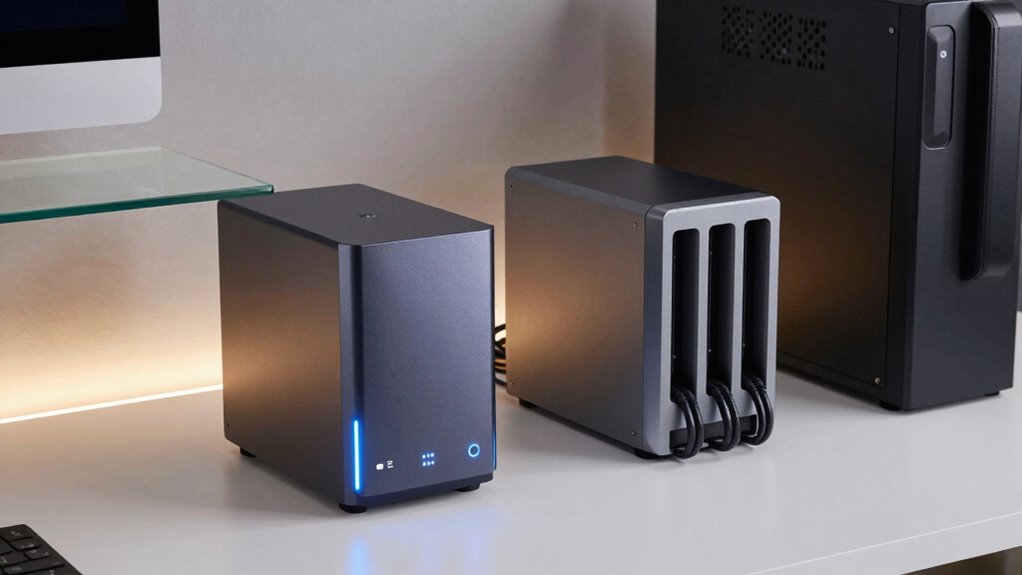
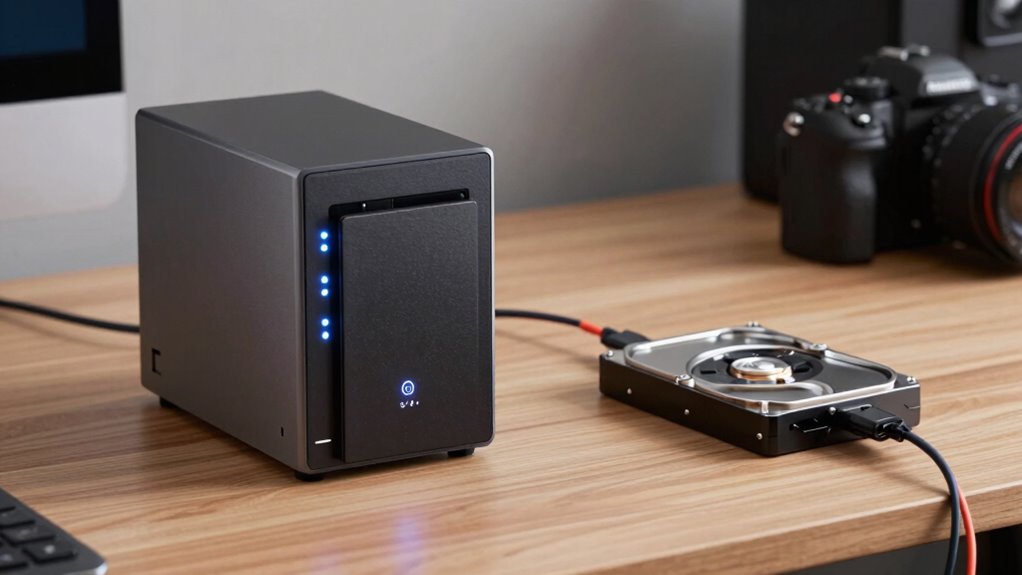
Have you ever wondered how different storage solutions connect to your devices? NAS (Network-Attached Storage) and DAS (Direct-Attached Storage) serve different needs. NAS connects to your network, allowing multiple devices to access files easily while offering enhanced network security. It’s ideal for sharing data across devices and provides built-in data redundancy options, protecting your files if hardware fails. DAS, on the other hand, connects directly to a single computer via USB, Thunderbolt, or other interfaces. It’s simpler and faster for local storage but doesn’t typically include features like network security or data redundancy. Understanding these differences helps you choose the right solution, ensuring your data is accessible, protected, and suited to your workflow. Exploring digital concepts can help you better understand the advantages of each storage type.

Seagate Portable 2TB External Hard Drive HDD — USB 3.0 for PC, Mac, PlayStation, & Xbox -1-Year Rescue Service (STGX2000400)
Easily store and access 2TB to content on the go with the Seagate Portable Drive, a USB external…
As an affiliate, we earn on qualifying purchases.
As an affiliate, we earn on qualifying purchases.
Which Storage Option Is Better for Creative Collaboration?

When it comes to creative collaboration, choosing the right storage option can considerably impact your workflow. A NAS often excels here, offering better cloud integration that allows seamless sharing with team members across locations. It enables multiple users to access files simultaneously, speeding up project timelines. Plus, NAS systems typically feature robust data security measures, protecting sensitive content from unauthorized access. On the other hand, direct-attached storage is simpler and might suit smaller teams or solo creators, but it lacks built-in cloud features and centralized security controls. For collaborative workflows that demand real-time access and secure data handling, a NAS generally provides a more efficient, scalable solution. Ultimately, your choice depends on your team’s size, security needs, and how smoothly you want your data to flow.

UGREEN NAS DH2300 2-Bay Desktop NASync, Support Capacity 64TB (Diskless), Remote Access, AI Photo Album, Beginner Friendly System, 4GB RAM on Board,1GbE, 4K HDMI, Network Attached Storage(Diskless)
Entry-level NAS Personal Storage:UGREEN NAS DH2300 is your first and best NAS made easy. It is designed for…
As an affiliate, we earn on qualifying purchases.
As an affiliate, we earn on qualifying purchases.
Key Factors to Consider: Cost, Performance, and Scalability
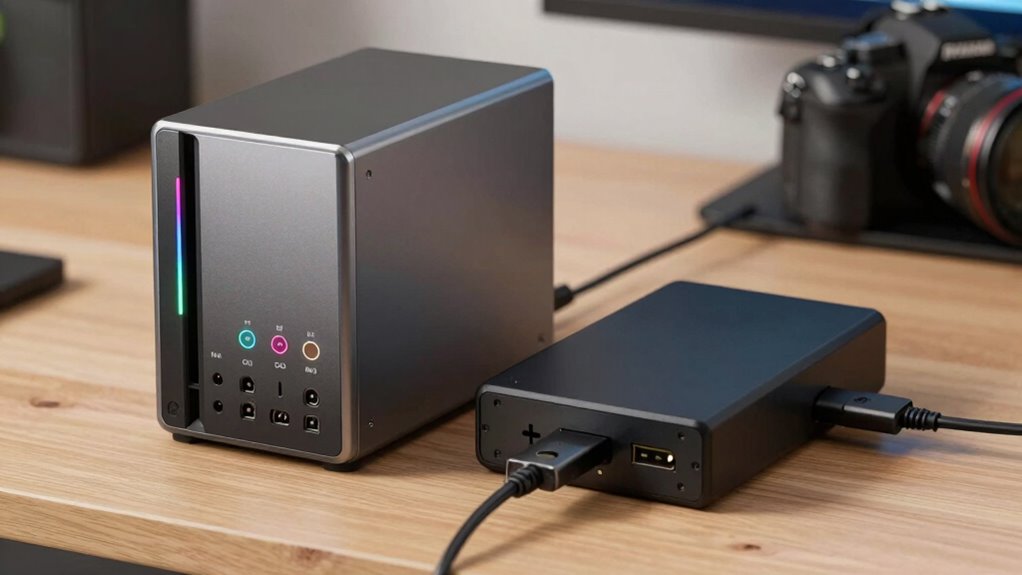
Choosing the right storage solution requires careful evaluation of cost, performance, and scalability. You need to balance initial investment against long-term needs, considering data security and remote access. NAS systems often have higher upfront costs but offer strong data security features and easy remote access, making them ideal for collaborative teams. Direct-attached storage (DAS), on the other hand, is generally more affordable initially but may lack robust remote access capabilities and advanced security options. Performance is also vital; a NAS can provide faster data sharing across devices, while DAS might be better for high-speed, localized workflows. Scalability varies—NAS solutions typically allow easier expansion as your storage needs grow, whereas DAS may require replacing or adding drives. Additionally, storage hardware options can help you determine the best fit for your specific workflow, including considerations like connectivity options and compatibility with your existing devices. Weigh these factors to choose a solution that aligns with your creative demands and budget.

Corsair EX400U 2TB USB4 Portable External Type-C SSD – Up to 4,000MB/s Read, 3,600MB/s Write, USB 3.2 Gen2 2×2, Plug and Play, Thunderbolt 4, MagSafe, Includes 40Gbps Cable, Windows PC, iOS Mac – Gray
External SSD with USB4 Connection: Leverage the incredibly high bandwidth of USB4 to move large files for tasks…
As an affiliate, we earn on qualifying purchases.
As an affiliate, we earn on qualifying purchases.
Matching Storage Solutions to Different Creative Workflows
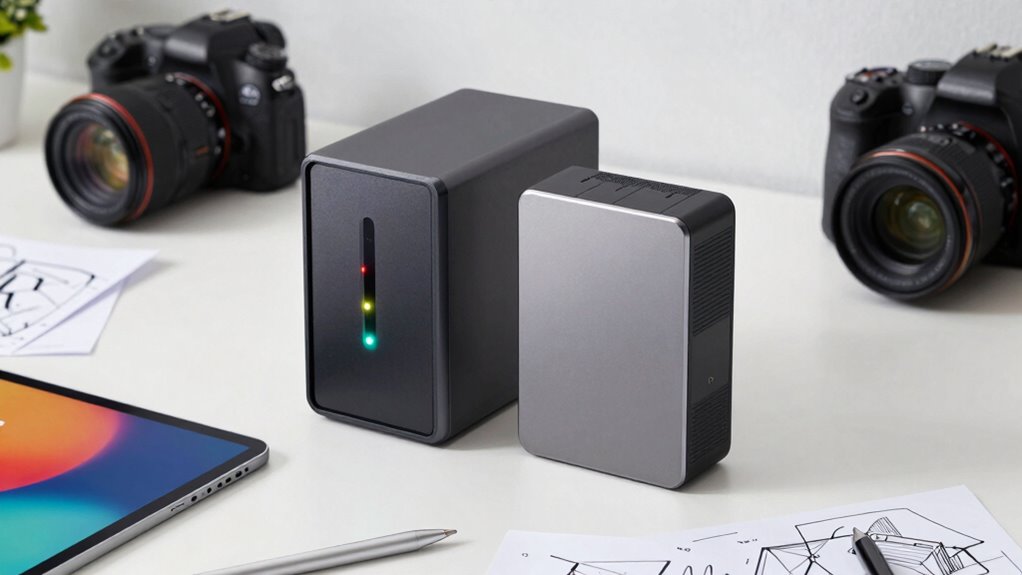
Selecting the right storage solution depends heavily on your specific creative workflow. If you’re collaborating with a team, a NAS offers centralized access, enabling multiple users to work simultaneously—prioritizing user access and data redundancy. For solo projects or quick edits, direct-attached storage (DAS) provides fast, straightforward access without network dependency. Consider these factors:
- How many users need access at once
- The importance of data redundancy for backups
- Speed requirements for large files
- Frequency of upgrades or expansions
- Level of technical expertise for setup
Matching your workflow to these needs ensures smooth operations. For collaborative environments, prioritize NAS with robust user access controls and redundancy. For isolated, high-speed tasks, DAS might be more suitable. Tailoring storage to your work style maximizes efficiency.
How Easy Is It to Set Up and Upgrade NAS vs. DAS?
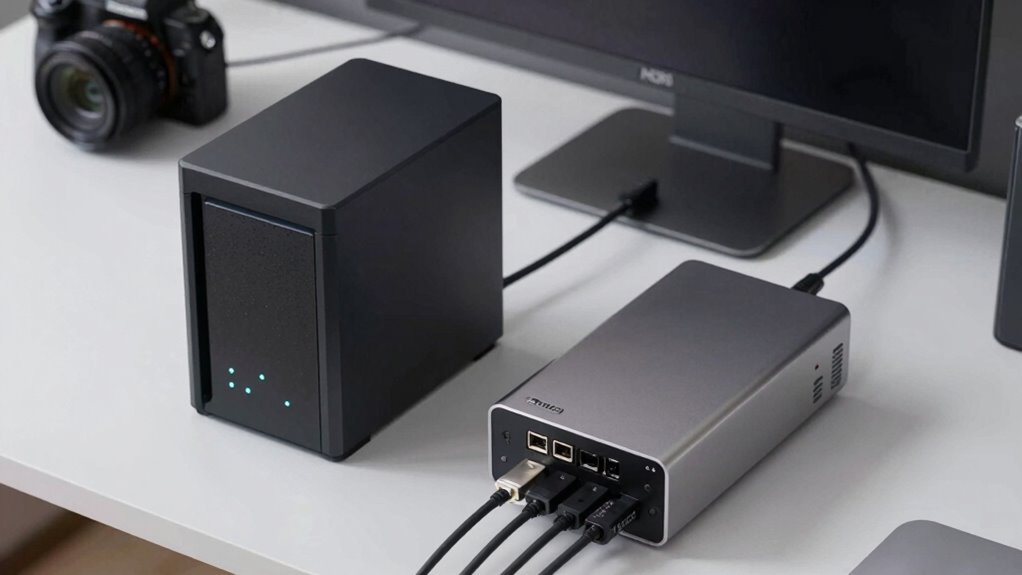
Setting up a NAS typically involves connecting it to your network and configuring settings through an interface, which can be straightforward or complex depending on the model. In contrast, DAS usually requires plugging in drives directly to your computer, making setup simpler but less flexible. Upgrading either system varies: NAS upgrades often involve swapping drives or adding modules, while DAS upgrades can mean replacing or expanding drives directly.
Setup Complexity and Steps
Setting up a NAS can be straightforward, especially with user-friendly models that come with guided installation processes. You’ll connect it to your network, configure user access, and set up data redundancy options to protect your files. While initial setup might seem complex, many models include step-by-step instructions to simplify the process.
Consider these points:
- Network security measures may require additional configuration
- Implementing data redundancy enhances data protection
- Connecting multiple devices can add complexity
- Firmware updates might need careful attention
- Expanding storage involves additional drives or modules
Compared to DAS, NAS setup involves configuring network settings and security protocols, but offers more flexibility for upgrades. DAS, on the other hand, is typically plug-and-play, making it easier initially but less scalable long-term.
Upgrade Procedures and Flexibility
Upgrading and expanding your storage system can vary considerably between NAS and DAS devices. With a NAS, firmware updates are straightforward and often automated, ensuring your system stays secure and efficient. You can add or replace drives without shutting down the entire system, providing flexibility for growth. Network security features, like user permissions and encryption, are typically easier to manage remotely, giving you control over data access during upgrades. Conversely, DAS devices usually require physical access to upgrade drives, which can be more disruptive. Firmware updates often involve manual installation, and expanding storage may mean replacing drives entirely. While DAS offers simplicity, it’s less flexible for future upgrades, making NAS a more adaptable choice for ongoing creative workflows.
Transitioning Seamlessly to Your New Storage System
Shifting to your new storage system doesn’t have to be disruptive if you plan carefully. Start by backing up all data, ensuring data encryption for security. Test remote access capabilities early, so you know how you’ll connect from different locations. Progress gradually, migrating files in stages to prevent overload. Keep firmware and software updated for compatibility. Document your process to troubleshoot issues swiftly.
Remember, seamless changeover involves clarity on these key points:
- Secure data with encryption during transfer
- Enable remote access securely
- Maintain backups at every stage
- Confirm compatibility with existing tools
- Schedule migration during low-traffic periods
Frequently Asked Questions
How Secure Are NAS and DAS Solutions Against Cyber Threats?
Both NAS and DAS solutions can be quite secure if you implement proper encryption protocols and access controls. Encryption protects your data from unauthorized access, while access controls restrict who can view or modify files. Regularly updating firmware and strong passwords also boost security. While NAS may face more threats due to network exposure, with diligent security measures, both options can safeguard your creative work effectively against cyber threats.
Can I Expand Storage Capacity Easily After Initial Setup?
Think of your storage as a garden that can grow with you. Yes, you can expand storage capacity easily after setup through expandable storage options or hardware upgrades. NAS systems often offer multiple drive bays, making it simple to add more disks as your needs grow. With DAS, upgrading hardware or adding external drives can also boost capacity. So, your storage garden can flourish alongside your creative projects.
What Are the Energy Consumption Differences Between NAS and DAS?
You’ll find that NAS devices generally consume more power than DAS because they run a full operating system and often operate continuously. DAS, especially simple external drives, tend to be more energy-efficient, using less power during idle periods. If energy consumption matters, DAS offers better power efficiency, helping you save on electricity bills, while NAS provides constant network access but at the cost of higher power usage.
Are There Compatibility Issues With Specific Creative Software?
Imagine your creative tools as a vibrant palette—will your storage support every hue? Compatibility issues can surface with specific software, especially for file sharing and remote access. Some creative programs might not seamlessly connect to certain NAS or DAS systems, causing delays. Before deciding, verify your software’s compatibility, ensuring smooth integration so your workflow remains uninterrupted and your artistic vision stays vivid and clear.
How Do Backup and Disaster Recovery Options Differ?
Backup and disaster recovery options differ mainly in cloud integration and user accessibility. With a NAS, you can set up remote backups and cloud syncing, offering easier access during recovery. Direct-attached storage relies on manual backups, often requiring additional steps for remote access. NAS provides more seamless disaster recovery, while direct storage demands careful planning for backups. Your choice depends on how quickly and easily you need to restore your creative work.
Conclusion
Choosing between NAS and DAS is like picking the right paintbrush for your masterpiece—each has its own stroke. Think about your workflow, budget, and future growth. With the right choice, your storage becomes a trusted brush, seamlessly blending creativity and efficiency. Make your decision wisely, and watch your creative work flourish like a vibrant mural—bold, beautiful, and built to last.