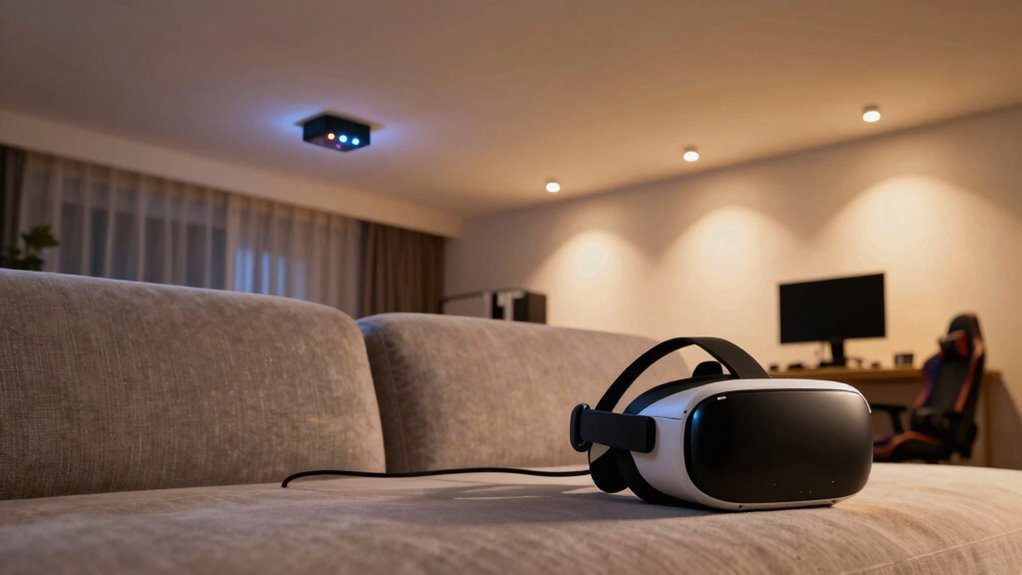
A single router often struggles to provide stable, fast connections for VR in larger homes due to interference, dead zones, and limited bandwidth. Dedicated access points create a mesh network that extends coverage, reduces drops, and minimizes lag. They handle high data loads and optimize connection stability, which is essential for smooth VR gameplay. If you want to improve your setup, you’ll discover key features and setup tips that make a difference.

Get audio and creator gear delivered free — and shop member deals
- Fast, free delivery on millions of items
- Access to Prime Big Deal Days deals on October 6–7
- Prime Video, Amazon Music and more included
Key Takeaways
- Dedicated access points provide broader coverage and eliminate dead zones, ensuring stable VR connections throughout larger homes.
- They handle high data loads efficiently, reducing lag and latency crucial for smooth VR gameplay.
- Multiple access points distribute network traffic, minimizing congestion and interference that degrade VR performance.
- They support advanced Wi-Fi standards like Wi-Fi 6, offering faster speeds and lower latency for immersive VR experiences.
- Proper placement of access points enhances signal strength and stability, unlike single routers prone to interference and coverage gaps.
Wi-Fi 6 mesh access points for gaming
As an affiliate, we earn on qualifying purchases.
As an affiliate, we earn on qualifying purchases.
Why a Single Router Might Not Cut It for VR Gaming
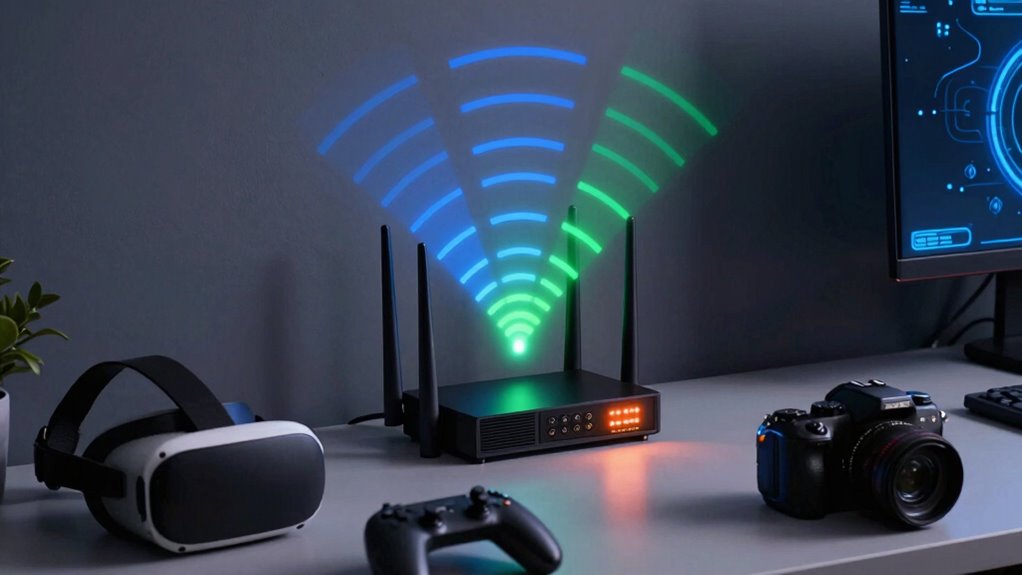
While a single router might seem sufficient for everyday internet use, it often falls short when it comes to VR gaming. VR requires a stable, fast connection with minimal latency, which a single router can struggle to deliver, especially in larger homes. Mesh networking can help by spreading the signal evenly across multiple nodes, reducing dead zones and buffering issues. However, relying solely on wireless connections can still introduce interference and lag. Wired connections, like Ethernet cables, provide a reliable, high-speed link that considerably improves VR performance. Combining mesh networking with wired connections ensures you minimize latency and maintain a consistent, strong signal. Additionally, network stability plays a role in ensuring a clear, sharp image during gameplay, especially in dark scenes, preventing visual distractions that could impact immersion. This setup prevents interruptions during immersive VR experiences, giving you smoother gameplay and more responsive interaction.
How Dedicated Access Points Boost VR Signal and Coverage

Dedicated access points (APs) markedly improve your VR signal and coverage by providing focused, high-capacity connections tailored specifically for your gaming needs. Unlike a single router, APs create a robust mesh network, seamlessly extending coverage and reducing dead zones. This setup guarantees your VR device maintains a strong, stable connection, even at the farthest points in your space. Signal repeaters can help reinforce coverage, but dedicated APs offer a more reliable and efficient solution by handling high data loads without bottlenecks. With dedicated APs, you experience fewer drops and lag, giving you smooth, immersive VR gameplay. They optimize your network’s capacity, ensuring your experience isn’t compromised by interference or weak signals, making your gaming sessions more consistent and enjoyable. Additionally, understanding the importance of testing your network’s signal accuracy can help you fine-tune your setup for optimal performance. Regularly monitoring your network’s coverage areas ensures that your VR experience remains uninterrupted across all zones. Incorporating dedicated access points into your setup significantly enhances overall network stability and performance. To further improve your VR experience, it’s beneficial to understand the role of capacity in maintaining high-speed connections. Maintaining an awareness of your network’s performance can help identify potential issues before they impact your gameplay.
Reducing Lag: How Multiple Access Points Minimize Latency and Interference
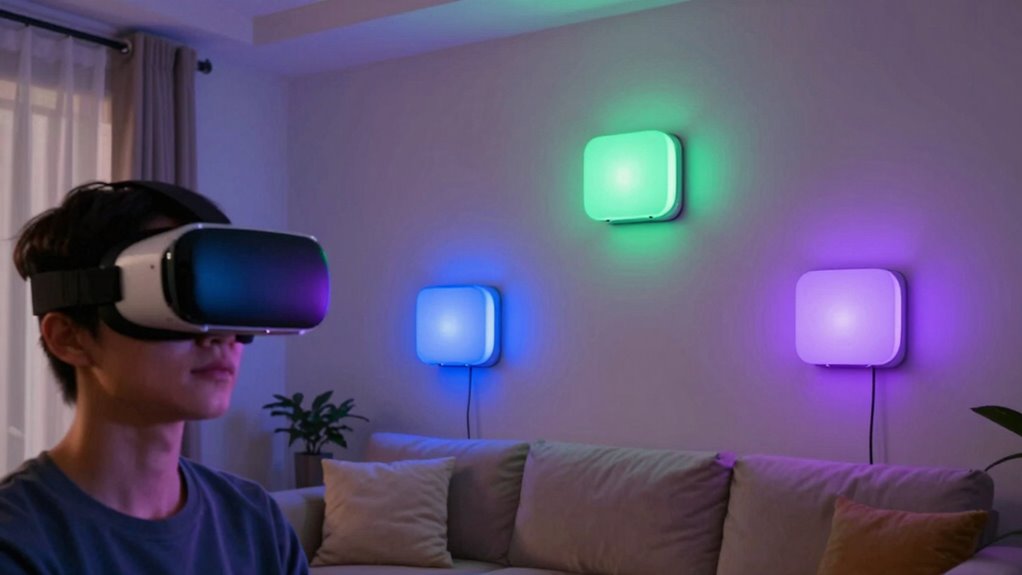
Using multiple access points can considerably reduce lag in your VR setup by distributing network traffic more efficiently. This minimizes the chances of wireless interference, which can disrupt signal stability. When your devices connect to dedicated access points, each one handles a smaller load, lowering latency and preventing bottlenecks. This setup also reduces interference from other wireless devices, maintaining a strong, stable connection. Proper placement of access points ensures consistent signal strength across your space, further reducing lag spikes. Additionally, utilizing growth mindset principles can encourage users to troubleshoot and optimize their network setup more effectively. Here’s a quick comparison:
| Feature | Single Router | Multiple Access Points |
|---|---|---|
| Wireless interference | Higher risk | Lower risk |
| Signal stability | Less consistent | More consistent |
| Network congestion | More likely | Less likely |
| Latency | Higher | Lower |
| Coverage | Limited | Expanded |
What to Look for When Choosing Access Points for VR
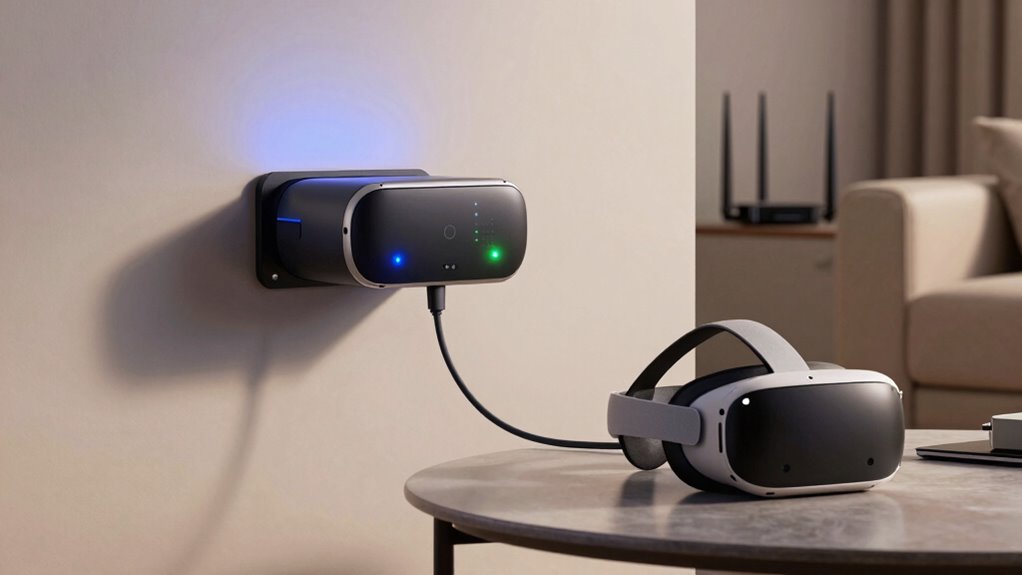
Are you unsure which access points are best suited for your VR setup? Focus on wireless standards, such as Wi-Fi 6 or ax, which offer faster speeds and lower latency essential for VR. These standards help reduce lag and improve stability. Also, prioritize strong signal encryption, like WPA3, to protect your network from unauthorized access. Look for access points with dual-band or tri-band capabilities to guarantee seamless bandwidth distribution across devices. Consider their range and placement to minimize dead zones. Compatibility with your existing network is vital, so verify that the access point supports your current router or backbone. Additionally, network security features play a crucial role in safeguarding your VR environment from potential threats. Keeping up with the latest wireless technology standards ensures your setup remains future-proof and capable of handling increasing bandwidth demands. To further enhance your setup, selecting models with adaptive security features that can respond to evolving cybersecurity threats is essential, ensuring your VR experience remains smooth, safe, and responsive. Furthermore, paying attention to wireless standards like Wi-Fi 6 can significantly improve overall network performance and reliability.
Setting Up Your Network for Seamless Virtual Reality Experiences
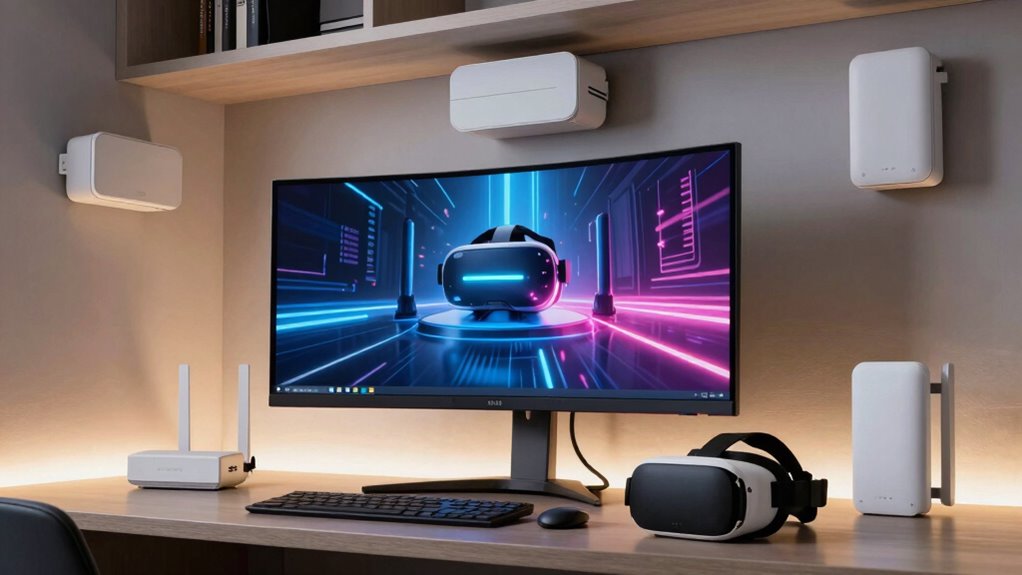
Once you’ve selected the right access points, the next step is to optimize your network setup to guarantee smooth Virtual Reality experiences. Make sure your network supports high bandwidth and low latency, which are essential for VR performance. Use a dedicated network for VR devices to prevent interference from other traffic, boosting both performance and Network Security. Position your access points strategically to cover your entire space evenly, reducing dead zones. Limit device interference by assigning different channels. Regularly update firmware for security patches. Consider segmenting your network to isolate VR traffic from other devices. Additionally, network topology plays a crucial role in achieving optimal VR performance by ensuring efficient data flow and minimal congestion. Proper wireless signal management can further enhance your setup by reducing interference and maintaining stable connections. Monitoring your bandwidth capacity is also vital to handle the high data demands of VR streaming effectively. To maximize performance, ensure your network hardware is capable of supporting the necessary data throughput for high-quality VR streaming. Here’s a quick overview:
| Tip | Benefit |
|---|---|
| Strategic Placement | Reduces dead zones |
| Network Segmentation | Enhances Network Security |
| Regular Firmware Updates | Improves performance & security |
Frequently Asked Questions
How Do Dedicated Access Points Improve VR Performance Compared to Traditional Routers?
Dedicated access points improve your VR experience by reducing wireless interference and network congestion. They focus on providing a stable, high-speed connection, minimizing lag and disconnections during gameplay. Unlike traditional routers that juggle multiple devices, these access points optimize bandwidth for VR devices specifically, ensuring smooth, immersive sessions. This dedicated approach results in fewer interruptions, better performance, and a more seamless virtual reality experience for you.
Can Existing Home Networks Be Upgraded to Support Multiple Access Points Effectively?
Yes, you can upgrade your existing home network to support multiple access points effectively. You’ll want to guarantee your network security is robust by updating firmware and setting strong passwords. Additionally, manage bandwidth wisely by prioritizing VR traffic and configuring QoS settings. These steps help optimize performance, reduce lag, and create a seamless VR experience, making your home network more capable of handling multiple access points efficiently.
What Are Common Troubleshooting Steps for VR Connectivity Issues?
Troubleshooting VR connectivity issues is like untangling a knot—start by checking for interference mitigation. Make sure your router and access points are ideally placed, away from devices causing signal noise. Update your firmware to fix bugs and improve stability. Restart your equipment and run speed tests. If problems persist, reset your network settings or consider upgrading to dedicated access points, which can dramatically improve VR performance by reducing congestion.
How Do Mesh Networks Compare to Multiple Access Points for VR Setups?
Mesh networks generally outperform multiple access points for VR setups because they better handle wireless interference and signal congestion. With mesh systems, signals are dynamically routed around interference, maintaining a stable connection. Multiple access points, however, can create overlapping signals, leading to congestion and drops in performance. This means your VR experience stays smoother and more responsive, especially in environments with many competing wireless signals.
Are There Specific Brands or Models Recommended for Vr-Focused Access Points?
For VR-focused access points, you should look at brands like Ubiquiti and Cisco, as they offer models with excellent brand compatibility and reliable performance. The Ubiquiti UniFi series and Cisco’s Meraki access points are popular choices, providing high throughput and low latency essential for VR. Consider models like the Ubiquiti UniFi UAP-AC-Pro or Cisco Meraki MR33, which are highly recommended for their stability and ease of management.
Conclusion
Imagine stepping into your VR world, where every movement feels instant and crystal clear. With dedicated access points, you create a seamless wireless highway, free from lag and interference. Your virtual adventures become smoother, more immersive, like walking through a vibrant, responsive universe. By upgrading your network, you’re not just gaming—you’re opening a new level of freedom and realism. So, set up those access points and let your VR dreams take flight without a hitch.
Halloween Picks
halloween
As an affiliate, we earn on qualifying purchases.