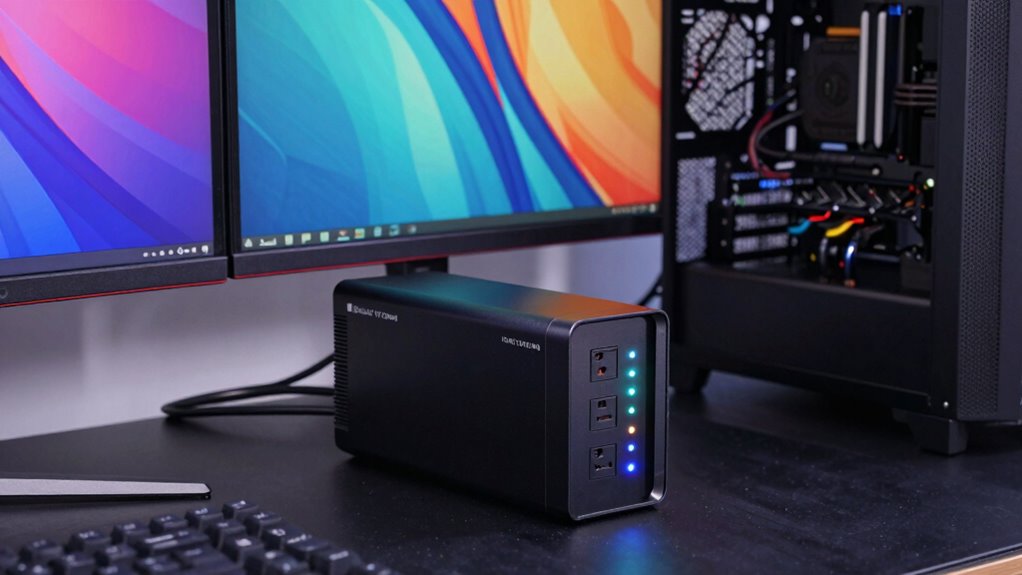

To size a UPS for your gaming and creator setup, start by listing all your devices and their wattage. Add up their power consumption and choose a UPS with a capacity slightly above that total. Consider future upgrades and longer runtimes for extended sessions. Look for high efficiency and expandability options to match your workspace. If you keep these points in mind, you’ll find the right UPS; further details will help you make the best choice.

Get audio and creator gear delivered free with Prime
- Fast, free delivery on millions of items
- Prime Video, Amazon Music and more included
- Member-only deals all year
Key Takeaways
- List all devices and their wattage to determine total power requirements.
- Choose a UPS with a capacity 20-25% above the total load for safety margin.
- Consider the desired runtime to ensure sufficient backup during outages.
- Opt for energy-efficient models with smart management features to reduce power waste.
- Assess space and expandability options for future upgrades and additional equipment.
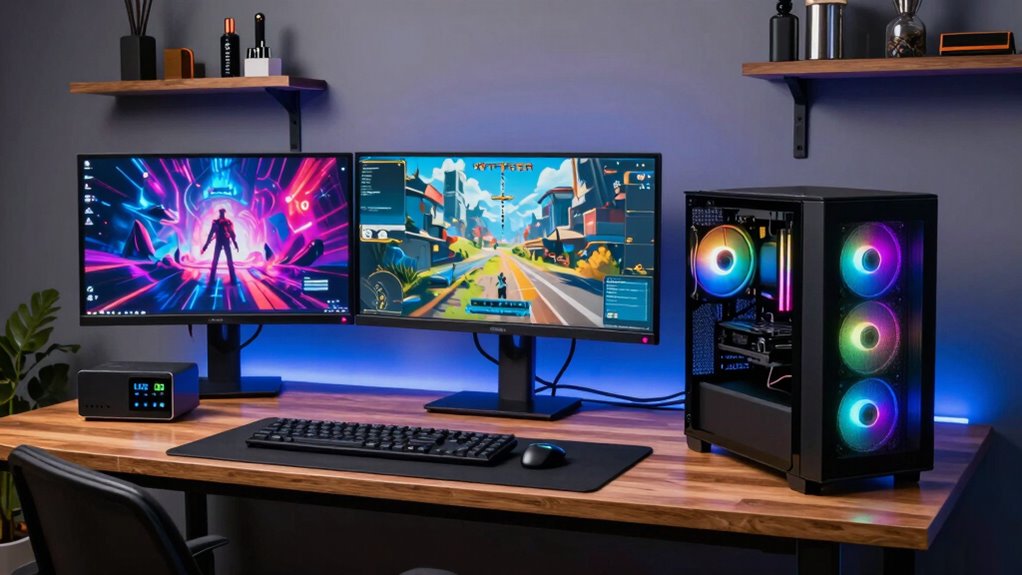
Choosing the right UPS (Uninterruptible Power Supply) for your gaming or creator setup is essential to protect your equipment and guarantee uninterrupted workflow. When sizing a UPS, you need to consider how long you want your devices to stay powered during outages and how efficiently the system uses power. Battery life plays a crucial role here; a longer battery life ensures that your gear remains operational until you can save your work or safely shut down. To determine the appropriate battery capacity, list all the devices you plan to connect, including computers, monitors, external drives, and any peripherals. Add up their power consumption, usually measured in watts, to find the total load your UPS must support. Opting for a UPS with a slightly higher capacity than your total load provides margin for future upgrades and ensures the system isn’t constantly operating at maximum capacity, which can reduce its lifespan. Additionally, understanding the importance of content formats can help you plan your workspace setup more effectively for digital workflows. A thorough understanding of power requirements can further aid in selecting the ideal UPS for your setup.
Power efficiency is equally important because it affects how much energy your setup consumes and how much heat it generates. An efficient UPS minimizes energy waste, which not only saves you money on electricity bills but also reduces heat output, keeping your workspace cooler and more comfortable. When selecting a UPS, look for models with high efficiency ratings, especially those that operate efficiently across a wide range of loads. Many modern UPS units feature intelligent power management, which helps conserve energy by adjusting their output according to your devices’ needs. Additionally, consider the runtime you require; if you’re editing large projects or gaming for extended periods, you’ll want a UPS that can sustain your setup for at least several minutes, giving you enough time to save your work and shut down properly.
It’s also worth noting that the form factor and expandability of the UPS matter. Smaller, more compact units might be easier to fit into your workspace, but they often have limited battery capacity. Conversely, larger units can offer longer runtime and higher power efficiency but may take up more space. If you plan to add more equipment later, choose a UPS with available expansion options. Ultimately, the goal is to balance battery life, power efficiency, and physical size while ensuring your setup remains protected and operational during power interruptions. By carefully assessing your equipment’s power needs and understanding how different UPS features impact performance, you can select a model that keeps your gaming or creative workflow seamless and secure.
gaming UPS uninterruptible power supply
As an affiliate, we earn on qualifying purchases.
As an affiliate, we earn on qualifying purchases.
Frequently Asked Questions
Can I Connect Multiple UPS Units for Higher Capacity?
Yes, you can connect multiple UPS units for higher capacity, but it’s not always recommended. When doing so, guarantee proper power distribution and consider how it affects battery longevity. Connecting UPS units in parallel can increase capacity, but improper setup may cause uneven load sharing and reduce battery life. Always consult the manufacturer’s guidelines and consider professional advice to optimize performance and ensure reliable backup power for your gaming and creator setups.
How Often Should I Replace My UPS Battery?
Think of your UPS battery like a car’s tires—over time, wear and tear happen. You should replace your UPS battery every 3-5 years, depending on usage and battery lifespan. Regularly check its performance; if it’s not holding a charge or the runtime decreases, it’s time for a replacement. Proactive maintenance guarantees your setup stays protected, just like fresh tires keep you safe on the road.
Is a Higher VA Rating Always Better for My Setup?
A higher VA rating isn’t always better for your setup; it depends on your battery capacity and power efficiency needs. If you choose a UPS with a VA rating that’s too high, you might pay more without real benefits. Instead, match the VA rating to your equipment’s power demands to guarantee the best battery capacity and efficiency. Proper sizing helps you avoid unnecessary costs and ensures reliable backup during outages.
Do All UPS Units Protect Against Power Surges?
Not all UPS units offer surge protection, so check the specs before buying. Many models include built-in surge protection, but some only provide battery backup. Keep in mind, frequent surges can wear out your UPS’s surge protection and battery lifespan faster. To safeguard your gaming or creator setup effectively, choose a UPS with dedicated surge protection features and maintain it properly. This guarantees long-term reliability and protects your equipment from unexpected power spikes.
How Does Ambient Temperature Affect UPS Performance?
Ambient temperature crucially influences your UPS’s performance. If it’s too hot, the UPS efficiency drops because components overheat, leading to potential failure or reduced battery life. Conversely, cold temperatures can slow down internal processes, affecting power regulation. To keep your UPS running smoothly, maintain a stable ambient temperature within its recommended range. Proper cooling helps guarantee reliable operation, prolongs lifespan, and maintains ideal efficiency for your gaming or creator setup.
Conclusion
Choosing the right UPS guarantees your gaming and creator setups stay powered during outages, protecting your valuable equipment and work. Remember, a UPS with at least 20-30% more capacity than your total power draw can provide extra safety and runtime. Did you know that over 80% of power outages happen unexpectedly? Investing in the right UPS not only keeps you connected but also saves your work and gaming experience from sudden interruptions.
Halloween Picks
halloween
As an affiliate, we earn on qualifying purchases.