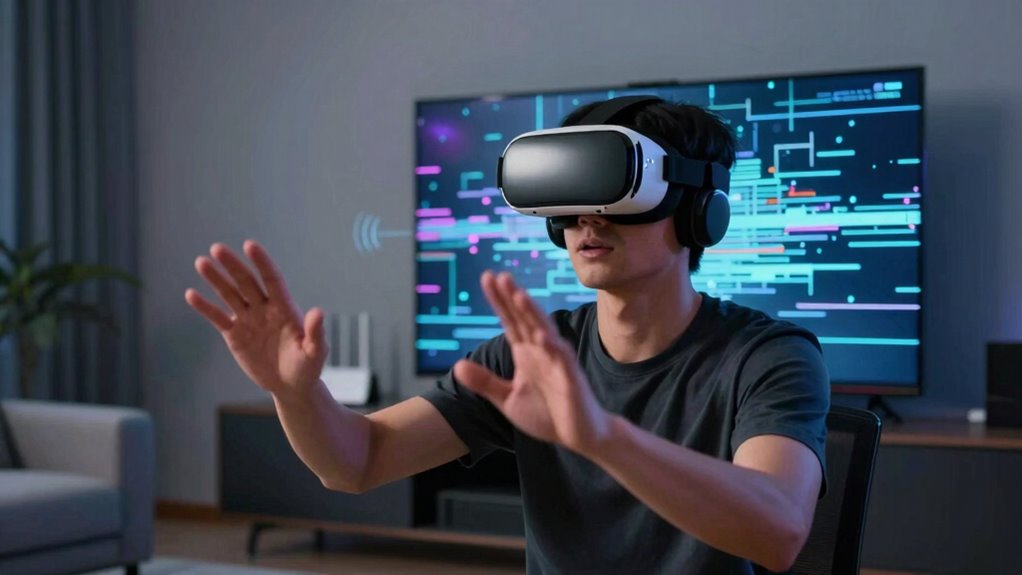

Even on fast networks, Wireless VR can fall apart due to interference from Wi-Fi, Bluetooth, or electromagnetic sources, which disrupt data signals. Bandwidth limitations and network congestion also cause lag, lower visual quality, and disconnections. Protocol flaws and outdated hardware can worsen these issues, leading to jittery visuals and disconnects. To maintain a smooth experience, you need to optimize your setup and stay aware of these barriers. If you keep exploring, you’ll discover how to improve your wireless VR performance.
Key Takeaways
- Wireless interference from Wi-Fi, Bluetooth, and electromagnetic sources disrupts data flow despite fast network speeds.
- Bandwidth limitations and network congestion cause lag, reduced visual quality, and dropped frames in VR experiences.
- Protocol limitations and outdated hardware can lead to disconnections and instability, even on high-speed networks.
- Signal reflection and electromagnetic interference break immersion by causing visual and audio disruptions.
- Inadequate network setup and device compatibility issues hinder the full potential of otherwise fast networks for VR.
Wireless VR headset with low latency
As an affiliate, we earn on qualifying purchases.
As an affiliate, we earn on qualifying purchases.
What Causes Latency and Lag in Wireless VR?
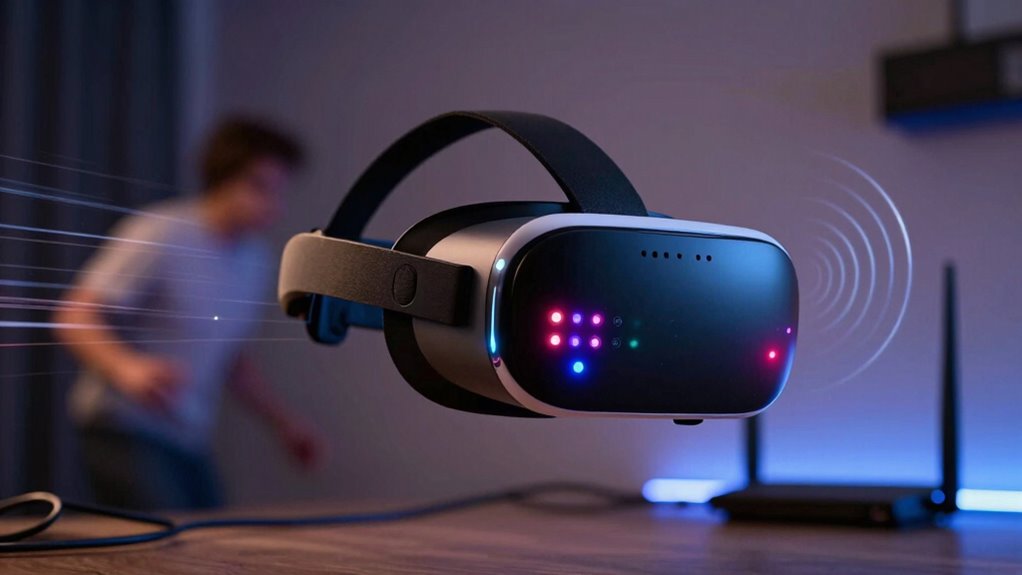
Wireless VR experiences can suffer from latency and lag primarily because of the limitations in wireless communication. When data transmission is slow or inconsistent, it disrupts the seamless flow needed for ideal virtual immersion. This disruption can lead to interruptions in user comfort and diminish the sense of presence in the virtual environment. Lag causes a disjointed experience, making movements feel delayed or choppy. As a result, your user comfort diminishes, and the overall realism of the virtual environment is compromised. High latency forces your brain to reconcile conflicting signals, which can lead to discomfort or even motion sickness. To maintain a smooth experience, low latency is essential. When wireless signals are weak or unstable, these issues intensify, directly impacting your ability to stay fully immersed in the virtual world without distractions or discomfort. Reliable network infrastructure plays a crucial role in minimizing these problems and ensuring a seamless VR experience. Proper network setup, including bandwidth capacity, is vital for preventing these issues and maintaining a high-quality wireless VR connection. Additionally, network stability is critical to prevent sudden drops in connection quality that can abruptly disrupt the immersive experience. Moreover, understanding wireless frequency bands can help optimize signal strength and reduce interference, leading to more consistent performance.
How Does Bandwidth Limit Your Wireless VR Experience?
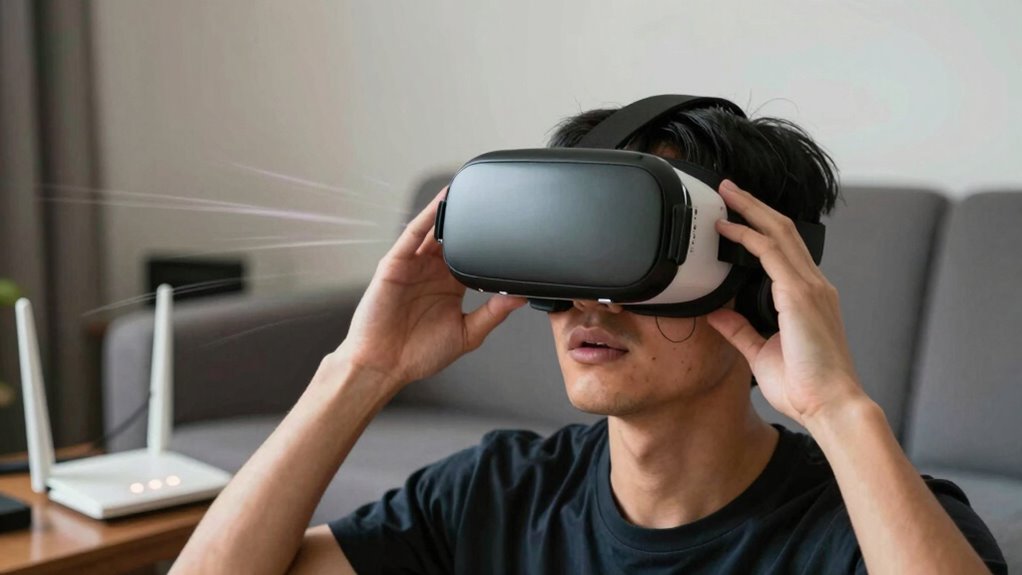
Bandwidth acts as the highway for the data traveling between your VR headset and the computer or streaming source. When bandwidth is limited, data transfer slows down, leading to increased wireless latency. This delay can cause your VR experience to feel sluggish or unresponsive, disrupting immersion. Insufficient bandwidth forces the system to prioritize certain data streams, which may result in lower resolution or reduced frame rates. As a consequence, your VR ergonomics suffer—you’re forced to adjust or strain to see clearly or move smoothly. Over time, these compromises can lead to discomfort or fatigue. To enjoy seamless wireless VR, your network needs enough bandwidth to handle high data loads without sacrificing performance or comfort. Otherwise, the experience becomes frustrating and less immersive. Ensuring your network components are optimized can also significantly impact the overall system performance. Additionally, understanding your network capacity can help prevent bottlenecks that impair your VR experience. Properly managing data flow and bandwidth allocation ensures smoother, more consistent performance during your VR sessions, especially when you optimize your bandwidth for high-demand applications.
How Does Network Interference Disrupt Wireless VR?
Have you ever noticed your VR experience lagging or disconnecting unexpectedly? Network interference is often the culprit, disrupting the smooth data flow between your headset and the system. Wireless signals can be affected by other devices like Wi-Fi routers, Bluetooth gadgets, or even microwave ovens, creating interference that causes lag or disconnections. This disruption forces your VR system to struggle with maintaining a stable connection, which can lead to jittery visuals or sudden drops. The instability not only affects performance but also impacts device ergonomics and user comfort, making extended sessions uncomfortable. When interference occurs, you might feel the need to adjust your position or remove other devices, disrupting the immersive experience. Proper cabling solutions and placement can help reduce interference and improve connection stability, ensuring seamless, comfortable VR sessions. Additionally, understanding the frequency spectrum of your wireless devices can help you select optimal channels and minimize overlap, further enhancing connection quality. Being aware of natural landscaping and their impact on electromagnetic signals can also be a subtle reminder of the importance of clarity and precision, similar to minimizing electromagnetic interference to optimize your network setup.
Why Hardware Compatibility Is Key for Smooth Wireless VR
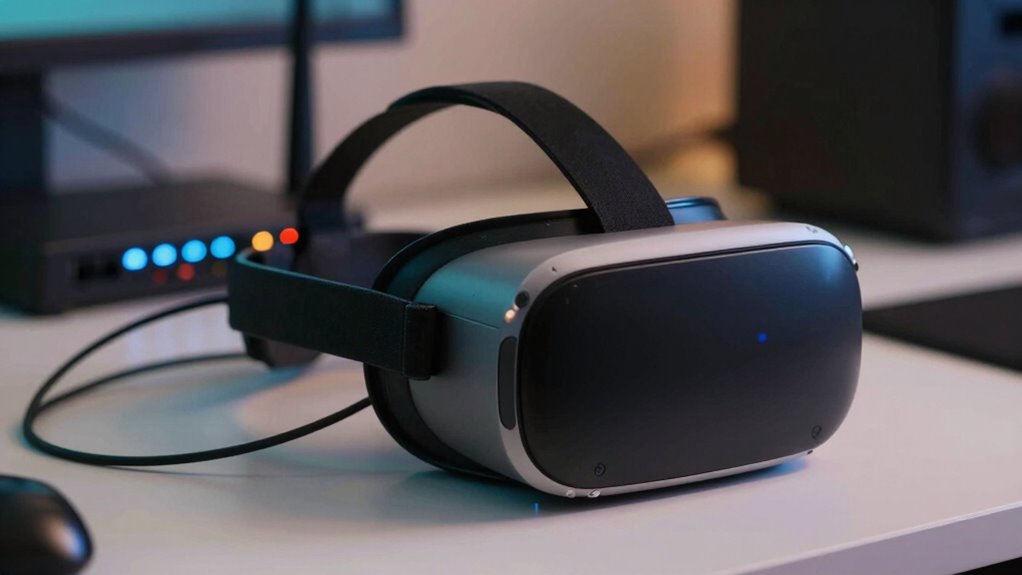
Ensuring your VR hardware is compatible with your system can make a significant difference in how smoothly your experience runs. Compatibility affects everything from latency to comfort, especially when considering hardware durability and ergonomic design. Poorly matched equipment can cause lag or discomfort, disrupting immersion. Choose hardware specifically designed for wireless use and durable enough for regular use. An ergonomic design ensures comfort during long sessions, reducing fatigue. Additionally, understanding hardware compatibility standards can help you select equipment that integrates seamlessly with your existing setup. Being aware of wireless communication protocols can further improve performance and reduce interference issues. Recognizing interference mitigation strategies can be crucial in maintaining a stable connection in busy environments. Properly assessing system specifications ensures that all components work harmoniously for an optimal VR experience. For optimal performance, paying attention to hardware interoperability can prevent compatibility issues before they arise.
How Data Compression Affects Wireless VR Quality
Data compression reduces the amount of data transmitted, which can lower latency and improve responsiveness in wireless VR. However, it can also introduce delays due to compression and decompression processes, affecting your experience. Additionally, aggressive compression might cause quality loss, making visuals less sharp and immersive. Understanding visual clarity is crucial, as excessive compression can significantly diminish the overall immersive experience. Moreover, data transmission efficiency plays a vital role in maintaining a smooth VR experience on fast networks. Incorporating reliable measurement tools can help monitor and optimize data flow, ensuring better consistency and quality during VR sessions. Being aware of compression techniques can help users better understand how data handling impacts VR performance. Recognizing the importance of positive thoughts and intentions can also foster a more patient and adaptable mindset when troubleshooting or optimizing VR setups.
Compression Latency Impact
While data compression can considerably reduce the bandwidth needed for wireless VR, it often introduces latency that can disrupt your experience. This added delay affects motion smoothing, making your movements feel less natural and more jerky. As a result, your sense of immersion diminishes, and user comfort drops. To understand this better, consider the following:
| Compression Level | Latency Impact | User Experience |
|---|---|---|
| Low | Minimal | Smooth, comfortable |
| Moderate | Noticeable | Slight discomfort |
| High | Significant | Motion sickness risk |
Higher compression levels save bandwidth but increase latency, which can make your VR sessions feel choppy and less immersive. Managing this balance is key to maintaining a seamless, comfortable experience.
Quality Loss Risks
As you increase compression levels to save bandwidth, the quality of the visual experience can suffer noticeably. You might encounter blurred edges, pixelation, or motion artifacts that break immersion. Compression can also degrade key sensory cues, such as:
- A muffled or distorted immersive audio that diminishes spatial awareness
- Jarring haptic feedback, losing subtle vibrations that enhance realism
- Flickering visuals during fast movements, disrupting presence
- Loss of fine details in textures or facial expressions, making environments feel less convincing
These issues not only reduce visual clarity but also weaken the synchronization of sensory inputs, making your VR experience less immersive and more prone to discomfort. Balancing compression and quality is essential to maintaining the full potential of wireless VR.
What Causes Network Congestion and How to Avoid It
Network traffic bottlenecks happen when too many devices or data streams compete for bandwidth, slowing down your VR experience. Interference from other wireless devices can also disrupt your connection, causing latency and stuttering. To avoid these issues, limit unnecessary device use and choose a less congested Wi-Fi channel.
Network Traffic Bottlenecks
Understanding what causes network congestion is essential for ensuring smooth wireless VR experiences. Traffic bottlenecks happen when data overload slows or halts the connection. Imagine a busy highway where multiple lanes merge unexpectedly, causing a jam. To prevent this, consider:
- Multiple devices streaming high-definition content simultaneously
- Large file transfers, like system updates or backups
- Insufficient bandwidth allocation for VR streaming
- Poor wireless security measures that allow unauthorized devices, increasing traffic
These issues can hinder user ergonomics by forcing you to pause or adjust the headset. To avoid bottlenecks, optimize your network, prioritize VR traffic, and secure your network properly. A streamlined, secure setup ensures a smoother experience without sacrificing performance.
Interference From Other Devices
Interference from other devices is a common culprit behind wireless VR network congestion. When multiple devices operate nearby, they can cause electromagnetic interference, disrupting your connection. This interference can originate from Wi-Fi routers, Bluetooth gadgets, or even microwave ovens, all competing for the same frequency bands. Device pairing between your VR headset and controllers also introduces additional signals that might clash with other wireless devices. To minimize interference, keep your VR equipment away from potential sources of electromagnetic noise. Use a dedicated Wi-Fi channel or switch to a less congested frequency band, like 5 GHz, if possible. Properly managing device pairing and reducing the number of active nearby wireless devices considerably enhances your VR experience by preventing network congestion caused by interference.
What Are the Limitations of Current Wireless VR Protocols?
While wireless VR protocols have made significant strides in reducing cables and increasing mobility, they still face notable limitations that hinder ideal performance. One key challenge is maintaining consistent low latency, which affects real-time responsiveness. Another issue is bandwidth constraints, limiting high-quality visuals and haptic feedback, essential for immersive user comfort. Additionally, signal stability can fluctuate with environmental interference, causing disconnections or lag. Finally, current protocols often struggle to deliver seamless tracking, leading to jitter or drift. Imagine:
Wireless VR still faces latency, bandwidth, and stability issues that hinder seamless, immersive experiences.
- Haptic feedback feeling delayed or inconsistent, breaking immersion.
- Glitches causing your virtual world to stutter unexpectedly.
- Sudden disconnections disrupting your experience.
- Fatigue or discomfort from prolonged use due to poor ergonomics. These limitations collectively prevent wireless VR from reaching its full potential, especially in demanding, fast-paced environments.
How Can You Optimize Your Network for Wireless VR?
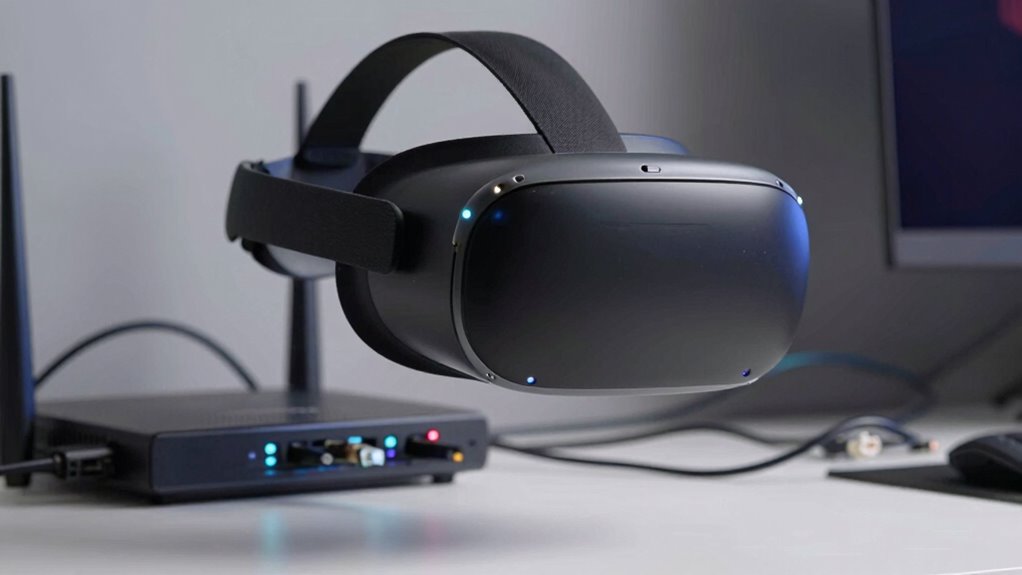
To optimize your network for wireless VR, start by ensuring your Wi-Fi setup is robust and dedicated to high-performance tasks. Use a high-quality router that supports the latest standards, like Wi-Fi 6, to reduce latency and interference. Position your router centrally and away from walls or obstructions to improve signal strength. Prioritize network traffic for VR devices to minimize lag, which enhances user engagement and immersion. Implement quality of service (QoS) settings to allocate bandwidth effectively. Additionally, optimize your content personalization by reducing network congestion, ensuring smooth streams and interactions. Regularly update firmware and firmware settings to maintain peak performance. A well-optimized network not only reduces disruptions but also creates a seamless, immersive experience that keeps users engaged longer.
Future Technologies That Will Improve Wireless VR Performance
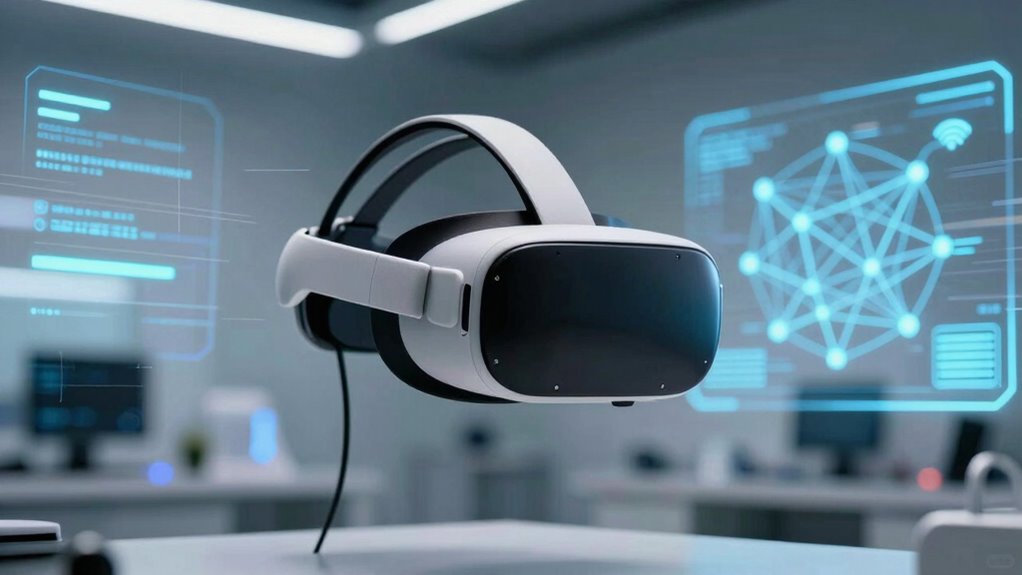
Advancements in wireless technology are poised to substantially boost VR performance, making experiences smoother and more immersive. Future innovations will focus on reducing latency and increasing bandwidth, directly enhancing virtual immersion. You’ll see improvements like:
- Ultra-low latency wireless protocols that eliminate lag.
- High-frequency bands offering faster data transfer rates.
- Advanced signal processing to maintain stable connections.
- Hardware designs prioritizing ergonomic comfort for extended use.
These technologies will allow you to enjoy longer, more natural VR sessions without discomfort. Improved wireless links will keep your hardware lightweight and comfortable, enhancing hardware ergonomics. As a result, you’ll experience more seamless virtual immersion, with fewer disruptions and clearer images, even in complex environments. The future of wireless VR promises a more integrated, immersive experience for every user.
Troubleshooting Common Wireless VR Connectivity Problems
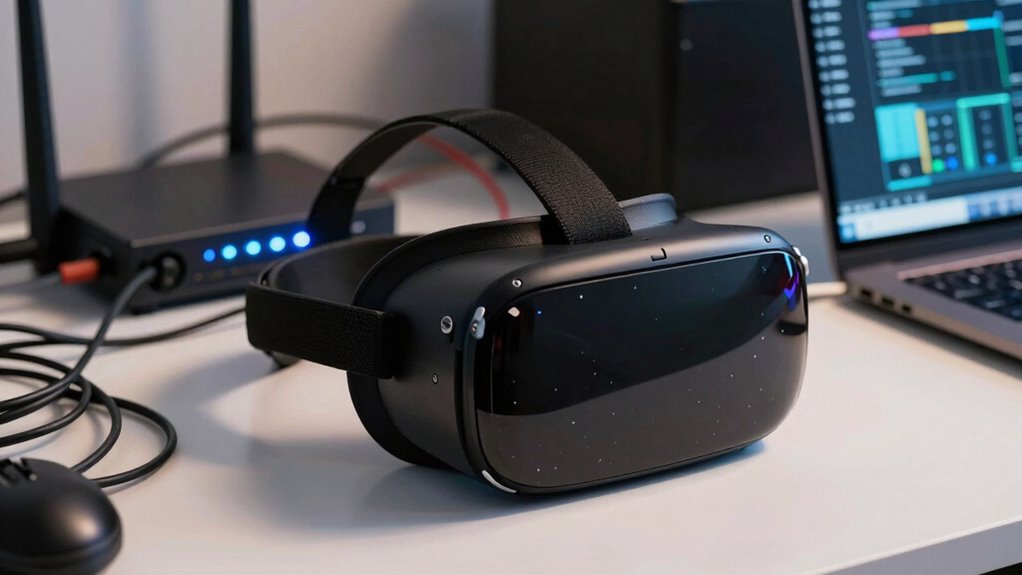
When troubleshooting wireless VR connectivity issues, start by checking for signal interference from other devices or obstacles. You should also verify that your network has enough bandwidth to handle the data load, and ensure your firmware is up to date for compatibility. Addressing these common points can markedly improve your VR experience.
Signal Interference Issues
Have you noticed your wireless VR experience lagging or dropping unexpectedly? Signal interference could be the culprit. Devices like Wi-Fi routers, Bluetooth gadgets, and microwaves emit signals that clash with your VR setup. To troubleshoot, consider these steps:
- Move your VR sensors and headset away from Wi-Fi routers or other electronics.
- Switch to a less crowded Wi-Fi channel to reduce interference.
- Use a dedicated 5GHz network instead of 2.4GHz for a cleaner connection.
- Ensure your virtual ergonomics setup isn’t blocking signals or causing signal reflection.
Interference can disrupt immersive audio and cause latency, breaking the sense of presence. Keeping signals clear helps maintain a smooth, immersive experience, letting you focus on virtual worlds rather than connectivity issues.
Bandwidth Limitations
Even if your signal interference is under control, bandwidth limitations can still cause disruptions during your wireless VR sessions. When your network doesn’t have enough bandwidth, you might experience lag, stuttering, or dropped frames, ruining your immersion. High-quality VR streams demand significant data transfer, so make certain your network can handle multiple devices and high data loads. Additionally, wireless security measures like encryption can sometimes reduce available bandwidth, affecting performance. Keep an eye on your device’s battery life, as limited power can lead to weaker signals and less stable connections. Upgrading your router or prioritizing VR traffic can help, but understanding your network’s capacity is key. Addressing bandwidth limitations ensures smoother gameplay and reduces latency, keeping your VR experience seamless and immersive.
Firmware Compatibility Problems
Firmware compatibility issues are a common source of wireless VR connectivity problems, and addressing them quickly can save you a lot of frustration. When your device’s firmware isn’t up-to-date, or if updates aren’t compatible with your VR headset, problems can arise. To troubleshoot, consider these steps:
- Visualize a dashboard: Check your device’s firmware version against the manufacturer’s latest release.
- Imagine a connection: Ensure your VR headset and wireless transmitter have compatible firmware updates.
- Picture a library: Download only official firmware updates to avoid compatibility issues.
- Think of a pipeline: Keep firmware current to prevent device incompatibility from disrupting your experience.
Regularly updating firmware guarantees device compatibility, reducing connectivity hiccups and maintaining smooth wireless VR gameplay.
Frequently Asked Questions
How Does User Movement Impact Wireless VR Stability?
Your movement can considerably impact wireless VR stability by increasing signal interference and latency issues. When you move quickly or unpredictably, the wireless signal struggles to keep up, leading to lag or disconnections. Rapid movements cause more data transfer, which can overwhelm the network, especially if there’s interference from other devices. To maintain smooth experiences, you need a strong, stable connection and minimal interference, especially during active or fast-paced VR sessions.
Can Wireless VR Work Effectively Outdoors or in Large Open Spaces?
Wireless VR can work outdoors or in large spaces, but it’s like steering through a labyrinth—full of potential pitfalls. You’ll need robust battery life and minimal signal interference, which can be tricky outside. Open areas often introduce obstacles and radio noise, disrupting the connection. To guarantee smooth experience, choose equipment with strong signal stability and sufficient battery capacity. Planning ahead helps you avoid interruptions and make the most of your outdoor VR adventures.
What Role Do Routers Play in Wireless VR Performance?
Routers play a vital role in wireless VR performance by providing a stable and fast connection. Proper router placement guarantees peak signal strength, reducing lag and latency. You should position your router in a central location, away from walls or metal objects. Avoid signal interference from other electronic devices, which can disrupt the connection. Maintaining a clear line of sight between your router and VR headset improves your overall experience.
Are There Safety Concerns With Wireless VR Setups?
You should be aware of safety concerns with wireless VR setups, like battery safety and signal interference. Always use properly certified batteries to prevent risks like overheating or explosions. Keep your play area free of obstacles to reduce signal interference, which can cause disorientation or accidents. Regularly check your equipment for damage, and avoid using damaged batteries or cables. Staying mindful of these issues helps guarantee a safe and enjoyable VR experience.
How Do Different VR Headset Models Vary in Wireless Performance?
Ironically, your fancy VR headset might not deliver smooth wireless performance, despite boasting high-end specs. Different models vary greatly in wireless performance due to latency issues and hardware compatibility. Some headsets excel with low latency but struggle with certain devices, while others falter under network strain. So, don’t assume all wireless VR headsets perform equally—your experience hinges on choosing a model optimized for your hardware and network capabilities.
Conclusion
If you want your wireless VR experience to be smooth, think of your network as the foundation of a sturdy bridge—you need strong, stable support to enjoy the journey. By understanding and addressing latency, bandwidth, interference, and hardware compatibility, you can turn a shaky connection into a seamless adventure. With a little effort, you’ll find your immersive worlds come alive like a vibrant painting—vivid, clear, and breathtaking, just waiting for you to explore.