
AIThis post was created with the assistance of artificial intelligence (AI).
Listen free for 30 days with Audible
Thousands of audiobooks and originals — cancel anytime.
Start your free trialAs an affiliate, we earn on qualifying purchases.
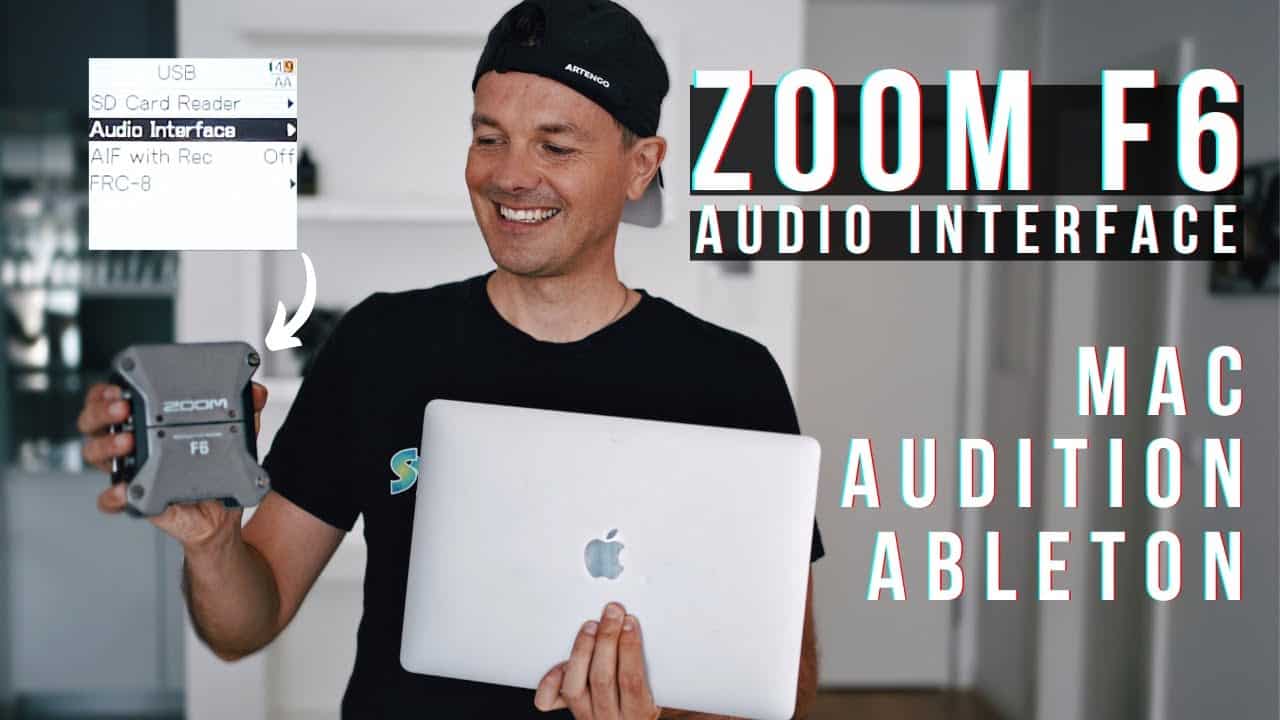
Zoom F6 Audio Interface How to and Settings
In this video, we show you how to use the Zoom F6 as an Audio Interface for Mac. You’ll see how I set up everything from the recorder, computer, and important settings within Adobe Audition and Ableton Live! We hope you enjoy this tutorial and please let us know if you’d like to see more videos like this!
Amazon
As an affiliate, we earn on qualifying purchases.
Fall Picks
fall essentials
fall essentials
As an affiliate, we earn on qualifying purchases.