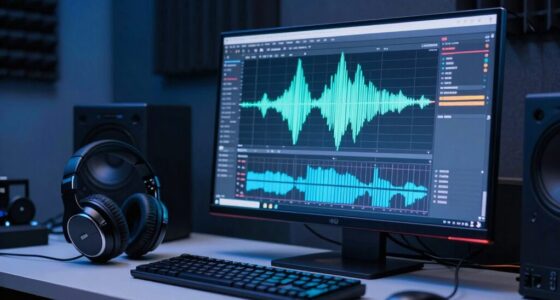

If your mix sounds small in mono, phase cancellation is likely the culprit. When stereo elements aren’t properly aligned, they cancel each other out when summed to mono, reducing perceived fullness and width. Narrow or hollow-sounding mixes often result from excessive panning, improper stereo imaging, or wide effects causing phase issues. Understanding mono compatibility helps you avoid this problem and make certain your mix stays clear and full across all playback systems—if you want to learn how, keep exploring.
Key Takeaways
- Phase cancellation from excessive stereo panning reduces low frequencies and creates a thin, hollow sound in mono.
- Overly wide stereo effects or panned elements can vanish or weaken when summed to mono.
- Improper stereo image alignment causes elements to collapse or disappear in mono playback.
- Neglecting mono checks during mixing allows phase issues to persist, resulting in a small, weak sound.
- Using mono-compatible reverb and panning techniques helps maintain fullness and clarity across all systems.
mono compatibility checker
As an affiliate, we earn on qualifying purchases.
As an affiliate, we earn on qualifying purchases.
Why Mono Compatibility Matters for Your Mix
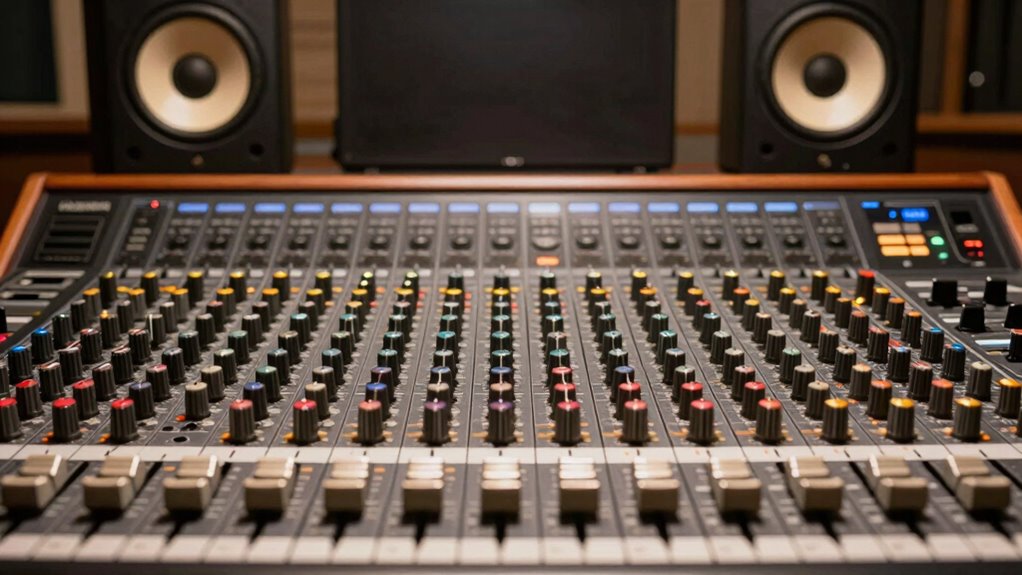
Mono compatibility is vital because many playback systems, like smartphones and clubs, still operate in mono or sum stereo signals. If your mix isn’t mono-compatible, sounds can become lost or overly muddy when played back in mono. Proper phase alignment ensures that your elements stay cohesive, preventing phase cancellation that can thin out your sound. Maintaining good stereo imaging is also essential because it allows your mix to translate well across different systems. When elements are panned too widely or unevenly, they can collapse into a less impactful mono version, reducing clarity and depth. phase alignment is a crucial factor in ensuring your mix remains intact when summed to mono. By checking mono compatibility, you guarantee your mix retains its fullness and clarity regardless of playback environment. This step helps your music sound consistent and professional everywhere it’s heard. Additionally, understanding stereo imaging helps you craft a balanced and immersive soundstage that translates well in mono. Recognizing the importance of contrast ratio in your overall sound design can also influence how well your mix holds up across various listening setups. Incorporating phase coherence practices ensures your elements stay aligned and vibrant, even when played in mono. Furthermore, being aware of electric power generation with bike generators can inspire innovative ways to power portable audio equipment during live performances or recording sessions in remote locations.

Speaker Phase Meter, Car Audio Speaker Horn Phase Tester Polarity Phasemeter for Subwoofer Tweeter Door Speakers Diagnostic Tool Low Battery Indicator Professional Speaker Polarity Test for Vehicle
Accurate Speaker Polarity Testing : This car audio speaker tester quickly identifies speaker polarity and phase alignment, helping…
As an affiliate, we earn on qualifying purchases.
As an affiliate, we earn on qualifying purchases.
What Does Mono Compatibility Mean?
Mono compatibility means your mix sounds good and balanced when played through a single speaker or mono system. It’s important because many playback environments still use mono, and issues here can make your mix collapse or sound thin. Achieving mono compatibility involves checking your mix in mono and making sure all elements translate well without losing impact or clarity. Safe installation practices are essential to ensure your audio setup is properly configured for mono playback. Additionally, understanding your audio system’s limitations can help you make informed adjustments for better mono compatibility. Regularly testing your mix on different speaker configurations can further improve its mono compatibility and overall sound quality. Being aware of phase issues is crucial, as they can cause certain elements to cancel out in mono, degrading overall sound. Incorporating phase alignment techniques can significantly enhance your mix’s mono integrity and prevent undesirable cancellations.
Mono Compatibility Importance
Understanding what mono compatibility means is essential because it determines how well your mix will sound when played through a single speaker or speaker system. If your mix isn’t mono-compatible, key elements might disappear or sound different, reducing clarity and impact. This is why mono compatibility’s importance lies in ensuring your mix translates well across all listening environments. Using panning techniques and stereo effects thoughtfully helps maintain balance and coherence when summed to mono. Consider this table:
| Mono Compatibility Effect | Result |
|---|---|
| Poor panning | Sounds disconnected or narrow |
| Excessive stereo effects | Elements may vanish in mono |
| Good panning | Maintains clarity and width |
| Proper stereo effects | Enhances depth without losing focus |
| Balanced mix | Sounds full and consistent |
Achieving mono compatibility guarantees your mix retains its intended energy and clarity across all playback systems.
Achieving Mono Compatibility
Ever wondered how to guarantee your mix sounds consistent across all playback systems? Achieving mono compatibility involves more than just checking mono summing; it requires intentional stereo enhancement and dynamic processing. To assure your mix holds together in mono, focus on balancing your stereo image, avoiding phase issues, and using dynamic processing to control levels. This prevents elements from disappearing or sounding thin when summed. Incorporating techniques like phase coherence checks during your mix session can help identify potential issues early on.
- Use stereo enhancement subtly to widen your mix without causing phase problems
- Check phase coherence during your mix session
- Apply dynamic processing to tame excessive peaks and maintain balance
- Regularly switch to mono to identify and fix stereo inconsistencies

PreSonus Eris 3.5 Studio Monitors, Pair — Powered, Active Monitor Speakers for Near Field Music Production, Desktop Computer, Hi-Fi Audio
HONEST. Eris 3.5 near field studio monitors deliver studio-quality, accurate sound perfect for music production, hi-fi audio listening,…
As an affiliate, we earn on qualifying purchases.
As an affiliate, we earn on qualifying purchases.
How Mono Compatibility Affects Your Music’s Clarity and Impact
When your mix is mono compatible, it keeps your stereo imaging clear and balanced across all listening devices. This guarantees your music sounds good whether played on headphones, speakers, or smartphones. Ensuring cross-platform integration in your mix can further enhance consistent sound quality across different devices. Additionally, paying attention to phase coherence helps prevent sound cancellations and preserves the full impact of your track.
Preserves Stereo Imaging
Preserving stereo imaging is essential because it maintains the clarity and spatial balance of your mix, ensuring that each element has its own distinct position in the soundstage. When your mix retains proper stereo separation, it feels more immersive and lively, allowing listeners to perceive depth and direction. Using effective panning techniques helps keep instruments and vocals positioned correctly, preventing clutter and muddiness. If stereo imaging collapses in mono, your mix can sound flat and congested, reducing its impact. To avoid this, focus on maintaining clear stereo separation during mixing. This way, your music retains its spaciousness and clarity, even when played mono or across different devices.
- Clear stereo separation enhances depth
- Panning techniques define instrument placement
- Maintains spatial clarity across platforms
- Prevents a congested, flat sound
Ensures Compatibility Across Devices
Maintaining good stereo imaging isn’t just about how your mix sounds on headphones or in stereo speakers—it also impacts how well your music translates to mono and various playback devices. Confirming mono compatibility is essential, especially for listeners using smartphones, car stereo systems, or Bluetooth speakers. When you focus on stereo enhancement during headphone mixing, you prevent elements from canceling out or becoming lost in mono. This allows you to identify and correct phase issues that could diminish your track’s impact. By checking mono compatibility, you avoid phase issues that could diminish your track’s impact. Ultimately, this step guarantees your music sounds full and professional, regardless of where or how it’s played, helping your creative work reach a broader audience with clarity and consistency.
Enhances Overall Clarity
Ensuring your mix is mono compatible directly boosts its overall clarity and impact. When your tracks maintain proper mono phase, it prevents phase cancellations that can muddy or blur sounds when played on different systems. This clarity makes each element more distinct and easier for listeners to perceive. Additionally, controlling stereo width ensures your mix isn’t overly spread out, which can cause elements to compete or become less focused. Narrowing stereo width in certain areas enhances the perceived detail and separation, sharpening the overall sound. By balancing mono phase and stereo width, you create a clearer, more focused mix that translates well across various listening environments. Understanding audio phase is essential for achieving a professional-sounding mix across all playback systems.

Audio Converter – Edit and convert your sound and music files to other audio formats – easy audio editing software – compatible with Windows 10, 8 and 7
AUDIO ALL-ROUNDER – convert your audio or video files into almost any audio format – edit, trim, merge,…
As an affiliate, we earn on qualifying purchases.
As an affiliate, we earn on qualifying purchases.
Common Reasons Your Mix Sounds Small in Mono

One common reason your mix sounds small in mono is that certain elements are overly panned or too narrow in stereo. When instruments lack proper stereo imaging, they can collapse in mono, making your mix feel distant or thin. Additionally, poor phase alignment between tracks can cause parts to cancel out when summed to mono, further reducing perceived width. To visualize, consider this table:
| Element | Stereo Imaging | Phase Alignment |
|---|---|---|
| Lead Vocal | Centered | Proper |
| Guitars | Wide panned | Slight misalign |
| Backing Vocals | Slightly stereo | Proper |
| Drums | Wide | Proper |
| Synth Pads | Very wide | Often misaligned |
Ensuring proper stereo imaging and phase alignment helps your mix translate better in mono, avoiding that small, collapsed sound.
How Phase Cancellation Makes Your Mix Sound Narrow

When phase cancellation occurs, it can cause your stereo image to collapse, making your mix sound narrower than intended. This happens when similar sounds are out of phase, canceling each other out and reducing stereo width. As a result, your mix loses its spaciousness and feels more confined.
Phase Cancellation Effects
Phase cancellation occurs when two or more audio signals with similar content interfere with each other, causing certain frequencies to diminish or disappear entirely. This phenomenon can lead to a reduction in overall volume and clarity, making your mix sound narrow and less dynamic. When phase issues happen, some sounds may cancel out in mono or stereo, affecting stereo imaging and spatial perception. You might notice that your mix lacks width or sounds hollow, especially when played on different systems. Understanding how phase cancellation affects your mix helps you identify trouble spots and correct them. By adjusting timing, panning, or EQ, you can minimize these effects and improve your stereo image. Being aware of phase cancellation effects ensures your mix maintains clarity and width across various playback mediums.
- Frequencies cancel out, reducing clarity
- Stereo image becomes narrow or hollow
- Certain sounds may vanish in mono
- Proper alignment improves stereo imaging
Stereo Image Collapse
Stereo image collapse occurs when phase cancellation causes your mix to lose its sense of width, making it sound more narrow and less spacious. When sounds are panned too symmetrically or placed too closely in the stereo field, destructive interference can occur, reducing stereo width. This phase cancellation effectively collapses the stereo image, resulting in a less immersive listening experience. To avoid this, use panning strategies that distribute elements across the stereo spectrum thoughtfully, ensuring sounds don’t overlap excessively in phase. Keeping a balance in your stereo image helps maintain clarity and spaciousness. Regularly check the stereo width during mixing and avoid overly tight panning, which can lead to phase issues and stereo image collapse. Maintaining proper stereo image width preserves the openness and depth of your mix.
The Role of Stereo Width and Panning in Mono Compatibility
Stereo width and panning play crucial roles in how your mix translates to mono. Excessive stereo separation can cause important elements to vanish when summed, making your mix sound narrow or hollow. Proper panning techniques help maintain balance, ensuring each element retains clarity in mono. When you pan too hard or create wide stereo images without considering mono compatibility, you risk phase cancellation and lost detail. To avoid this, use subtle panning for instruments that need to stay centered and moderate stereo spread for others. Be mindful of how your panning affects the overall mono picture. Additionally, understanding phase relationships can help you identify and correct issues that cause elements to disappear in mono. Recognizing phase cancellation during the mixing process can prevent elements from becoming inaudible in mono and improve overall clarity. Regularly testing your mix in mono and analyzing phase issues can help you develop better panning and stereo imaging practices.
How to Check Your Mix in Mono Using Your DAW or Devices
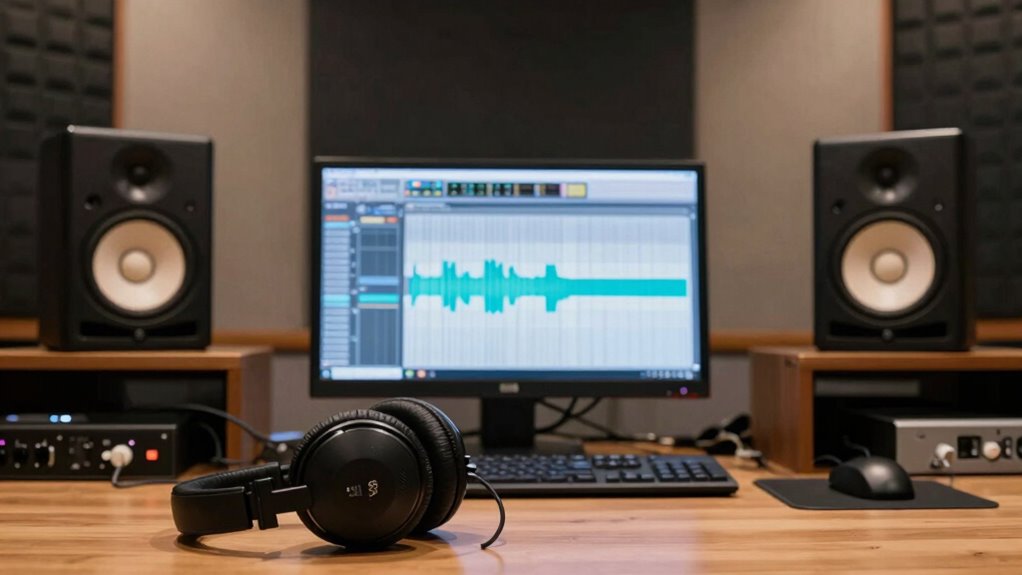
To make certain your mix sounds full and balanced, you can use your DAW’s built-in mono switch or monitor on different devices. These tools help you identify phase issues and check if elements translate well in mono. Just switch to mono and listen carefully to catch any problems before finalizing your mix. Additionally, understanding precious metal investments can provide insight into diversification strategies for your overall financial portfolio. Monitoring how your mix responds in mono can also help you ensure compatibility across various playback systems, including audio equipment and consumer devices. Regularly testing your mix in mono can reveal phase cancellation issues that might not be apparent in stereo. Incorporating mono compatibility checks into your mixing process is a crucial step toward achieving a professional, well-rounded sound.
Using Built-in Mono Switch
Checking your mix in mono is a simple but essential step to guarantee it sounds full and balanced across all playback systems. Most DAWs and devices have built-in mono switches that instantly sum stereo signals to mono, helping you identify phase mismatch issues and stereo imaging problems. By toggling this switch, you can listen for elements that vanish or sound hollow, indicating phase issues. This quick check ensures your mix maintains clarity and fullness without relying solely on stereo effects. Regularly using mono monitoring helps you catch problems early, preventing a small-sounding mix. Remember, a balanced mono mix translates better across various listening environments, avoiding the “small” sound caused by stereo imaging errors.
- Use your DAW’s mono button or plugin
- Check on hardware monitors with mono switches
- Listen for phase cancellation or imbalance
- Adjust panning and effects accordingly
Monitoring on Multiple Devices
Monitoring your mix on multiple devices is essential to guarantee it translates well across various playback systems. By checking your mix on different speakers and headphones, you can identify issues like frequency masking, where certain sounds clash or disappear in mono or on smaller systems. This process helps you assess the dynamic range, ensuring your mix isn’t overly compressed or overly wide, which can cause small-sounding results. Using your DAW’s mono switch or dedicated monitoring devices allows you to hear how your mix collapses into mono, revealing potential phase issues or elements that might be hidden on stereo. Regularly checking your mix this way ensures your balance remains consistent, and your music sounds full and clear across all devices.
Tips for Maintaining Mono Compatibility During Mixing
Ensuring your mix remains mono-compatible is essential because many playback systems, like radio and smartphones, still rely on mono speakers. To achieve this, focus on maintaining proper phase alignment so elements don’t cancel out when summed to mono. Managing stereo width is vital; avoid excessive panning that can cause phase issues. Regularly check your mix in mono to identify problematic elements early. Use the following tips:
- Keep stereo width balanced and avoid extreme panning
- Check phase alignment of all elements during mixing
- Use mono compatibility plugins or tools
- Regularly switch to mono to listen for issues
- Incorporate ceiling fan efficiency practices to stay fresh and attentive during the mixing process
Why Center Elements Need Special Attention in Mono
Center elements are vital because they anchor your mix and guarantee clarity in mono. If they’re not placed carefully, they can disappear or clash, making your entire sound feel small. Paying special attention to their placement helps maintain mono compatibility and a full, balanced mix. Additionally, understanding cookie categories can help you manage how your content is experienced across different platforms, ensuring consistent sound quality. Recognizing audio phase issues is also essential because they can cause elements to cancel out in mono, further impacting your mix’s perceived size and clarity. Being aware of net worth and other personal factors can influence how sound dynamics are perceived, especially when considering broadcast or social media presentation. Furthermore, considering rendering methods can optimize how your audio translates across various playback systems, supporting mono compatibility and overall clarity. Taking into account sound staging techniques can also enhance mono compatibility by carefully positioning elements within the stereo field to prevent phase issues and ensure a cohesive mono translation.
Center Element Placement
When mixing in mono, paying close attention to where you place the center element is essential because it directly impacts how balanced and focused your sound feels. Proper center element placement guarantees your mix maintains stereo field balance and clarity when summed to mono. If the center element is off or misplaced, it can cause your mix to sound uneven or hollow in mono. Carefully position vocals, kick, or bass so they sit precisely in the center. This helps maintain consistency and prevents phase issues. Remember, your goal is a cohesive, balanced sound that translates well across all systems. Adjustments to center element placement can make a significant difference in how your mix translates from stereo to mono. Additionally, understanding how phase alignment affects center elements can help you avoid common mono compatibility issues. Ensuring your equipment setup is optimized also plays a crucial role in achieving mono compatibility, as hardware and cabling can influence phase and sound quality.
Mono Compatibility Challenges
Because your mix sounds small or hollow in mono, it’s vital to pay close attention to how your center elements are handled. Mono compatibility challenges often arise because stereo enhancement techniques can create phase issues when summed to mono, causing certain elements to vanish or sound hollow. In headphone mixing, it’s easy to focus solely on stereo images, but this can lead to neglecting how sounds will translate in mono. To avoid this, check your mix in mono frequently, guaranteeing that all essential elements—vocals, bass, kick—remain clear and balanced. Properly managing stereo enhancement, like reverb and panning, helps maintain mono compatibility without sacrificing stereo width. This attention ensures your mix remains impactful across all playback systems, whether stereo or mono.
How Reverb and Delay Can Hurt Mono Compatibility
Reverb and delay effects can considerably enhance your mix, but they also pose a risk to mono compatibility. When you add these effects, stereo spread and phase alignment become critical. If the reverb or delay isn’t carefully managed, it can cause phase cancellation when played mono, making your mix sound thin or hollow. These effects often rely on stereo imaging, which can vanish when summed to mono, resulting in lost clarity and depth. To avoid this, verify your reverb and delay are mono-compatible by checking for phase issues and maintaining proper stereo balance.
- Overly wide stereo effects causing phase cancellation
- Misaligned phase between dry and wet signals
- Excessive reverb tails that become muddy in mono
- Delayed signals that disrupt phase coherence
Using EQ and Volume Balance to Improve Mono Translation
To guarantee your mix translates well to mono, you need to carefully balance your EQ and volume levels. Start by making precise EQ adjustments to reduce frequency clashes that cause phase cancellation when summed to mono. Focus on carving out space for each instrument, especially in the midrange, to prevent masking and maintain clarity. Next, pay attention to volume balancing; ensure no element dominates or gets lost. Subtly boost or cut levels to achieve a cohesive, centered sound. Use your EQ to reduce unnecessary low-end rumble and harsh high frequencies that can cause mono issues. Consistently check your mix in mono during the process, adjusting EQ and volume as needed. This approach helps your mix sound full and balanced, even when played through a single speaker.
Why Mono Compatibility Is Crucial for Clubs and Radio
In many real-world listening environments like clubs and radio stations, your mix often encounters mono playback systems. If your mix isn’t mono-compatible, vital elements may disappear or become muddy, reducing impact and clarity. This is why mono compatibility is essential—you want your audience to experience your music fully, no matter the system. Proper panning techniques help maintain balance when summed to mono, ensuring important sounds aren’t lost. Headphone mixing also plays a role, as it allows you to detect phase issues and stereo imbalances that could cause problems on mono systems. To optimize your mix, consider these points:
Ensuring mono compatibility preserves clarity and impact across all listening environments.
- Use panning techniques that avoid extreme left/right placements
- Check your mix in mono regularly
- Be mindful of phase issues during headphone mixing
- Guarantee all essential elements translate well to mono
How to Identify and Fix Phase Issues That Narrow Your Mix
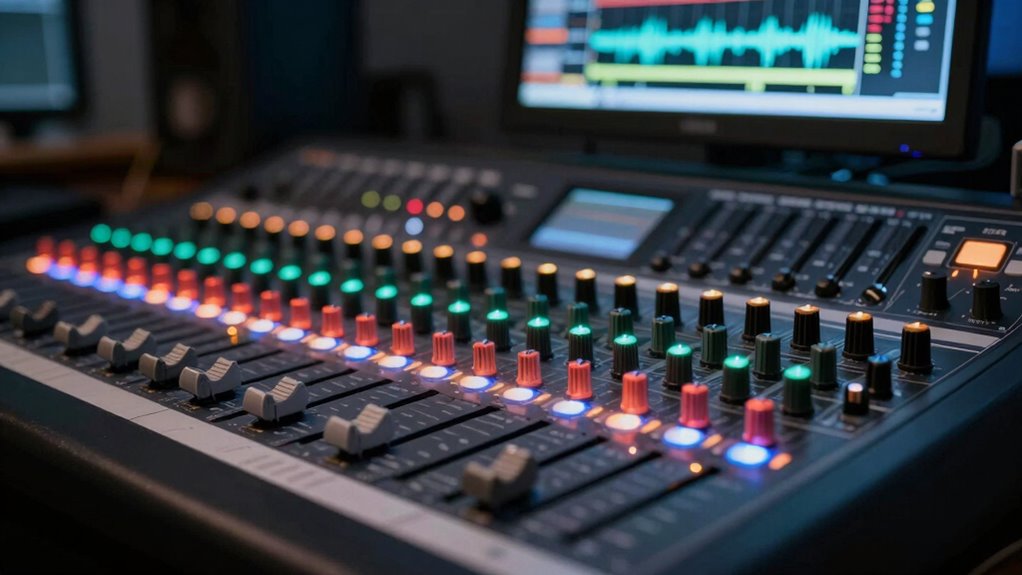
Phase issues often cause your stereo image to sound narrow or hollow, diminishing the width and clarity of your mix. To identify phase problems, listen for a hollow or thin sound when mono summing your track. You can also check for phase alignment by comparing the left and right channels for timing discrepancies. Fixing phase issues involves aligning waveforms and ensuring signals are synchronized. Use a phase correlation meter to visualize stereo imaging and detect phase cancellations.
| Symptom | Cause | Fix |
|---|---|---|
| Narrow stereo image | Phase misalignment between channels | Adjust timing or invert phase on one track |
| Hollow or thin sound | Phase cancellation in mono | Correct phase alignment for clarity |
| Reduced stereo width | Poor stereo imaging setup | Re-align signals for proper stereo balance |
Essential Tools and Plugins to Test Mono Compatibility
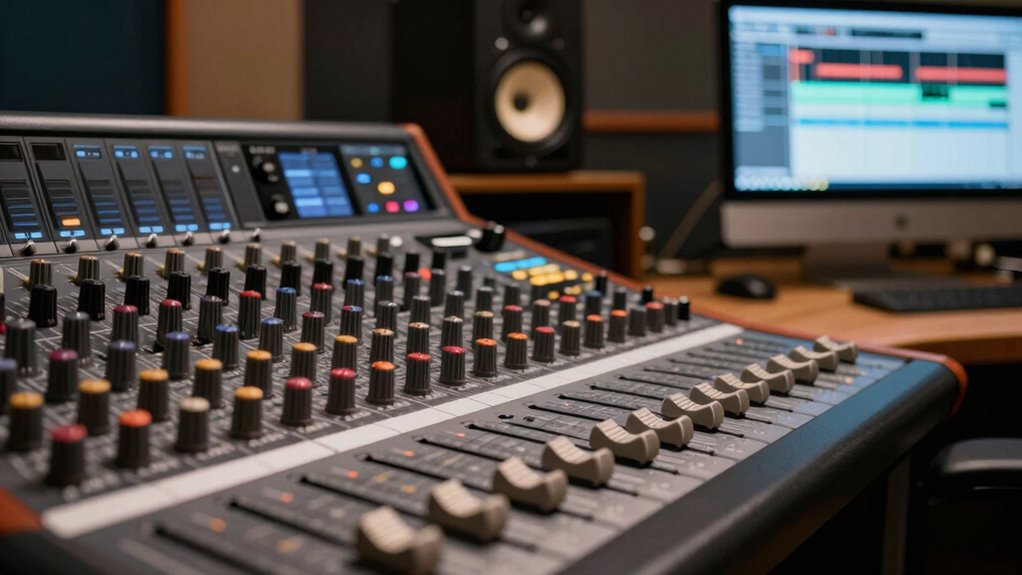
Ensuring your mix sounds good on all playback systems requires testing its mono compatibility, and the right tools make this process straightforward. You need reliable plugins to quickly identify issues like phase misalignment and compromised stereo imaging. Using a mono switch or specialized plugins helps you listen in mono and spot problems early. These tools allow you to monitor how your stereo image collapses and ensure phase alignment stays intact.
- Mono compatibility meters
- Stereo imaging analyzers
- Phase correlation meters
- Sum and mono switch plugins
These tools give you visual feedback, making it easier to fix issues that cause your mix to sound small or narrow when summed to mono. Incorporating them into your workflow ensures your mix maintains clarity and impact across all listening environments.
Final Steps to Ensure Your Mix Sounds Full in Mono and Stereo
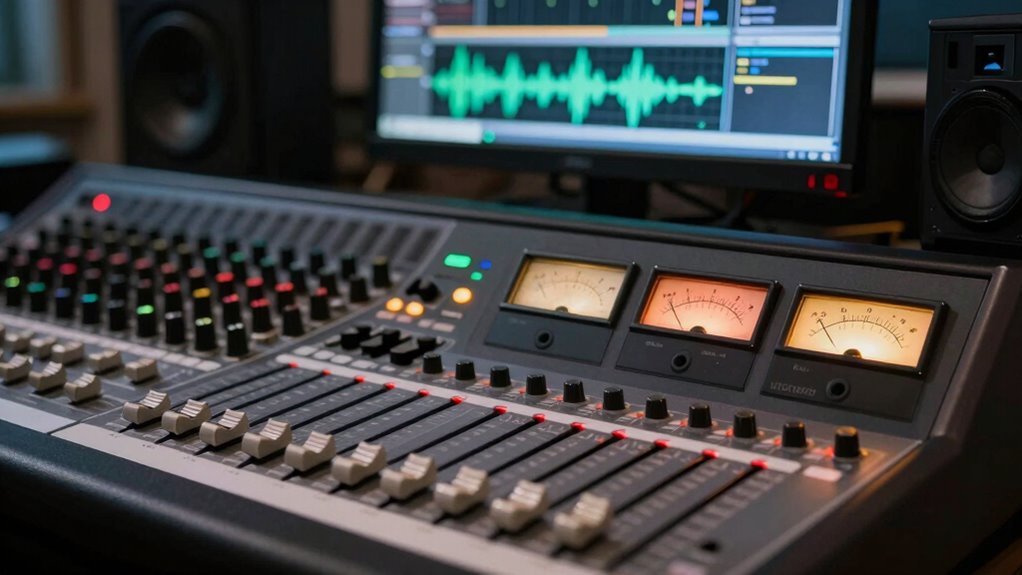
To make sure your mix sounds full and balanced in both mono and stereo, you should perform a final check by listening on different systems and making targeted adjustments. Focus on phase alignment to prevent cancellations that can cause a thin sound in mono. Also, evaluate the stereo field to ensure elements are well spread without creating phase issues. Use this table to guide your adjustments:
| Aspect | What to Check | How to Fix |
|---|---|---|
| Phase Alignment | Mono compatibility issues | Use phase correction tools or adjust timing |
| Stereo Spread | Narrow stereo image | Pan elements wider or add stereo effects |
| Element Balance | Certain sounds too quiet or loud | Adjust fader levels for clarity |
| Low-End Clarity | Muddy bass or kick | EQ to clean up overlapping frequencies |
How Different Playback Systems Reveal Mono Problems
Different playback systems can expose mono problems that might go unnoticed on studio monitors or headphones. These systems often reveal issues with phase alignment and stereo imaging, which can cause your mix to sound narrow or hollow. When listening on devices like car stereos, Bluetooth speakers, or phone speakers, phase cancellation may reduce certain frequencies, revealing mono compatibility issues. Stereo imaging can also collapse, making instruments sound less distinct or overly centered. You might not notice these problems in a controlled environment, but they become apparent elsewhere. To prevent this, check your mix on various systems, ensuring phase alignment is tight and stereo spread is balanced. This way, your mix retains clarity and fullness across all playback environments.
- Phase cancellation reveals mono issues
- Stereo imaging collapse affects perceived width
- Different systems expose phase misalignments
- Compatibility problems become visible outside the studio
Common Myths About Stereo and Mono Compatibility: Debunked

Many musicians and producers believe that if a mix sounds good on their monitors and headphones, it will automatically translate well across all playback systems. However, this is a common myth. Good stereo width on your setup doesn’t guarantee mono compatibility. Phase issues can cause elements to cancel out when summed to mono, making your mix sound smaller or hollow. Overestimating stereo width can also lead to a false sense of spaciousness that collapses in mono. Don’t assume that a wide stereo image means your mix is compatible with mono playback. Instead, always check how your mix translates in mono, paying close attention to phase relationships. Clear stereo width can enhance your mix without sacrificing mono compatibility, but only if you understand the real impact of phase issues.
Real-World Examples: Fixing Narrow-Sounding Mixes in Mono

When your mix sounds narrow or hollow in mono, the issue often stems from phase problems or overly aggressive stereo widening. To fix this, focus on phase alignment and tightening stereo imaging. Start by checking your tracks with a phase correlation meter or mono-compatible plugin. If you find phase issues, adjust the panning or delay to align signals better. Reducing stereo widening on certain elements can also help, especially on reverb and effects. Carefully scrutinize your stereo image to prevent phase cancellation. Remember, maintaining proper phase alignment ensures your mix translates well across all playback systems.
- Check phase correlation between tracks
- Use mono compatibility tools to identify issues
- Narrow overly wide stereo effects
- Balance stereo imaging for clarity
Best Practices for Finalizing Your Mix for All Playback Systems
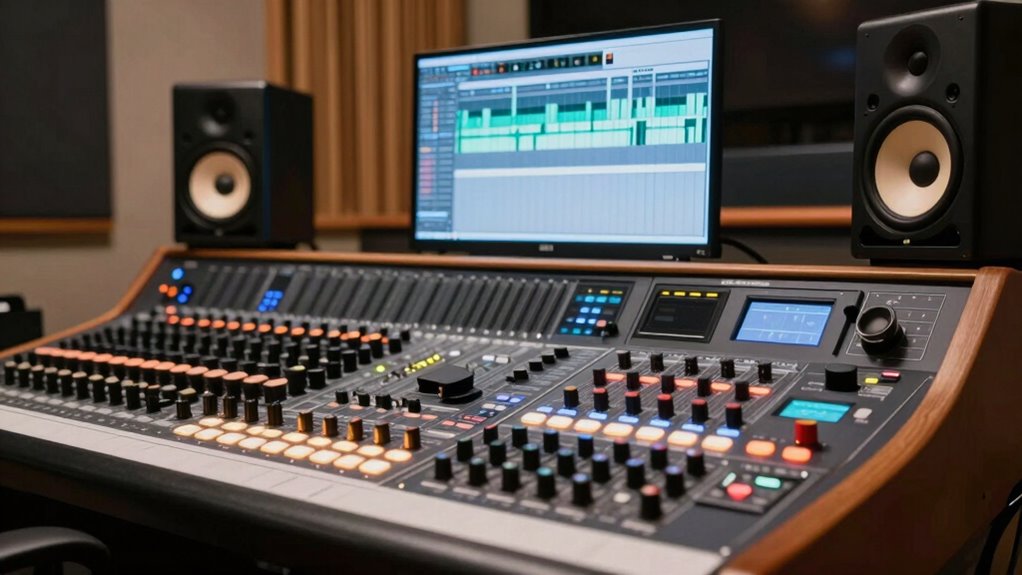
Ensuring your mix sounds great across all playback systems requires careful attention to final processing and checks. Start by adjusting your stereo width; avoid overly wide mixes that can cause phase issues when played in mono. Use stereo meters or correlation meters to monitor phase coherence, ensuring your stereo image remains compatible in mono. Check how your mix translates on different systems, from earbuds to large speakers, listening for any phase cancellation or narrowness. Applying gentle EQ and compression can help create balance without sacrificing clarity. Remember, a balanced stereo image with minimal phase issues ensures your mix maintains impact and clarity across all playback environments. Final checks with mono compatibility tools help catch potential problems before release.
Quick Checklist: Making Sure Your Mix Is Mono-Friendly

Before finalizing your mix, it’s essential to run through a quick mono compatibility check to catch potential phase issues. This ensures your stereo width doesn’t cause elements to cancel out when summed to mono, which can make your mix sound small or hollow. To do this effectively, listen to your mix in mono and identify any sounds that lose clarity or disappear. Use tools like phase meters or mono summing plugins to spot problematic audio phase relationships.
Quick Checklist:
- Check for phase cancellations between stereo channels
- Reduce overly wide stereo effects that may cause mono issues
- Identify elements that sound thin or disappear in mono
- Adjust panning and stereo width to improve mono compatibility
This process helps maintain clarity and fullness across all playback systems.
Frequently Asked Questions
How Does Stereo Imaging Influence Mono Compatibility?
Stereo imaging directly influences mono compatibility because wide stereo width can cause phase issues when summed to mono. If your image isn’t balanced properly, certain sounds may disappear or sound hollow in mono. To improve compatibility, focus on image balancing by keeping important elements centered and avoiding excessive stereo spread. This ensures your mix maintains clarity and fullness across both stereo and mono playback, preventing a “small” sound in mono.
What Are Common Signs My Mix Isn’t Mono-Compatible?
Imagine listening to your mix through a single earbud—that’s mono. If your stereo spread feels uneven or hollow, it’s a sign your mix isn’t mono-compatible. Common issues include phase cancellation, where certain sounds disappear or weaken in mono, and poor phase correlation, causing imbalance. You’ll notice elements disappearing or sounding off when summing to mono, indicating your stereo image isn’t translating well across different playback systems.
Can Specific Instruments Cause Mono Phase Issues?
Yes, specific instruments can cause mono phase issues, especially during instrument layering. When two similar sounds occupy the same frequency range, they can create frequency masking, making the mix sound thin or hollow in mono. If these instruments aren’t panned or EQ’d properly, phase cancellation occurs in mono playback. To avoid this, verify your instruments are well-balanced and check your mix in mono regularly to catch phase problems early.
How Do I Identify Phase Problems Visually?
Imagine your stereo image like a mirrored reflection; if parts of it clash, you’ll see this in phase correlation tools. To identify phase problems visually, you use visual analysis with a phase correlation meter—if the indicator dips toward -1, your signals are out of phase. Look for inconsistent or flickering visuals, which signal phase issues. Fix these by adjusting timing or phase alignment until the meter shows a balanced, positive correlation.
Are There Quick Tests to Check Mono Compatibility?
Yes, you can quickly check mono compatibility by summing your stereo track to mono using a mono switch or plugin. Listen for phase cancellation or a loss of stereo width, which indicates phase issues. If your mix sounds thinner or elements disappear, it’s a sign of phase problems. Doing this test helps guarantee your mix maintains its stereo width and avoids phase cancellation when played in mono.
Conclusion
Think of your mix as a delicate garden—if you only view it from one side, you miss the full beauty. Ensuring mono compatibility is like tending every corner, revealing hidden flaws and enhancing clarity. When your mix plays well in mono, it’s as if your music blooms fully, reaching every listener clearly. Don’t let phase issues cast shadows—nurture your mix for a vibrant, balanced sound that truly resonates everywhere.