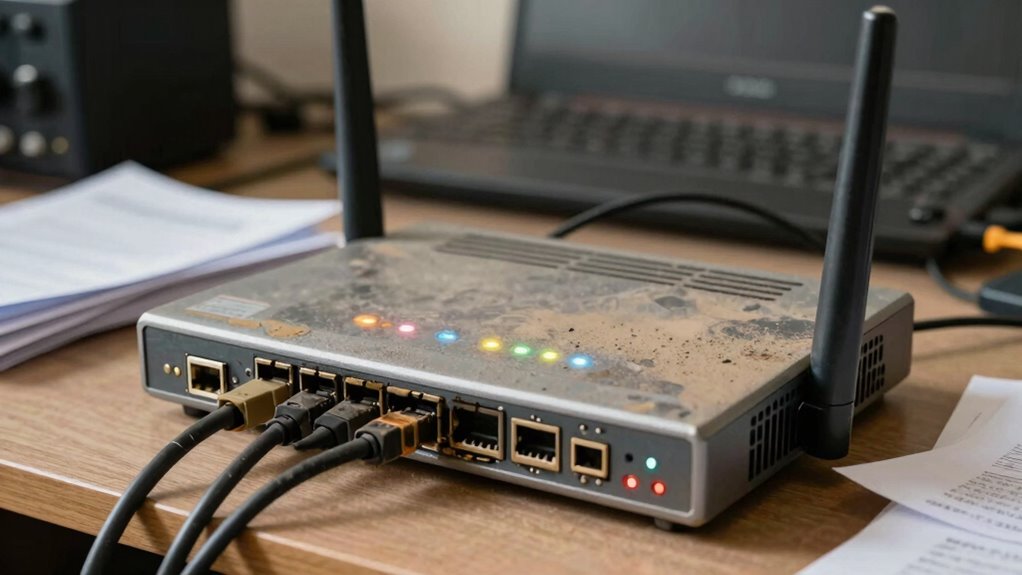

As your router ages, its firmware becomes outdated, leaving known vulnerabilities unpatched that hackers can exploit. Hardware wear and physical decline weaken signals and make the device more susceptible to failures and backdoors. Slow speeds and connection issues often hide deeper security risks you might overlook. Without upgrades, your network remains exposed to cyber threats, putting your data and devices at risk. Stay tuned to uncover how these factors increase security concerns over time.

Get audio and creator gear delivered free with Prime
- Fast, free delivery on millions of items
- Prime Video, Amazon Music and more included
- Member-only deals all year
Key Takeaways
- Firmware becomes outdated as manufacturers cease updates, leaving known security flaws unpatched.
- Hardware degrades over time, weakening signals and increasing susceptibility to physical and cyber vulnerabilities.
- Subtle symptoms like slow speeds often hide underlying security issues in aging routers.
- Older routers lack new security features found in current models, increasing breach risks.
- Continuing to use outdated routers exposes networks to cyberattacks due to unpatched vulnerabilities.
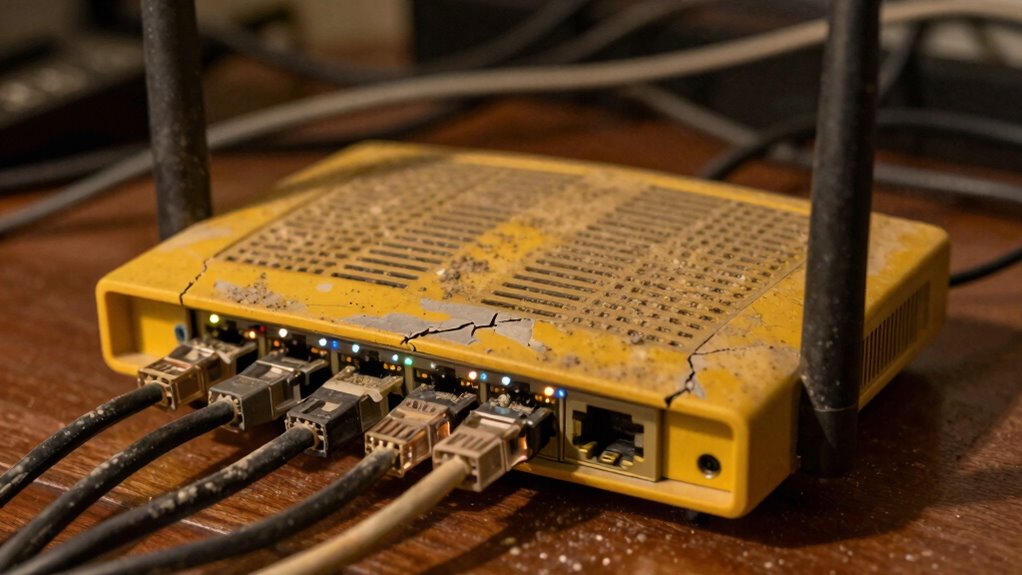
As consumer routers age, they become increasingly vulnerable to security threats, often without users realizing it. This vulnerability stems from two main issues: firmware vulnerabilities and hardware degradation. Firmware, the software that runs your router, plays a pivotal role in maintaining network security. Over time, manufacturers may stop releasing updates or patches for older models, leaving known security flaws unaddressed. Without these updates, hackers can exploit firmware vulnerabilities to gain unauthorized access, intercept data, or launch attacks on your network. When your router’s firmware becomes outdated, it essentially becomes a sitting target for cybercriminals who are constantly scanning for weak points.
Old routers with outdated firmware are prime targets for hackers and security breaches.
Hardware degradation also considerably impacts your router’s security. As the device ages, its internal components may wear out or become less reliable, which can lead to performance issues and increased susceptibility to attacks. For example, the wireless signals might weaken, making it easier for outsiders to intercept your data. Additionally, older hardware might not support the latest security protocols, leaving your network vulnerable to exploits that newer security standards can prevent. Over time, the physical wear and tear can cause hardware failures that might open backdoors or create vulnerabilities that hackers can exploit with minimal effort. Regularly updating your knowledge about security protocols can help you better understand how to protect your network. It’s also important to recognize that hardware resilience declines with age, further emphasizing the need for timely upgrades. Furthermore, as devices age, their performance capabilities may decline, impacting overall network security. Moreover, the decline in software support for outdated models can leave critical security gaps unpatched.
You might not notice these issues immediately because the symptoms of aging hardware and outdated firmware are often subtle. Slow connection speeds, dropped signals, or difficulty connecting devices can be mistaken for typical network problems rather than signs of security risks. However, these signs should prompt you to think about whether your router is still fit for purpose from a security standpoint. Many users continue to operate outdated routers for years, unaware that they are exposing their personal data, smart home devices, and even their business networks to unnecessary threats.
Upgrading your router regularly is the most effective way to mitigate these risks. When you replace an older device, you benefit from enhanced security features, better hardware resilience, and access to current firmware updates. It’s also worth checking whether your current router manufacturer has stopped supporting your model; if so, it’s a strong indicator that it’s time for an upgrade. Taking proactive steps ensures your network remains protected against evolving cyber threats, reducing the chances of falling victim to hacking, data breaches, or malware infections. Staying ahead of hardware degradation and firmware vulnerabilities isn’t just about speed; it’s about safeguarding your digital life.
As an affiliate, we earn on qualifying purchases.
Frequently Asked Questions
How Often Should I Replace My Consumer Router for Security?
You should replace your consumer router every 3 to 5 years to maintain security. Router longevity is impacted by firmware limitations, which often don’t get updates after a certain point. As firmware becomes outdated, vulnerabilities increase, making your network susceptible to attacks. Upgrading guarantees you get the latest security features and performance improvements, helping protect your data and devices. Regular replacement is a smart way to stay ahead of evolving threats.
Can Firmware Updates Fully Protect Aging Routers From Vulnerabilities?
Firmware updates can’t fully protect aging routers from vulnerabilities, especially as hardware becomes obsolete. While updates address firmware vulnerabilities, they often don’t fix underlying hardware flaws or compatibility issues that develop over time. As your router ages, it’s smarter to contemplate replacing it rather than relying solely on firmware updates. Hardware obsolescence limits security improvements, making newer routers essential for maintaining strong protection against evolving cyber threats.
What Are Signs My Router Is Compromised Due to Aging?
If your router’s performance suddenly drops, or you notice unexplained data activity, it might be compromised due to aging. Firmware vulnerabilities become easier to exploit as your router gets older, making it more susceptible to attacks. Keep an eye out for frequent disconnections, slow speeds, or unfamiliar devices connected to your network. These signs suggest your router could be compromised, and updating firmware or replacing it could help restore security.
Are There Affordable Options for Secure, Modern Routers?
Think of finding a secure, modern router like upgrading from a rusty bike to a sleek, new one—affordable options do exist. Budget options offer essential security, while some models include advanced features like WPA3 encryption and automatic updates. Brands like TP-Link or Netgear provide reliable, affordable choices that fit different budgets, so you can enjoy safer browsing without overspending. Investing now helps avoid costly security issues later.
How Does Router Age Impact Overall Network Security?
As your router ages, hardware vulnerabilities become more common because outdated hardware can’t keep up with security needs. Firmware obsolescence is another issue; manufacturers stop updating it, leaving your network exposed. This makes your router more susceptible to cyber attacks. To stay secure, you should replace old routers regularly or choose models with ongoing support, ensuring your network remains resilient against evolving threats.
Conclusion
So, next time your router starts acting up, don’t just blame the Wi-Fi. Remember, your trusty old device might just be aging into a security nightmare. It’s like tossing grandma’s antique jewelry into a bonfire—sure, it’s old, but it’s also a potential security breach waiting to happen. Maybe it’s time to upgrade before your outdated router turns your home into a hacker’s playground. After all, who needs digital vulnerabilities when you can have fast, secure Wi-Fi?
Halloween Picks
halloween
As an affiliate, we earn on qualifying purchases.