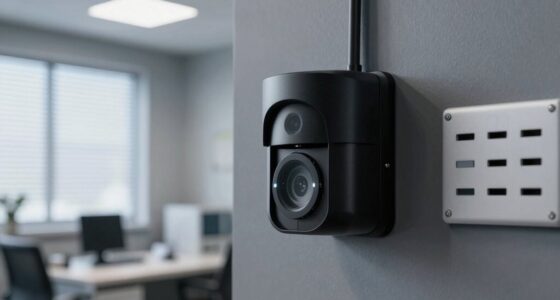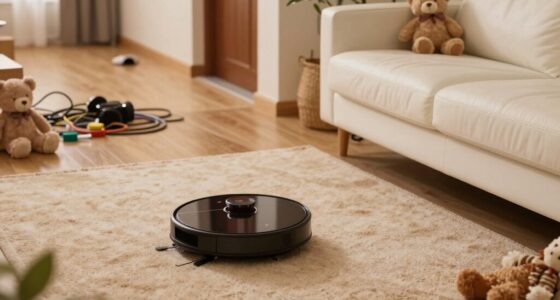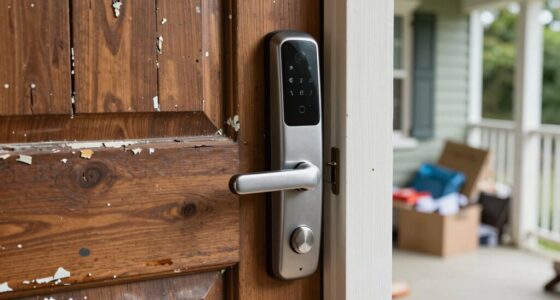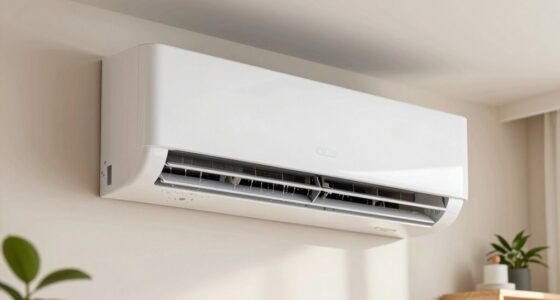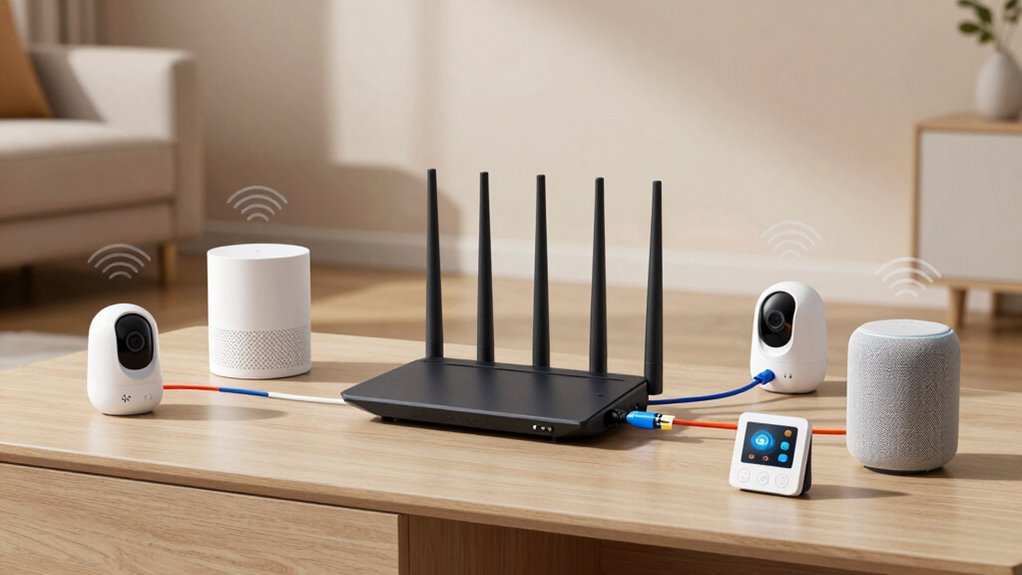

To prevent smart home device overload on your router, regularly update firmware to patch security issues and improve performance. Create separate Wi-Fi networks for smart devices and other devices to reduce strain. Remove unused or redundant devices and consider consolidating overlapping ones into a single hub. Choose a router designed for multiple IoT devices, and use QoS settings to prioritize critical devices. Maintaining good network hygiene guarantees smooth operation—keep exploring for more tips to optimize your setup.

Get audio and creator gear delivered free with Prime
- Fast, free delivery on millions of items
- Prime Video, Amazon Music and more included
- Member-only deals all year
Key Takeaways
- Create separate Wi-Fi networks for smart devices and other devices to reduce network congestion.
- Regularly update firmware on all devices to improve performance and security.
- Use a router with advanced bandwidth management and QoS features to prioritize critical devices.
- Remove unused or redundant devices to minimize unnecessary network load.
- Perform periodic device audits and consolidate overlapping smart home devices into a single hub.
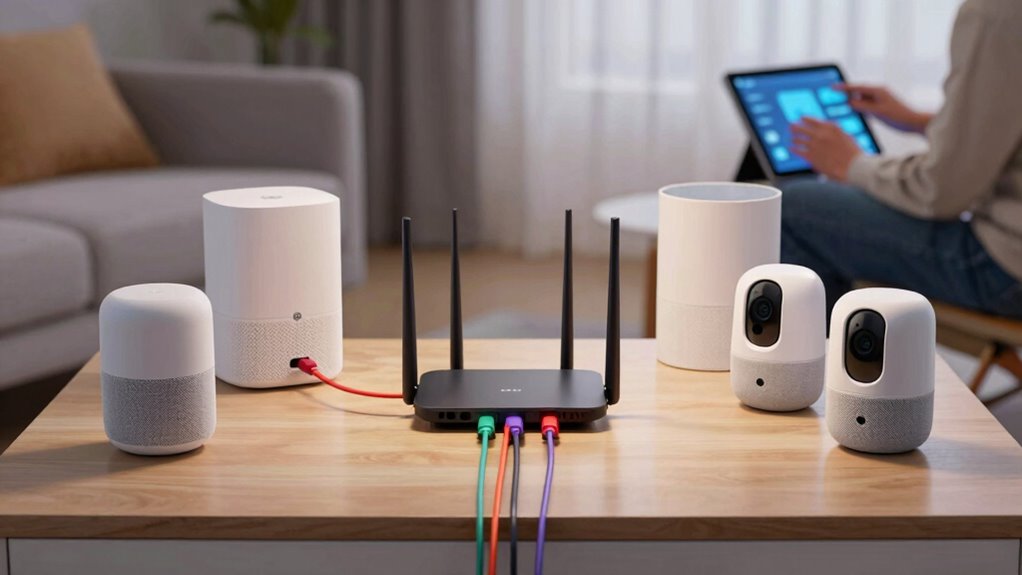
With the increasing number of smart home devices, it’s easy to accidentally overload your network or power supply if you don’t take proper precautions. As you add more IoT devices, your router faces a greater demand, which can lead to slower connections, dropped signals, or even device failures. To prevent this, you need to prioritize IoT security by keeping your firmware updated regularly. Firmware updates are essential because they patch security vulnerabilities that could be exploited if left unaddressed, especially when multiple devices are connected. Outdated firmware not only jeopardizes security but can also cause compatibility issues, leading to overloads or network instability.
You should start by auditing your smart home setup. Identify which devices are essential and which ones can be removed or consolidated. For instance, some smart devices may have overlapping functions or can be integrated into a single hub, reducing the load on your router. When choosing new devices, look for models that support the latest firmware and security standards. This helps ensure they’re less likely to cause network problems or security breaches. Regularly check for firmware updates through the device’s app or manufacturer’s website, and install them promptly. These updates often include optimizations that improve device performance and stability, reducing the risk of overload caused by software glitches. Additionally, understanding the importance of network management can help you better allocate resources and prevent overloads. Maintaining good network hygiene by periodically reviewing connected devices can also help prevent unnecessary strain on your network.
It’s also wise to segment your network by creating separate Wi-Fi networks for different types of devices. For example, keep your smart home devices on a different network from your computers and smartphones. This segmentation prevents the overload of a single network and enhances security, making it harder for malicious actors to access sensitive data if one device gets compromised. Implementing network segmentation is a proven method to improve overall network performance and security. Additionally, avoid overloading your router with too many devices simultaneously. Use Quality of Service (QoS) settings to prioritize critical devices and limit bandwidth for less important ones. This way, your smart devices function smoothly without overwhelming your network resources.
Lastly, consider investing in a more powerful router designed to handle numerous IoT devices efficiently. Some routers are specifically built for smart homes, offering better bandwidth management and security features. Remember, the key to preventing overload isn’t just about hardware; it’s about proactive management through firmware updates, network segmentation, and device audits. Security vulnerabilities can be exploited if devices are not kept up-to-date, which underscores the importance of regular firmware checks. By maintaining a secure and optimized setup, you keep your smart home running seamlessly without risking overloads or security breaches.
Products Worth Considering

Sonos Era 100 SL Compact, Microphone-Free Speaker – Black

Bose QuietComfort Wireless Bluetooth Headphones with Active Noise Cancellation, Mic, USB‑C Charging, Deep Bass, 24‑Hour Battery – White Smok

EcoFlow DELTA 3 Classic Portable Power Station, 1024Wh, 1800W
As an affiliate, we earn on qualifying purchases.
Frequently Asked Questions
Can I Use Multiple Routers to Handle Smart Home Devices?
Yes, you can use multiple routers to handle your smart home devices. By implementing smart device segmentation, you separate devices across different routers, reducing overload. Proper router placement is essential—you want each router positioned centrally and away from obstructions for maximum coverage. This setup guarantees your smart home devices connect smoothly, minimizes interference, and keeps your network running efficiently without overloading a single router.
What Are Signs of a Router Overwhelmed by Smart Devices?
Like a traffic jam at rush hour, your router shows signs of device congestion when it struggles to keep up. You’ll notice slow internet speeds, frequent disconnections, or buffering issues. Signal interference from multiple devices can cause delays or dropped connections, akin to static drowning out a radio. If your smart devices act up or lag, it’s a clear sign your router is overwhelmed, and you need to manage device load or upgrade your network setup.
Does Upgrading My Router Improve Device Management?
Upgrading your router can greatly improve device management, especially if it supports device segmentation and firmware optimization. With device segmentation, you can separate your smart home devices, reducing network congestion. Firmware updates enhance performance and security, making your network more efficient. A newer router often handles multiple devices better, minimizes overload risks, and guarantees smoother connectivity. So, upgrading is a smart move to manage your smart home devices more effectively.
Are There Specific Routers Designed for Smart Home Overload Prevention?
Think of smart home routers like the Swiss Army knives of connectivity. Yes, there are routers specifically designed for overload prevention, often featuring advanced QoS and dedicated smart device management. These routers address smart device limitations and guarantee better router compatibility, reducing overload risks. By choosing a router with these features, you’ll keep your smart home running smoothly, avoiding lag and disconnections—because a well-equipped router is your home’s best digital butler.
How Does Network Traffic Prioritization Help With Smart Device Overload?
Network traffic prioritization helps with smart device overload by using features like Quality of Service (QoS) and Bandwidth Management. These tools allow you to assign higher priority to essential devices or activities, guaranteeing they get the necessary bandwidth. As a result, your smart home devices operate smoothly without lag or disconnection, even when multiple gadgets are connected. Prioritization ensures your network runs efficiently and prevents overload issues.
Conclusion
To wrap things up, managing your smart home devices wisely can prevent overload and guarantee smooth connectivity. Remember, a recent study found that households with over 20 smart devices experience a 30% increase in network issues. By spreading devices across multiple routers, prioritizing essential gadgets, and updating firmware regularly, you keep your network running efficiently. Staying proactive with these tips not only enhances your smart home experience but also prolongs your device lifespan and maintains a reliable connection.