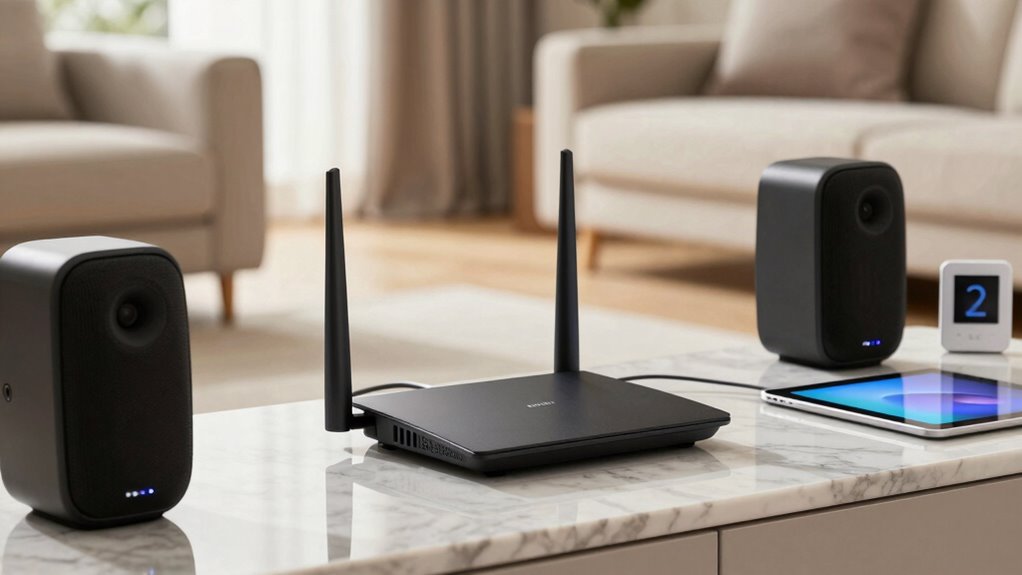
Your Wi-Fi placement directly affects your smart home’s speed, reliability, and overall performance. When you position your router in a central, elevated spot away from walls and electronics, you reduce dead zones and improve coverage. Using mesh networks or extenders can boost signals further and eliminate lag. Proper placement guarantees your devices stay connected and responsive. Keep exploring to discover how fine-tuning your setup can transform your smart home experience.

Get audio and creator gear delivered free with Prime
- Fast, free delivery on millions of items
- Prime Video, Amazon Music and more included
- Member-only deals all year
Key Takeaways
- Proper Wi-Fi placement ensures strong, consistent signals, enabling smart devices to operate smoothly and respond quickly.
- Central and elevated router positions maximize coverage, reducing dead zones and connectivity issues throughout the home.
- Using mesh networks and extenders improves coverage, stability, and responsiveness across multiple rooms and floors.
- Avoiding interference from walls, metal objects, and electronics enhances signal quality and overall network performance.
- Optimally placed Wi-Fi supports a reliable, efficient smart home environment, minimizing disruptions like lag and disconnections.
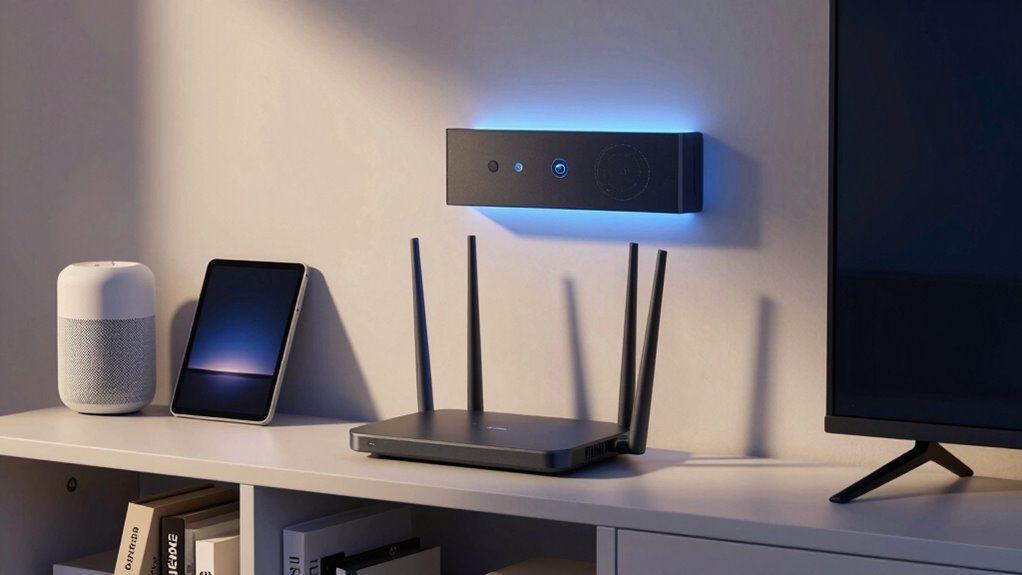
A strong Wi-Fi connection is crucial for a seamless smart home experience, and proper placement of your router plays an important role in achieving this. If your Wi-Fi signal is weak or inconsistent, your smart devices won’t perform at their best, causing frustration and limiting the full potential of your smart home setup. To improve coverage, you should consider using mesh networks, which are designed to blanket your entire home with dependable Wi-Fi. Unlike traditional routers that rely on a single device, mesh networks use multiple nodes that communicate with each other, ensuring consistent signals across different rooms and floors. This setup reduces dead zones and eliminates the need for complex wiring, making it an excellent solution for larger or multi-story homes.
Mesh networks ensure reliable Wi-Fi coverage throughout your home, reducing dead zones and enhancing smart device performance.
In addition to choosing a mesh network, incorporating signal boosters or Wi-Fi extenders can considerably enhance your coverage. Signal boosters amplify your existing Wi-Fi signal, helping reach areas that are far from the router or obstructed by walls and furniture. When placed strategically, these devices can eliminate weak spots, so your smart home devices stay connected no matter where they are. Proper placement of your router itself is critical; positioning it in a central location, away from thick walls, metal objects, or electronic interference, ensures a stronger, more stable signal. Elevated spots, like on a shelf or mounted on a wall, often provide better coverage than placing it on the floor. Understanding Wi-Fi fundamentals can help you make better decisions about placement and device setup. Additionally, understanding nail biology can also remind us of the importance of proper maintenance and care in ensuring longevity, whether for your network devices or personal health.
The placement of your router and additional devices directly influences how well your smart home functions. For instance, a poorly positioned router might cause smart lights, thermostats, or security cameras to disconnect intermittently or lag in response. Using mesh networks and signal boosters doesn’t just expand coverage; it also improves network speed and stability, making your smart home more responsive and reliable. Additionally, Wi-Fi interference from other electronic devices or neighboring networks can impact your signal quality, so selecting a less congested channel can enhance performance. Remember, the goal is to create a cohesive network where all devices communicate seamlessly. That means testing different locations and adjusting placement until you find the sweet spot that offers the strongest, most consistent signal.
Ultimately, how you position your Wi-Fi infrastructure determines the efficiency and convenience of your smart home. Investing in mesh networks and signal boosters, along with thoughtful router placement, ensures your devices stay connected, work faster, and deliver a smooth experience. When your Wi-Fi reaches every corner of your home without interruptions, your smart home becomes truly intelligent—responsive, dependable, and easy to control. Proper placement of your router, for example, can significantly improve the quality of your Wi-Fi signal and overall network performance.
Products Worth Considering

Jackery Explorer 2000 v2 Portable Power Station with Two 200W Solar Panels

Bose QuietComfort Headphones (2nd Gen), Wireless Noise-Cancelling Over-Ear Headphones, Eucalyptus Green

Amazon Kindle Paperwhite Signature Edition (12th Generation, 2024), 32 GB, Metallic Black
As an affiliate, we earn on qualifying purchases.
Frequently Asked Questions
How Often Should I Update My Wi-Fi Router Settings?
You should update your Wi-Fi router settings at least every few months to guarantee peak performance. Regular router optimization helps prevent signal interference from new devices or nearby networks, which can slow down your connection. Keep firmware updated and tweak settings as needed. If you notice lag or dead zones, it’s a good time to revisit your setup, re-position your router, and minimize interference for a smoother smart home experience.
Can Wi-Fi Placement Affect Smart Device Security?
Wi-Fi placement is like locking your front door—it can impact your smart device security. Proper placement minimizes interference and guarantees strong signals, reducing vulnerability. When you position your router thoughtfully, you can implement network segmentation to isolate smart devices from sensitive data and use robust encryption protocols. This way, even if someone tries to breach your network, your smart devices stay protected, keeping your home safe and secure.
What Is the Best Wi-Fi Frequency for Smart Homes?
The best Wi-Fi frequency for smart homes is 5 GHz, as it offers less interference and faster speeds. You’ll experience better signal enhancement and fewer Wi-Fi interference issues, especially in crowded environments. Keep in mind, 2.4 GHz covers a wider range but is more prone to interference, so use 5 GHz for devices near your router to guarantee smooth connectivity and ideal smart device performance.
How Do I Troubleshoot Wi-Fi Connectivity Issues?
Think of your Wi-Fi as a delicate dance—interference sources and signal strength are the rhythm. To troubleshoot, first check for interference sources like cordless phones or microwaves that could disrupt your signal. Next, make certain your router’s placed centrally to boost signal strength. Restart your router, update firmware, and consider switching channels to reduce interference. These steps will help restore a stable connection and keep your smart home running smoothly.
Does Wi-Fi Placement Impact Smart Home Device Battery Life?
Yes, Wi-Fi placement impacts your smart home device battery life. Poor placement can cause Wi-Fi interference and weaken signal strength, forcing devices to work harder to stay connected. This extra effort drains batteries faster. To extend battery life, position your router centrally, away from interference sources, and guarantee strong signal strength. Proper placement reduces connectivity issues and helps your devices operate efficiently, conserving their power over time.
Conclusion
Proper Wi-Fi placement is like laying a strong foundation for your smart home, ensuring seamless connectivity and ideal performance. When your Wi-Fi signal is well-positioned, your devices work together smoothly, making your daily routines feel effortless. Think of it as tuning a finely crafted instrument—every note plays perfectly. By paying attention to placement, you turn your smart home into a harmonious space where technology truly enhances your life.