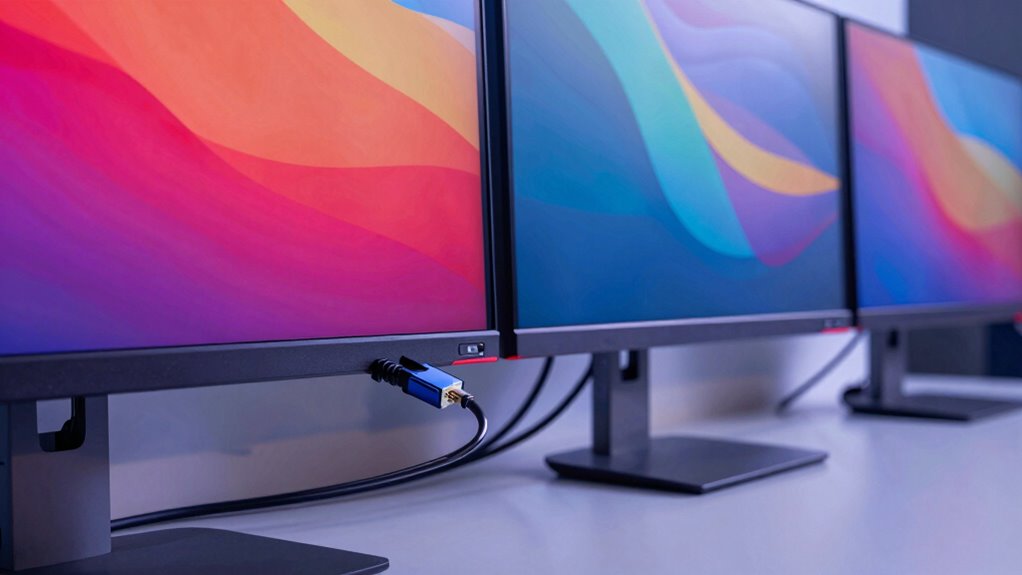
DisplayPort 2.1 is a major upgrade that helps you connect multiple monitors with ease, supporting higher resolutions like 8K and fast refresh rates for smooth visuals. It handles complex content streams efficiently, making it perfect for gaming, creative work, or professional setups. The technology supports a wide range of cables, ensuring reliable performance, even as you upgrade. Keep exploring to discover how this breakthrough can transform your multi-monitor experience.

Get audio and creator gear delivered free — and shop member deals
- Fast, free delivery on millions of items
- Access to Prime Big Deal Days deals on October 6–7
- Prime Video, Amazon Music and more included
Key Takeaways
- DisplayPort 2.1 supports multiple monitors with high resolutions and refresh rates simultaneously for enhanced multi-monitor setups.
- It offers increased bandwidth for handling complex content like 8K displays and multi-stream configurations.
- Adaptive refresh capabilities sync monitor refresh rates with graphics cards, reducing tearing and stuttering during multi-monitor use.
- Compatibility with a wide range of ultrahigh-speed cables ensures stable, high-performance connections across multiple displays.
- It provides improved flexibility and future-proofing for users with evolving multi-monitor and high-resolution display needs.
Have you ever wondered how modern displays deliver such stunning visuals and fast data transfer? The secret largely lies in the advancements of DisplayPort technology, especially with the introduction of DisplayPort 2.1. This latest version is designed to handle the demanding needs of multiple monitors, high resolutions, and high refresh rates all at once. It’s a game-changer for anyone working with multi-monitor setups, gaming, or professional creative work. The key to its impressive performance is how it manages data streams and display signals efficiently, but understanding the details can feel overwhelming. Let’s break down what makes DisplayPort 2.1 so significant, especially regarding adaptive refresh and cable compatibility.
One of the standout features of DisplayPort 2.1 is its support for adaptive refresh rates. If you’ve used a gaming monitor, you’re probably familiar with technologies like G-SYNC or FreeSync, which sync the monitor’s refresh rate with the graphics card’s output to eliminate tearing and stuttering. DisplayPort 2.1 enhances this experience with its advanced adaptive refresh capabilities, allowing for smoother motion and reduced latency across multiple displays. This means your setup can dynamically adjust the refresh rate depending on the content, providing a more seamless and immersive experience. Whether you’re scrolling through documents, editing videos, or playing fast-paced games, adaptive refresh ensures everything looks crisp and fluid without hiccups.
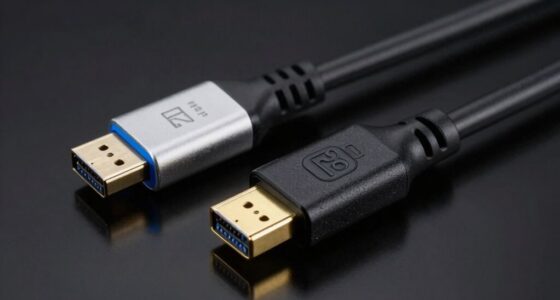
Cable compatibility is another significant aspect that the new standard improves upon. With older DisplayPort versions, users often faced issues with cable quality and compatibility, which could limit performance or cause connection problems. DisplayPort 2.1 supports a wider range of cables, including newer ultrahigh-speed options that can transmit enormous amounts of data without degradation. This guarantees that your high-resolution, multi-monitor setup stays stable and performs at its best, regardless of which compatible cable you use. The standard also emphasizes backward compatibility, so you can still connect older devices without sacrificing too much performance. This flexibility makes it easier for users to upgrade their systems gradually, knowing their existing cables and devices will still work. Additionally, the increased bandwidth of DisplayPort 2.1 supports more complex content formats, such as 8K displays or multi-stream configurations, to be handled seamlessly. A greater understanding of display signal management helps users optimize their setups and prevent potential issues. In essence, DisplayPort 2.1’s combination of adaptive refresh support and improved cable compatibility means you get a more reliable, higher-quality experience when running multiple monitors. It enables your setup to handle the latest high-resolution displays with ease, providing smooth visuals and fast data transfer. Whether you’re a gamer, professional creator, or someone who simply wants a more versatile workspace, understanding these features helps you appreciate why DisplayPort 2.1 is a pivotal upgrade. It’s all about delivering stunning visuals, responsive performance, and compatibility that keeps pace with your evolving tech needs.
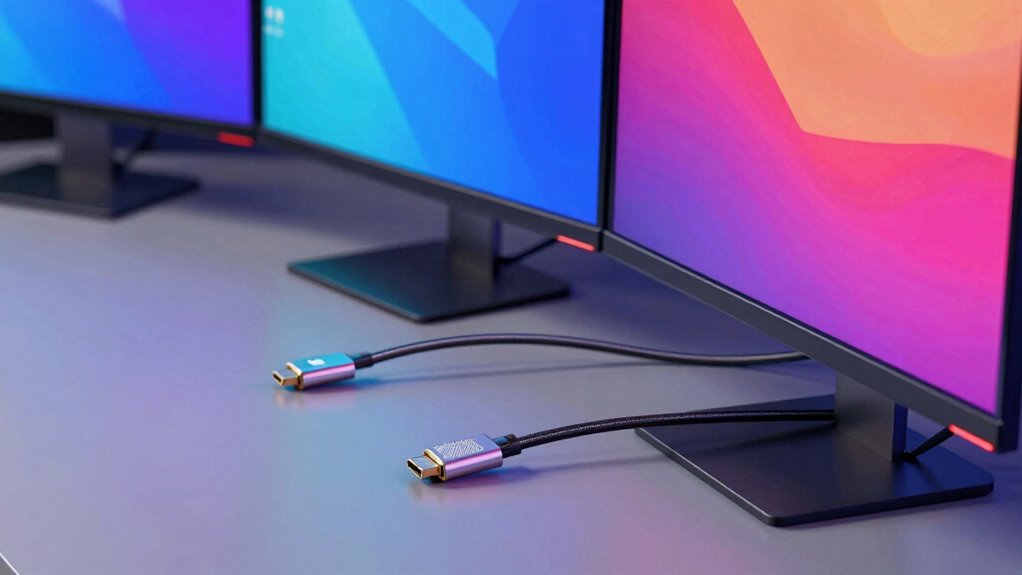
DisplayPort 2.1 multi-monitor cable
As an affiliate, we earn on qualifying purchases.
As an affiliate, we earn on qualifying purchases.
Frequently Asked Questions
Can I Use Displayport 2.1 With Older Monitors?
You can use DisplayPort 2.1 with older monitors, but your experience depends on monitor resolution and cable compatibility. If your monitor supports DisplayPort 1.4 or earlier, you’ll likely only get the features of that version, not the full advantages of 2.1. Make sure your cable is compatible with the newer standards to guarantee peak performance. Upgrading your cable might be necessary for full compatibility and the best display quality.
Is Displayport 2.1 Compatible With HDMI Devices?
Sure, DisplayPort 2.1 isn’t directly compatible with HDMI devices, but you can cheat with an adapter. Just remember, adapter compatibility and cable standards matter—if you pick a low-quality adapter, you’ll face issues like flickering or reduced resolution. So, yes, you can connect them, but don’t expect seamless performance without matching the right cables and adapters. It’s like trying to fit a square peg in a round hole—sometimes, it works!
What Are the Minimum System Requirements for Displayport 2.1?
To meet DisplayPort 2.1’s minimum system requirements, you need a compatible graphics card and motherboard supporting the bandwidth requirements, which is considerably higher than previous versions. Your system must also support proper cable compatibility to handle the increased data transfer. Make sure your cables are certified for DisplayPort 2.1 to avoid signal issues, and verify your device drivers are up-to-date for peak performance.
How Does Displayport 2.1 Compare to Thunderbolt?
DisplayPort 2.1 offers higher bandwidth improvements and better cable compatibility compared to Thunderbolt, making it ideal for multiple monitors. While Thunderbolt supports fast data transfer and daisy-chaining, DisplayPort 2.1 emphasizes higher resolution and refresh rates, ensuring smoother visuals. If you’re focused on gaming or professional displays, DisplayPort 2.1’s increased bandwidth gives it an edge, but Thunderbolt remains versatile for data and peripheral connectivity.
Will My Graphics Card Support Displayport 2.1 Soon?
Your graphics card might support DisplayPort 2.1 soon, especially if it’s a newer model, as many recent cards are incorporating bandwidth upgrades to handle the increased data rates. Keep in mind, cable compatibility is essential—ensure you’re using certified DisplayPort 2.1 cables to enable full features. Check your GPU’s specs or manufacturer updates to confirm support, and stay tuned for firmware updates that could enable compatibility.
Conclusion
As you step into the future of multi-monitor setups, DisplayPort 2.1 acts like a reliable bridge, seamlessly connecting your visions to reality. With its enhanced speed and bandwidth, it’s like upgrading from a quiet stream to a rushing river, powering your screens with effortless clarity. Embrace this new standard, and watch your digital landscape expand like a vast, endless horizon—where your productivity and creativity flow boundlessly, unfettered by yesterday’s limits.
Fall Picks
fall essentials
As an affiliate, we earn on qualifying purchases.