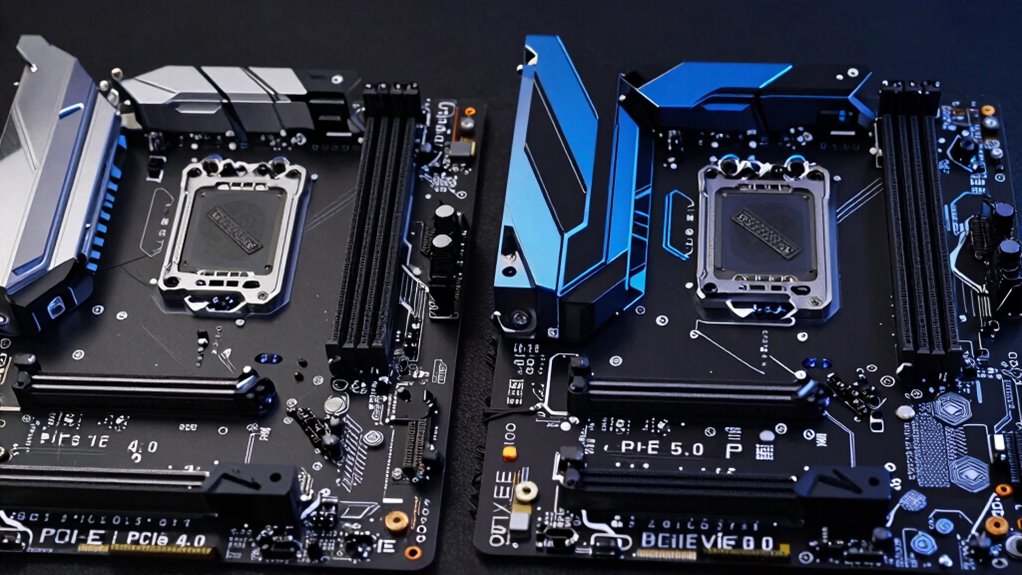

Upgrading from PCIe 4.0 to 5.0 benefits you mainly if you’re using high-end hardware like powerful graphics cards or fast NVMe SSDs, especially for demanding tasks like gaming, 3D rendering, or professional workflows. For most users, the performance differences are minimal, and the higher costs may not be justified. If you want to understand whether the upgrade fits your setup or future plans, there’s more to weigh below.
Key Takeaways
- Upgrading to PCIe 5.0 benefits high-end tasks like gaming, 3D rendering, and fast NVMe SSDs with significantly increased bandwidth.
- For most everyday tasks, PCIe 4.0 offers sufficient performance, making the upgrade less justifiable.
- Compatibility issues and higher costs of PCIe 5.0 hardware should be considered before upgrading.
- Future-proofing with PCIe 5.0 is advantageous for upcoming hardware and demanding professional workflows.
- The performance gains of PCIe 5.0 over 4.0 are minimal for typical users, often not justifying the cost.
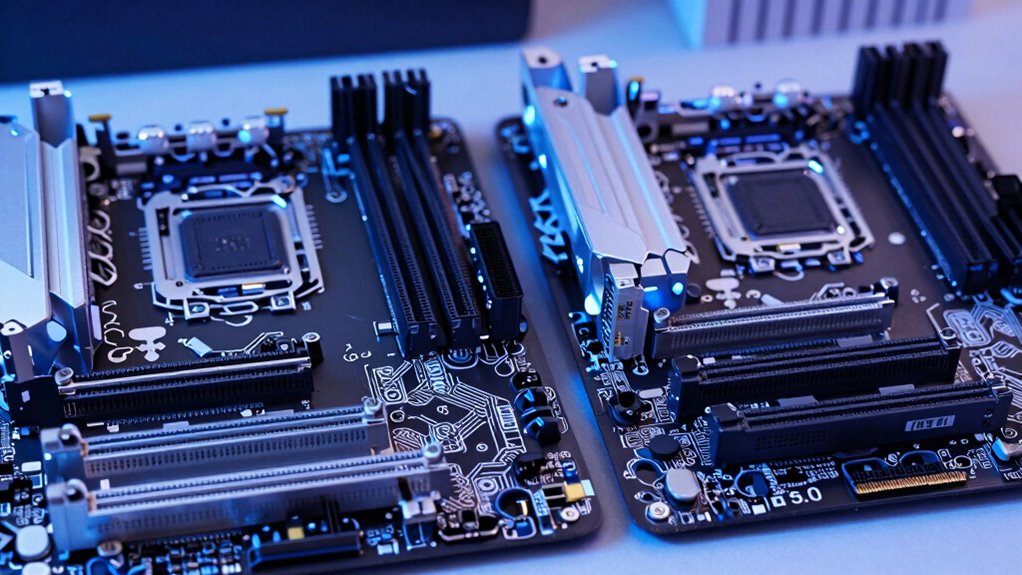
As technology continues to evolve rapidly, understanding the differences between PCIe 5.0 and PCIe 4.0 becomes vital for optimizing your computer’s performance. If you’re looking to push your system’s graphics performance or maximize storage solutions, knowing when an upgrade makes sense can save you time and money. PCIe 5.0 doubles the bandwidth of PCIe 4.0, offering up to 32 GT/s per lane compared to 16 GT/s. This increase means faster data transfer rates, which directly benefits high-end graphics cards and SSDs. If you’re into gaming, 3D rendering, or other graphics-intensive tasks, PCIe 5.0 can provide smoother, more responsive performance, especially with upcoming GPUs designed to leverage the higher bandwidth. Similarly, for storage solutions, PCIe 5.0 enables faster NVMe SSDs, reducing load times and improving data transfer efficiency, which is essential for professional workflows or large file management. Additionally, compatibility considerations are important, as not all current hardware fully supports PCIe 5.0 yet, so compatibility should be checked before upgrading. However, whether you need to upgrade now depends on your current hardware and use case. If your system is already running PCIe 4.0, you’re unlikely to notice a significant difference unless you’re working with the most demanding graphics applications or high-speed storage. Many current graphics cards and SSDs still perform excellently on PCIe 4.0, and for everyday use, the performance gap with PCIe 5.0 is minimal. Upgrading makes more sense if you’re building a new system or planning to future-proof for upcoming hardware that fully utilizes PCIe 5.0’s capabilities. It’s also worth considering that PCIe 5.0-compatible components and motherboards are still emerging and tend to be more expensive, so the cost-to-benefit ratio should be evaluated carefully.

Samsung SSD 9100 PRO 2TB, PCIe 5.0×4 M.2 2280, Seq. Read Speeds Up to 14,700MB/s, Best for AI Computing, Gaming and Heavy Duty Workstations (MZ VAP2T0B/AM)
BREAKTHROUGH PCIe 5.0 PERFORMANCE: Supercharge your workflow and gaming with PCIe 5.0, boasting up to 14,700/13,400 MB/s* sequential…
As an affiliate, we earn on qualifying purchases.
As an affiliate, we earn on qualifying purchases.
Frequently Asked Questions
Can PCIE 5.0 Be Used With PCIE 4.0 Devices?
Yes, PCIe 5.0 can be used with PCIe 4.0 devices, but compatibility concerns arise. Your system will run at PCIe 4.0 speeds for those devices, not the full PCIe 5.0 bandwidth. If you’re thinking about future proofing, upgrading to PCIe 5.0 makes sense, but for now, PCIe 4.0 devices will still work perfectly. Consider your current needs and potential upgrades before making a decision.
Which Motherboards Support PCIE 5.0?
You’ll find that motherboards supporting PCIe 5.0 are mainly high-end models from brands like ASUS, MSI, and Gigabyte. These boards guarantee future compatibility with upcoming GPUs and SSDs, although they may have higher power consumption. If you’re planning to upgrade soon, choosing a PCIe 5.0 motherboard makes sense, but if your current setup suffices, sticking with PCIe 4.0 can save you money and energy.
Is PCIE 5.0 Backward Compatible With PCIE 3.0?
Yes, PCIe 5.0 is backward compatible with PCIe 3.0, but compatibility issues may arise depending on your motherboard and device support. You might not fully utilize PCIe 5.0 speeds if your hardware is only PCIe 3.0. Upgrading now can be future-proofing, ensuring you’re ready for faster devices, but if you don’t need the latest speeds today, sticking with PCIe 3.0 keeps costs down.
Does PCIE 5.0 Improve Gaming Performance Significantly?
Yes, PCIe 5.0 can improve gaming performance, mainly through bandwidth improvements. However, you’ll notice significant gains only if your gaming setup includes the latest GPUs and fast storage devices that leverage this increased bandwidth. For most gamers using current hardware, the performance boost isn’t dramatic yet. If you plan to upgrade your components soon, PCIe 5.0 offers future-proofing, but for now, PCIe 4.0 remains sufficient.
What Are the Cost Differences Between PCIE 4.0 and 5.0 Components?
You’ll find that PCIe 5.0 components cost roughly 20-30% more than PCIe 4.0 parts, mainly due to newer tech and higher demand. However, the performance impact isn’t huge for most users right now, since current devices don’t fully utilize PCIe 5.0 speeds. If you’re on a tight budget, upgrading to PCIe 4.0 makes more sense, unless you plan to future-proof or need maximum bandwidth.
high-end PCIe 5.0 graphics card
As an affiliate, we earn on qualifying purchases.
As an affiliate, we earn on qualifying purchases.
Conclusion
In the world of PCIe, progress progresses prudently. If you’re craving faster data transfers for demanding tasks, PCIe 5.0’s speed surpasses the previous version’s prowess. However, if your needs are modest, sticking with PCIe 4.0 still serves splendidly. So, whether you’re upgrading for the latest, or just to keep pace, remember: sometimes speed is superb, but stability and savings still stand strong. Choose wisely, and let your system soar smoothly.

Asus ROG Strix B550-F Gaming WiFi II AMD AM4 (3rd Gen Ryzen) ATX Gaming Motherboard (PCIe 4.0,WiFi 6E, 2.5Gb LAN, BIOS Flashback, HDMI 2.1, Addressable Gen 2 RGB Header and Aura Sync)
AM4 socket: Ready for AMD Ryzen 3000 and 5000 series, plus 5000 and 4000 G-series desktop processors.Bluetooth v5.2
As an affiliate, we earn on qualifying purchases.
As an affiliate, we earn on qualifying purchases.
PCIe 5.0 compatible motherboard
As an affiliate, we earn on qualifying purchases.
As an affiliate, we earn on qualifying purchases.