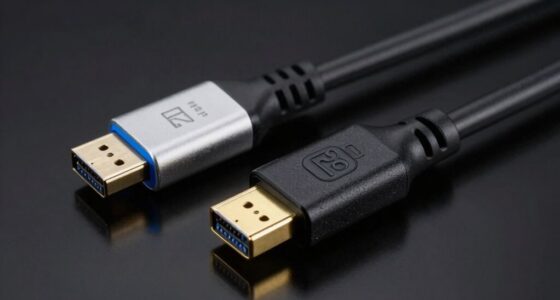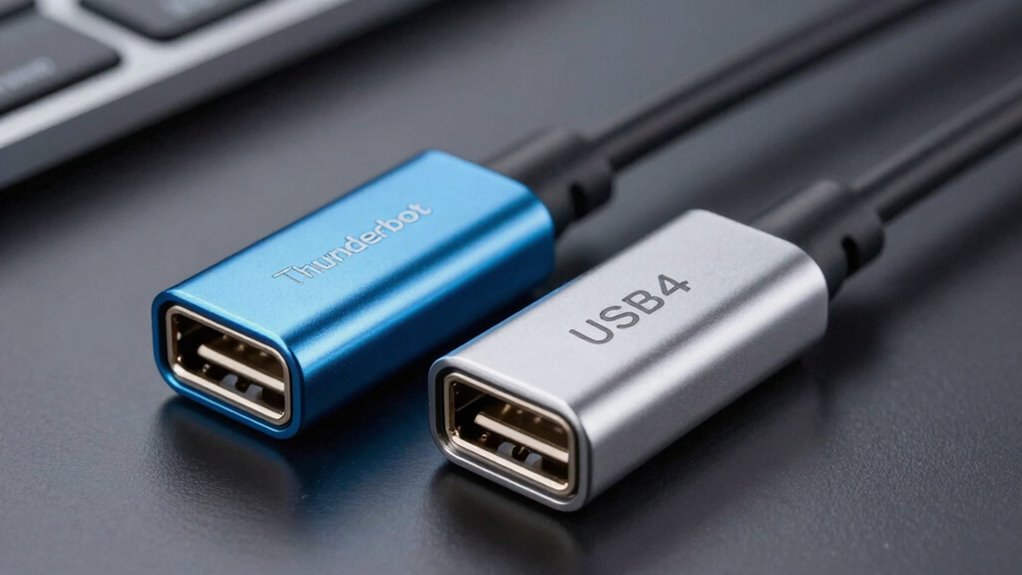

Thunderbolt and USB4 share the same USB-C ports and many features, but their branding can be confusing. Thunderbolt, developed by Intel and Apple, offers faster speeds, higher power, and better support for high-end peripherals. USB4, built on Thunderbolt 3 tech, is more versatile and widely compatible. Not all USB4 devices support Thunderbolt’s full capabilities. To understand the differences—and avoid confusion—you’ll find the key points clearly explained as you explore further.
Key Takeaways
- Thunderbolt is a high-performance standard developed by Intel and Apple, while USB4 is a unified standard built on Thunderbolt 3 technology.
- Both use USB-C connectors and share compatibility, but not all USB4 devices support Thunderbolt features.
- Thunderbolt offers faster data transfer (up to 40Gbps) and higher power delivery compared to most USB4 implementations.
- The naming confusion arises from branding, with Thunderbolt being premium and USB4 aiming for broad compatibility.
- Proper cables, certification, and device support are key to achieving full performance and avoiding the branding mess.
Thunderbolt 3 to USB-C cable
As an affiliate, we earn on qualifying purchases.
As an affiliate, we earn on qualifying purchases.
What Are Thunderbolt and USB4? A Simple Explanation

Thunderbolt and USB4 are high-speed connection technologies that allow you to transfer data, connect peripherals, and display video on your devices. However, branding confusion has complicated understanding, as companies use similar names to market different capabilities. This has led to mixed marketing strategies, making it harder for consumers to distinguish between the two. Despite the branding overlap, both standards support fast data transfer, but Thunderbolt often offers additional features like daisy chaining and higher power delivery. USB4, on the other hand, aims to unify the USB ecosystem with Thunderbolt 3 compatibility, simplifying marketing messages. Recognizing these differences helps you choose the right port or cable for your needs, avoiding mistaken assumptions based solely on branding. Additionally, knowing the technological capabilities of each standard ensures users can maximize their device’s potential without confusion. Understanding the compatibility and performance with various hardware ecosystems is crucial for making informed purchasing decisions. An awareness of brand distinctions can help prevent misunderstandings and ensure you select the appropriate connection technology for your setup. Being aware of these market branding strategies can also assist consumers in navigating the complex landscape of modern connection standards.
Thunderbolt 4 external dock
As an affiliate, we earn on qualifying purchases.
As an affiliate, we earn on qualifying purchases.
How Did Thunderbolt and USB4 Develop? A Quick History
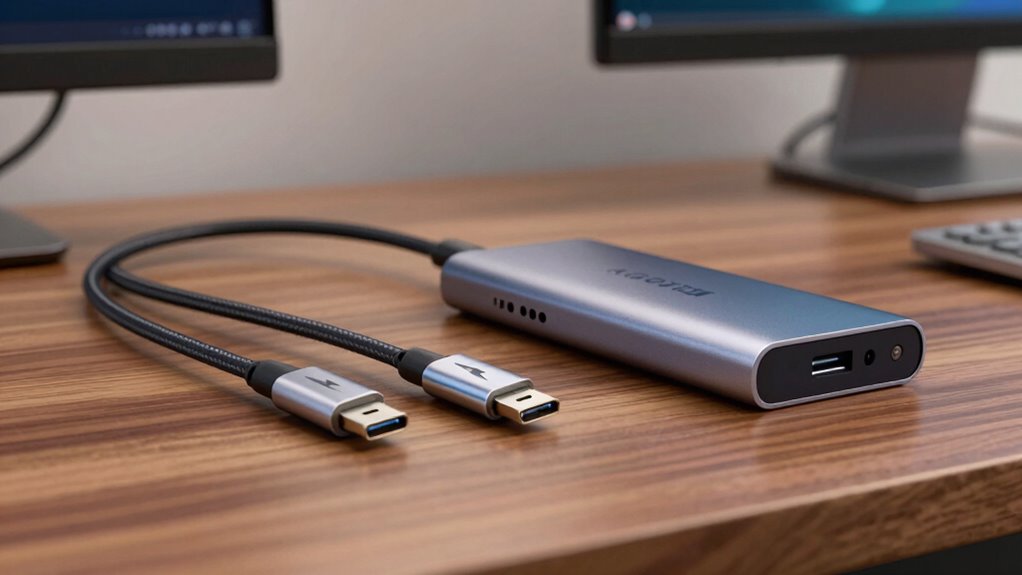
You might wonder how Thunderbolt and USB4 came to be. Thunderbolt started with Intel and Apple’s collaboration to create a high-speed connection, while USB4 emerged from the need for a unified standard. Understanding their origins helps clarify how they evolved into today’s versatile interfaces, especially considering the community-driven innovation that has shaped the development of fan trailers and related visual storytelling platforms. The evolution of these technologies reflects ongoing efforts to improve interconnect standards and streamline connectivity options for modern devices. Additionally, the development of these standards involved extensive industry collaboration, which facilitated their widespread adoption and compatibility across various devices.
Origin of Thunderbolt
Because it was developed by Intel in collaboration with Apple, Thunderbolt’s origins trace back to an innovative effort to create faster, more versatile connections for computers and peripherals. From the start, device branding played a key role in shaping Thunderbolt’s identity, emphasizing high performance and cutting-edge technology. Intel’s marketing strategies aimed to position Thunderbolt as a premium solution, appealing to professionals and early adopters. This branding helped distinguish Thunderbolt from other connection standards, even as it evolved over time. The initial goal was to combine data transfer, video, and power in a single port, making it a compelling choice for device manufacturers. As a result, Thunderbolt’s development was driven both by technical innovation and strategic branding to establish a strong market presence. The integration of AI-powered features in modern devices further enhanced Thunderbolt’s capabilities, aligning with the trend of incorporating AI applications in learning and entertainment. Additionally, the ongoing development of connection standards reflects the dynamic nature of technology evolution, and the demand for faster data transfer speeds continues to push innovation forward. Ensuring Thunderbolt remains competitive and relevant is a priority for industry stakeholders, and a deeper understanding of technology evolution can help clarify how standards like Thunderbolt adapt to market demands and innovations. This ongoing evolution is influenced by industry trends that shape the future of connectivity.
USB4 Standard Emergence
The development of USB4 marked a significant step toward unifying and simplifying connectivity standards, building on the foundation laid by Thunderbolt. It emerged from Intel’s earlier Thunderbolt 3 technology, which was adopted and renamed by the USB Implementers Forum (USB-IF). This shift aimed to streamline device branding and clarify compatibility. USB4 integrates Thunderbolt 3’s capabilities, representing a key point in the standard evolution. Additionally, the fundamentals of data transfer are crucial for understanding how these standards improve performance and device interoperability. The evolution of these standards also reflects broader industry trends toward increased reliance on high-speed data communication and versatile connectivity options. These developments are also influenced by ongoing technological advancements that continuously push the boundaries of what connectivity standards can achieve.
USB4 compatible SSD
As an affiliate, we earn on qualifying purchases.
As an affiliate, we earn on qualifying purchases.
How Are Thunderbolt and USB4 Related? The Key Connection
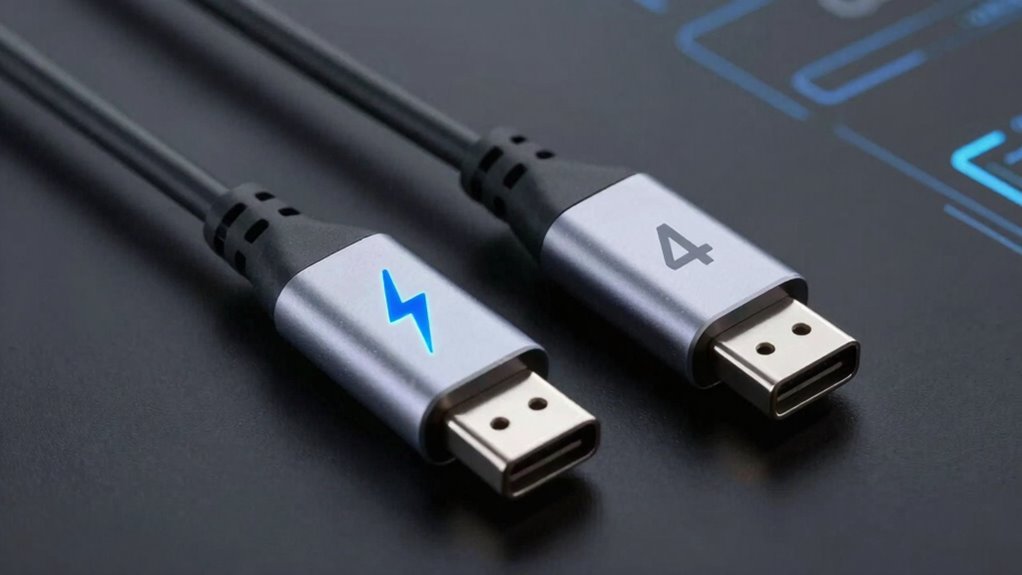
Thunderbolt and USB4 are closely connected technologies that share a common foundation, making them compatible and often interchangeable in modern devices. They use similar connector types, primarily USB-C, which simplifies compatibility across devices. This shared connector type means you can often plug a Thunderbolt device into a USB4 port and expect it to work, provided the device supports the relevant standard. The relationship is also influenced by branding strategies, where Intel’s Thunderbolt technology has been integrated into USB4 to streamline marketing and reduce confusion. Fundamentally, USB4 incorporates Thunderbolt 3’s core features, allowing high-speed data transfer and power delivery while maintaining compatibility with Thunderbolt peripherals. This connection explains why many devices now support both standards seamlessly. Additionally, understanding the different adhesive strengths of accessories like lint rollers can be useful when maintaining your devices and accessories, as compatibility between standards helps ensure smooth operation across a wide range of peripherals.
Thunderbolt 3 hub
As an affiliate, we earn on qualifying purchases.
As an affiliate, we earn on qualifying purchases.
Do All USB4 Devices Support Thunderbolt? Here’s What You Need to Know
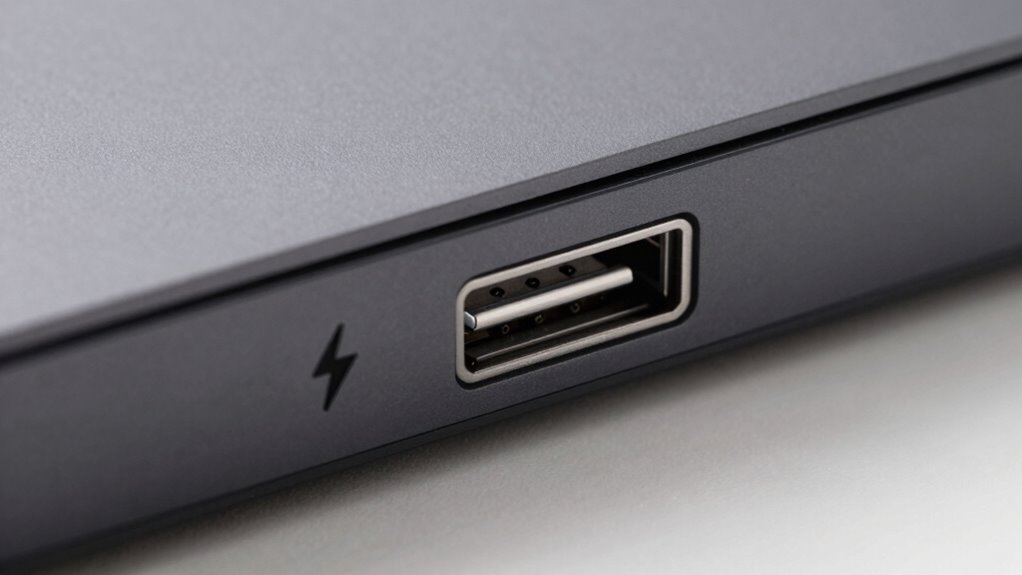
While many USB4 devices support Thunderbolt 3 and 4 standards, not all do. This means you can’t assume every USB4 gadget offers Thunderbolt’s high-speed capabilities. Some devices prioritize sleek device aesthetics, focusing on minimalist designs and branding slogans that highlight compatibility without full Thunderbolt support. Manufacturers may use labels like “USB4 Compatible” to indicate basic functionality, but only Thunderbolt-certified devices truly support the full Thunderbolt experience. If you need Thunderbolt features, check the device specifications carefully. Not every USB4 device supports Thunderbolt, so your choice depends on whether you want universal compatibility or the fastest data transfer speeds. Always verify the device’s compatibility to avoid surprises and ensure it meets your performance needs. Additionally, understanding the Vetted nature of specifications can help you make informed purchasing decisions.
How Do Thunderbolt and USB4 Compare in Speed and Power? Performance Differences
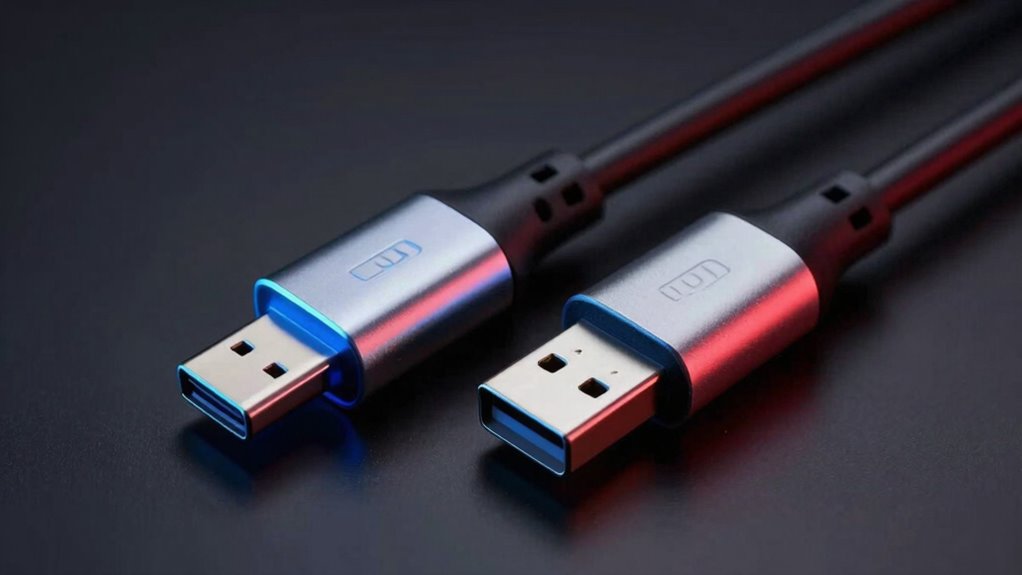
When comparing Thunderbolt and USB4 regarding speed and power, you’ll find that Thunderbolt generally offers higher data transfer rates and greater power delivery capabilities. This means faster file transfers and the ability to power more demanding devices. Thunderbolt’s superior power efficiency guarantees your devices run smoothly without excessive energy drain, which can also enhance device durability over time. Additionally, connection standards play a crucial role in ensuring optimal data transfer and device compatibility. Thunderbolt’s support for high-performance protocols further distinguishes it from USB4 in demanding applications. Both standards are evolving, but performance differences remain a key factor. Moreover, Thunderbolt’s compatibility with external GPU support makes it especially valuable for high-performance tasks like gaming or professional graphics work. USB4, while still capable of impressive speeds, prioritizes versatility and broader compatibility, often at slightly lower power levels. If you need maximum performance for tasks like video editing or large data backups, Thunderbolt is your best choice. Additionally, power delivery capabilities are essential for supporting a wide range of devices and ensuring future-proofing. As technology advances, standardization efforts aim to improve interoperability and performance consistency across devices. However, USB4 provides a balanced mix of speed, power, and device longevity, making it suitable for everyday use. Both standards are evolving, but performance differences remain a key factor.
Can Thunderbolt Devices Work With USB4 Ports? Compatibility Explained

Many Thunderbolt devices are compatible with USB4 ports because both standards share the USB Type-C connector and underlying technology. However, device branding can be confusing, as manufacturers may market Thunderbolt devices as “Thunderbolt compatible” or “USB4-ready,” even if full functionality isn’t guaranteed. Compatibility depends on whether the device explicitly supports USB4 or Thunderbolt 3/4 protocols. USB4’s broad adoption aims to simplify connections, but marketing strategies sometimes emphasize Thunderbolt’s higher performance, leading to some misconceptions. While many Thunderbolt peripherals can work with USB4 ports, they may not access all features unless specifically designed for both standards. Always check device specifications to confirm compatibility, as branding alone doesn’t guarantee seamless operation across these standards. Additionally, understanding deep-sky imaging can help users identify which peripherals are best suited for robust, high-performance setups. Being aware of standard protocols can assist consumers in making informed decisions about device compatibility. Recognizing the importance of compatibility standards can help users avoid potential connectivity issues and maximize device performance.
What Cables Do You Need for Thunderbolt and USB4? Requirements and Recommendations
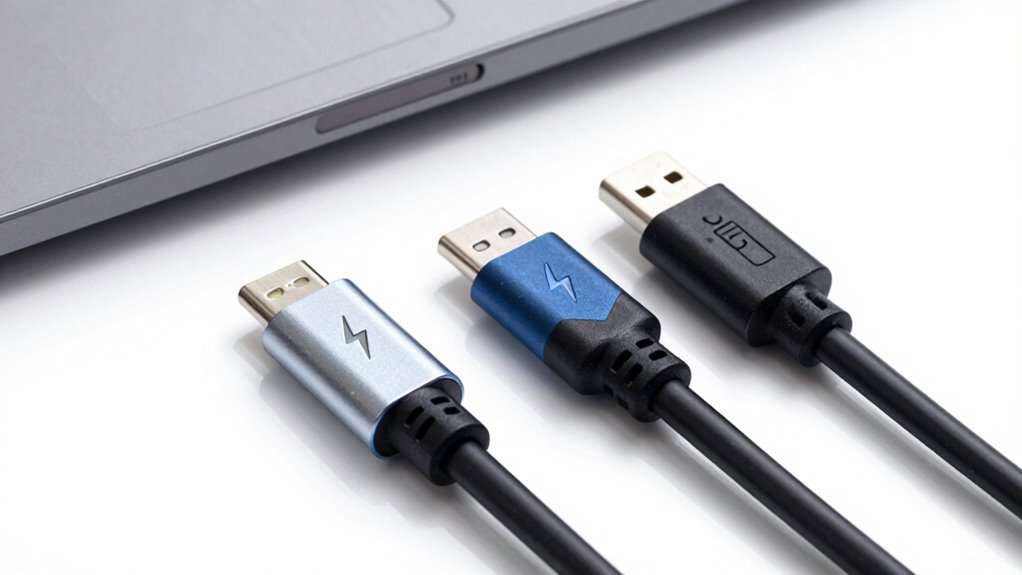
Choosing the right cable is essential to guarantee you get the full performance and reliability from your Thunderbolt or USB4 devices. Look for cables with good cable durability—made from high-quality materials—to prevent fraying and damage over time. For Thunderbolt, use certified cables that meet Thunderbolt standards, often marked with specific color coding like bright red or purple connectors. USB4 cables typically follow USB-C standards, with color coding such as black or teal to indicate compatibility. Using the correct cable ensures ideal data transfer speeds and power delivery. Avoid cheap or uncertified cables, as they may not support the full capabilities of Thunderbolt or USB4, leading to performance issues or device damage. Always verify cable specifications before making a purchase.
How Do Certification and Branding Affect Compatibility? What to Look For

Certification and branding play a vital role in guaranteeing your Thunderbolt or USB4 devices work reliably and at their full potential. With branding confusion surrounding these standards, it’s essential to check for proper certification to guarantee compatibility. Certification importance lies in verifying that a device meets strict performance and safety standards, preventing issues like slow data transfer or connection failures. When shopping, look for official logos such as the Thunderbolt logo or USB4 branding from reputable sources. Avoid devices that lack certification labels, as they may not support the claimed speeds or features. By paying attention to certification and branding, you ensure your devices will work seamlessly together, providing the performance and reliability you expect from Thunderbolt and USB4 technology. Additionally, understanding the certification process can help you make more informed purchasing decisions, especially since proper performance standards are crucial for optimal operation. Recognizing the importance of verified branding also helps avoid counterfeit or subpar devices that could compromise device functionality and safety. Knowing how wave and wind standards influence these technologies can further guide your choices for reliable connectivity.
Why Do Some Devices Show ‘Thunderbolt 3’ or ‘Thunderbolt 4’ Instead of ‘USB4’? Clarifying the Labels
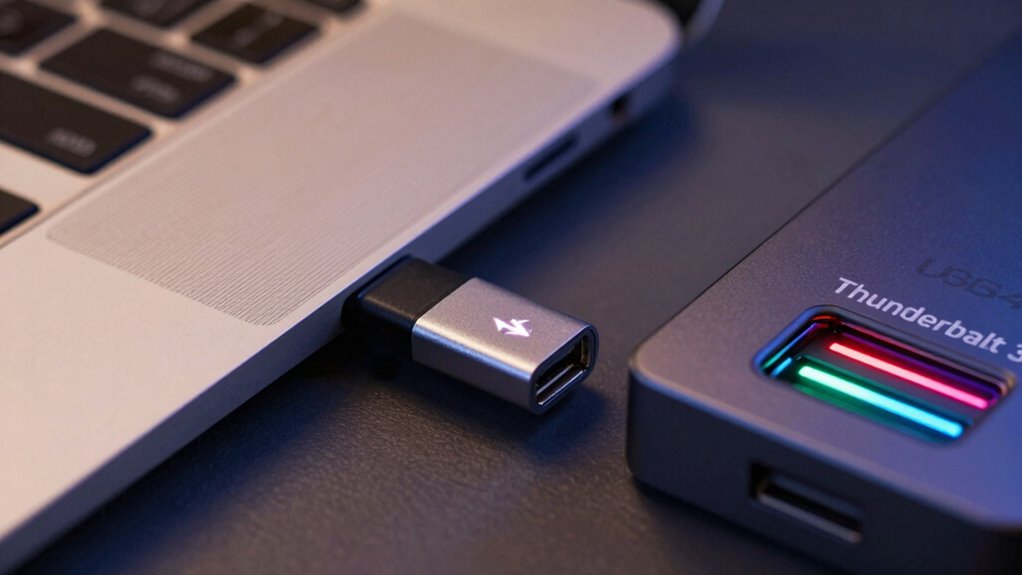
You might notice some devices labeled as “Thunderbolt 3” or “Thunderbolt 4” instead of “USB4,” and it’s important to understand why. Different certification standards, branding choices, and marketing strategies influence these labels, affecting compatibility and features. Recognizing these distinctions helps you choose the right device for your needs.
Different Certification Standards
Because Thunderbolt 3 and Thunderbolt 4 are proprietary technologies with specific certification requirements, some devices display these labels instead of USB4. The certification standards for Thunderbolt involve strict testing to guarantee compatibility, performance, and safety, which is why manufacturers seek official certification. These certification standards also influence branding labels; devices that meet Thunderbolt’s criteria can proudly display the Thunderbolt logo, signaling higher performance and reliability. Conversely, USB4 devices may not carry the Thunderbolt branding unless they meet the additional Thunderbolt certification standards. This creates a distinction where some devices show “Thunderbolt 3” or “Thunderbolt 4” labels, indicating their compliance with proprietary standards, even if they support USB4 functionalities in terms of data transfer and power delivery.
Branding and Marketing Strategies
Many devices choose to display “Thunderbolt 3” or “Thunderbolt 4” labels instead of “USB4” because branding plays a crucial role in marketing and consumer perception. Companies use branding strategies to highlight premium features and build a strong identity. For example:
- They associate “Thunderbolt” with faster speeds and better performance, appealing to power users.
- They leverage the Thunderbolt brand’s reputation for reliability and innovation.
- They differentiate their products in a crowded market, making them stand out.
- They use marketing tactics that emphasize compatibility with high-end devices, boosting perceived value.
This approach taps into consumer preferences, reinforcing quality and exclusivity. It’s a strategic choice to influence buying decisions and shape brand perception, even when underlying technology may be similar.
Device Compatibility and Features
Devices display “Thunderbolt 3” or “Thunderbolt 4” instead of “USB4” primarily because these labels specify compatibility and features beyond the basic USB4 protocol. Thunderbolt devices support advanced capabilities like higher power adapters, faster data transfer, and seamless wireless connectivity. Not all USB4 ports are Thunderbolt-compatible, so the labels help you identify devices that can handle demanding tasks like 8K video or multiple 4K displays.
| Feature | Thunderbolt Devices |
|---|---|
| Power Adapters | Support up to 100W for fast charging |
| Wireless Connectivity | Enable high-speed, stable wireless links |
| Data Transfer | Up to 40Gbps |
| Display Support | Multiple 4K or 8K displays |
| Compatibility | Backward compatible with USB4 |
What Are the Benefits of Choosing Thunderbolt Over USB4? Pros and Use Cases

Choosing Thunderbolt over USB4 can offer significant advantages, especially if you need faster data transfer or more reliable connectivity. Thunderbolt’s robust cable durability guarantees your setup stays intact over time, reducing wear and tear. Its branding strategies also position it as a premium choice, often associated with high-end performance. Here are some key benefits:
- Faster Data Transfer: Up to 40Gbps, ideal for large files and professional workflows.
- Enhanced Power Delivery: Supports higher wattage for charging devices quickly.
- More Reliable Connection: Less prone to signal loss or interference.
- Broader Compatibility with Peripherals: Especially for professional equipment like external GPUs and high-resolution displays.
These features make Thunderbolt a preferred option for power users who prioritize performance and durability.
Does USB4 Match Thunderbolt in Speed and Power Delivery? A Performance Breakdown
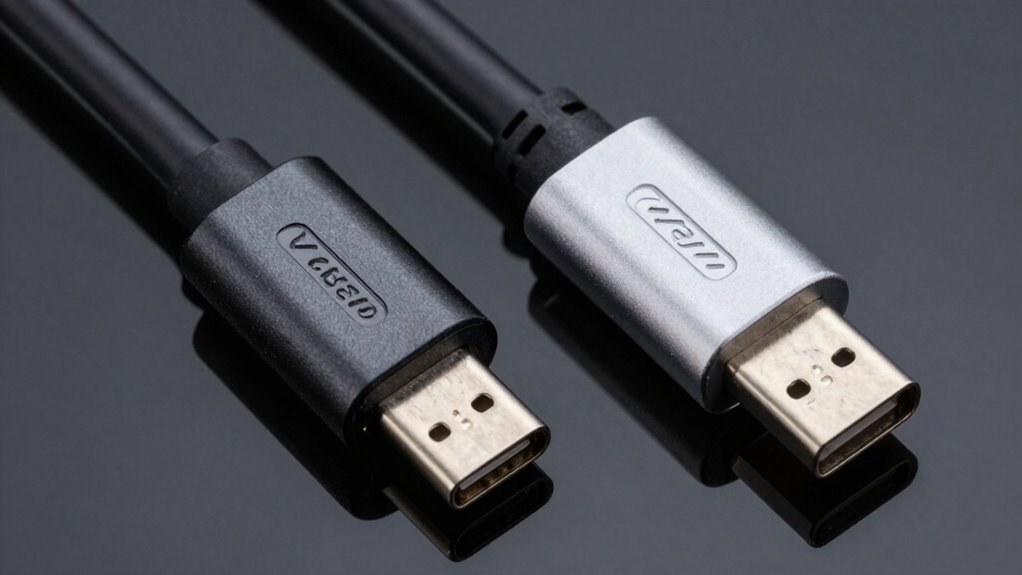
USB4 has gained popularity as a versatile and streamlined connection standard, promising to bring Thunderbolt’s high performance to a broader audience. However, when it comes to speed and power delivery, the differences matter. While USB4 can reach speeds up to 40Gbps, similar to Thunderbolt 3, actual performance depends heavily on device branding and the cable standards you use. Not all USB4 cables support maximum speeds or suitable power delivery—some fall short due to compatibility issues. Thunderbolt-certified devices and cables maintain strict standards, ensuring consistent performance. In contrast, USB4’s branding can be misleading, as not all devices labeled USB4 deliver the same level of speed or power. Consequently, matching Thunderbolt in performance isn’t guaranteed without verifying device and cable compatibility.
How Do Cable Requirements Differ for Thunderbolt and USB4? What You Should Know
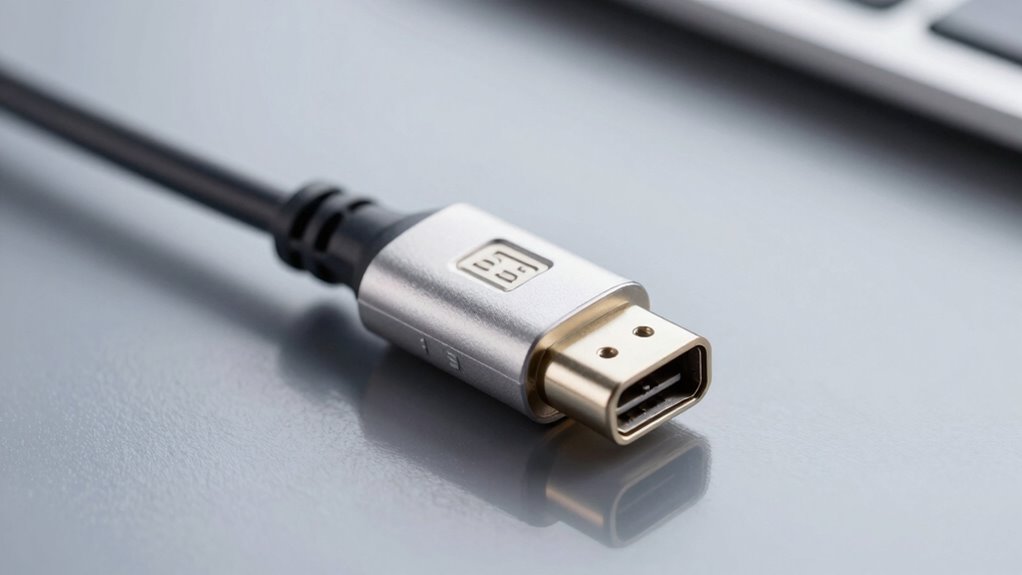
While both Thunderbolt and USB4 offer impressive data transfer capabilities, their cable requirements differ markedly. For peak performance, you need to take into account cable durability and color coding to identify compatibility. Here’s what you should know:
Choosing the right cable ensures optimal performance and compatibility for Thunderbolt and USB4 devices.
- Thunderbolt cables are typically more durable, designed to withstand frequent plugging and unplugging.
- USB4 cables often use color coding—such as red or teal—to indicate compatibility and speed standards.
- Thunderbolt cables usually require certification to meet strict standards for high-speed data and power delivery.
- USB4 cables can be more flexible but may vary in quality; verify they support the necessary data rates and power specs.
Understanding these differences helps you select the right cable for your device, ensuring reliable performance and avoiding compatibility issues.
Are Thunderbolt and USB4 Cables Interchangeable? Compatibility Tips
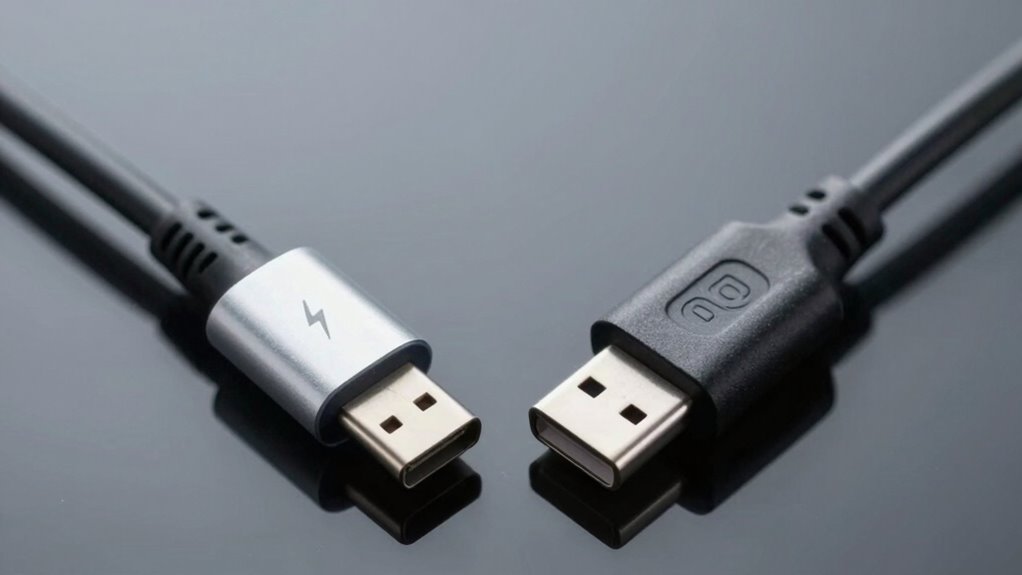
Although Thunderbolt and USB4 cables share similar connectors and support high-speed data transfer, they aren’t always interchangeable without issues. Compatibility depends on the cable’s specifications and the device’s requirements. For example, some USB4 cables may lack the necessary cable flexibility for certain setups, making them less ideal for portable or compact devices. Additionally, device aesthetics matter—using a cable that doesn’t match your device’s design can look out of place. To guarantee smooth performance, always check if your device explicitly supports Thunderbolt or USB4 standards. Using the wrong cable can limit data transfer speeds or prevent device recognition altogether. When in doubt, opt for certified cables designed specifically for your device’s protocol and intended use to avoid compatibility headaches.
What Role Does the Thunderbolt Controller Play in USB4 Devices? Explained
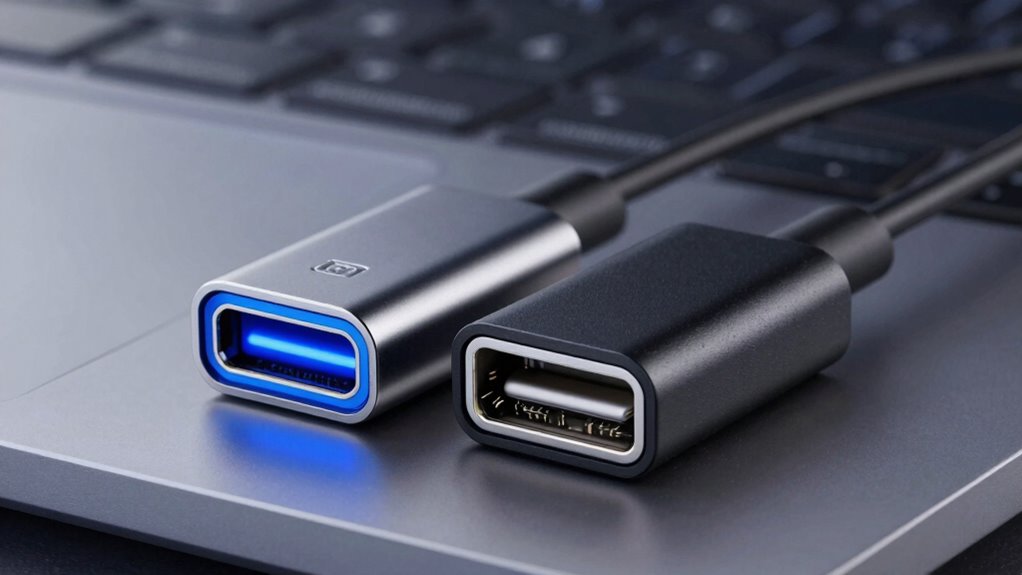
The Thunderbolt controller is essential in managing how USB4 devices communicate and connect. It determines whether a device supports Thunderbolt features or just standard USB4 functionality. Your device’s compatibility largely depends on how this controller handles data transfer and hardware recognition.
Controller’s Functionality Role
The Thunderbolt controller is crucial in USB4 devices because it manages how data flows between the host computer and connected peripherals. Its controller functionality determines how effectively data is transferred and guarantees smooth communication. Here’s what it does:
- Controls data transfer protocols to switch seamlessly between Thunderbolt and USB4 modes.
- Manages hardware resources, allocating bandwidth and prioritizing devices for peak performance.
- Enforces security features by verifying device authenticity during connection.
- Coordinates power delivery to ensure devices receive proper voltage and current levels.
This hardware management role is essential for maintaining compatibility and performance across different peripherals, making the controller the backbone of efficient data exchange and device operation within USB4 systems.
Impact on Device Compatibility
The Thunderbolt controller’s ability to manage data protocols and hardware resources directly influences how well devices work together in USB4 systems. It acts as the gatekeeper for device interoperability, ensuring that Thunderbolt-specific features are supported and function smoothly. However, this control also introduces accessory limitations; not all USB4 devices or peripherals guarantee full compatibility with Thunderbolt-enhanced features. If the controller isn’t optimized or lacks proper firmware, you might encounter issues connecting certain devices or using specific accessories. This can lead to inconsistencies in performance and functionality, especially when mixing Thunderbolt and standard USB4 components. Ultimately, the Thunderbolt controller’s role shapes the overall compatibility landscape, influencing your experience with device interoperability and accessory support.
How Does Certification Impact Which Devices and Cables to Buy? A Buyer’s Guide
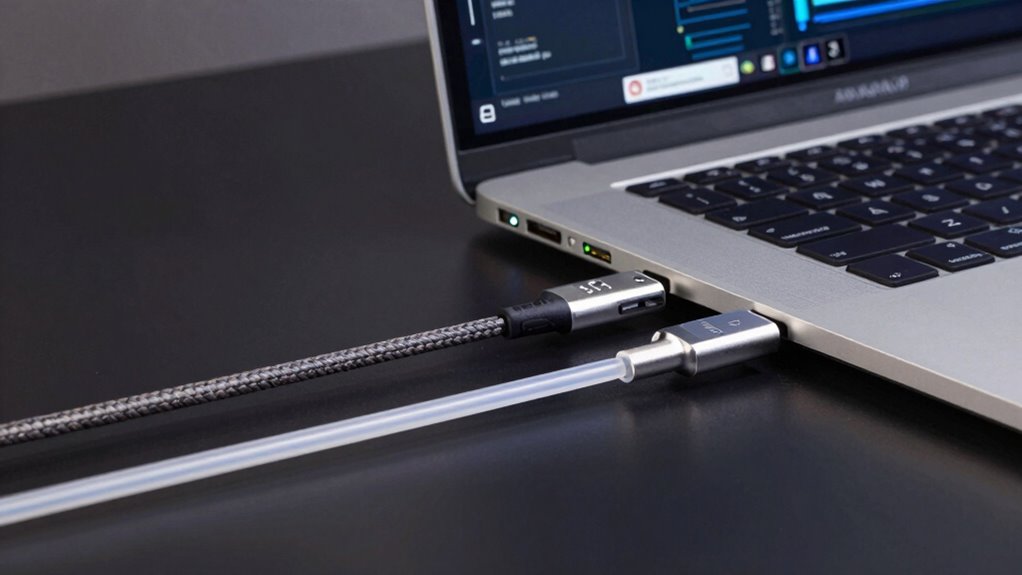
Certification plays a crucial role in guaranteeing that the devices and cables you choose are reliable and compatible with your tech setup. When selecting cables and devices, certification indicates they meet specific standards, supporting device longevity and maintaining performance. To guide your choices, consider:
- Verify the certification label to ensure compatibility with Thunderbolt or USB4 standards.
- Choose reputable brands with strong brand reputation for quality and reliability.
- Prioritize certified cables for high data transfer rates and power delivery.
- Avoid uncertified or generic options that may compromise device longevity or cause connection issues.
Proper certification helps prevent compatibility problems, enhances device lifespan, and guarantees you get the performance promised. It’s a smart way to safeguard your investments and ensure seamless operation across your tech ecosystem.
Are There Cost Differences Between Thunderbolt and USB4 Devices? Price Considerations
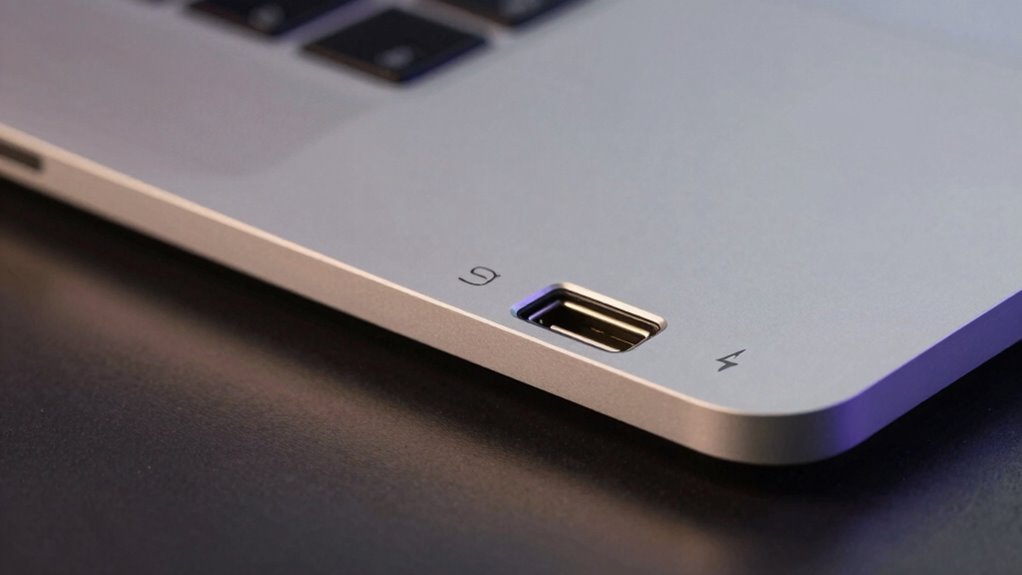
While Thunderbolt devices often come with a higher price tag, USB4 options tend to be more budget-friendly, making them an attractive choice for many users. The pricing strategies behind these devices reflect their market segmentation, with Thunderbolt targeting professionals and power users who need top performance and reliability. USB4, on the other hand, aims to serve a broader audience by offering versatile compatibility at a lower cost. This cost difference influences your purchasing decision, especially if you’re budget-conscious or don’t require the highest data transfer speeds. Manufacturers’ pricing approaches also impact the overall market, with USB4 devices often being more accessible for everyday users, while Thunderbolt remains positioned as a premium option.
When Is Thunderbolt the Best Choice? Use Cases and Recommendations
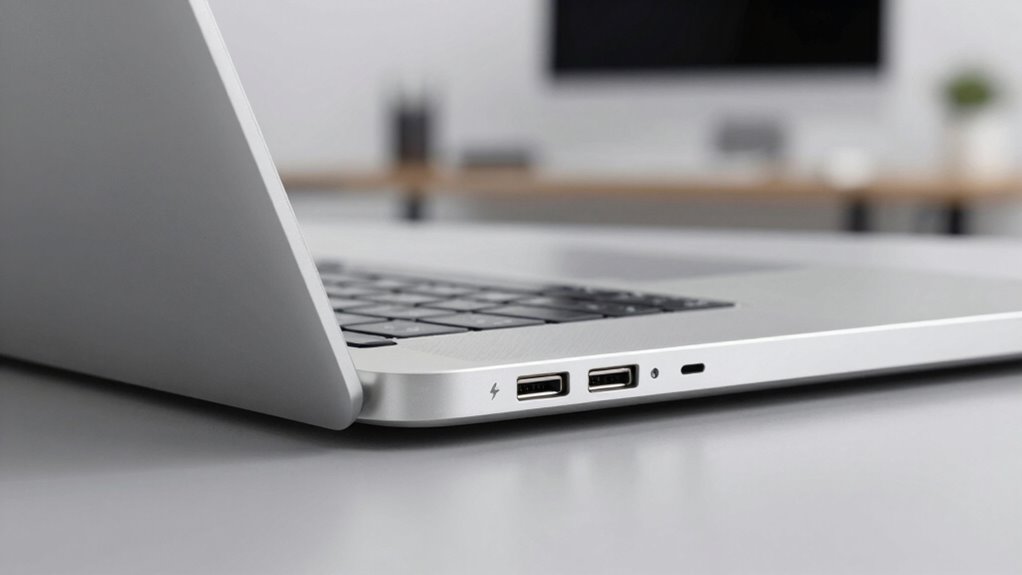
Choosing between Thunderbolt and USB4 often depends on your specific needs and the kind of performance you require. If you need the highest data transfer rates, reliable device durability, and better power efficiency, Thunderbolt is the clear choice. Consider these scenarios:
For top speed, durability, and power efficiency, choose Thunderbolt over USB4.
- You connect high-end external GPUs for gaming or creative work.
- You transfer large files regularly, like videos or backups.
- You want a portable setup with minimal power drain.
- You’re using professional equipment that demands robust connection stability.
In these cases, Thunderbolt offers superior performance with optimized power efficiency and enhanced device durability. It’s ideal when your workflow depends on speed and reliable, long-lasting connections. If these factors matter most to you, Thunderbolt is the best choice.
When Should You Opt for USB4 Instead? Practical Scenarios
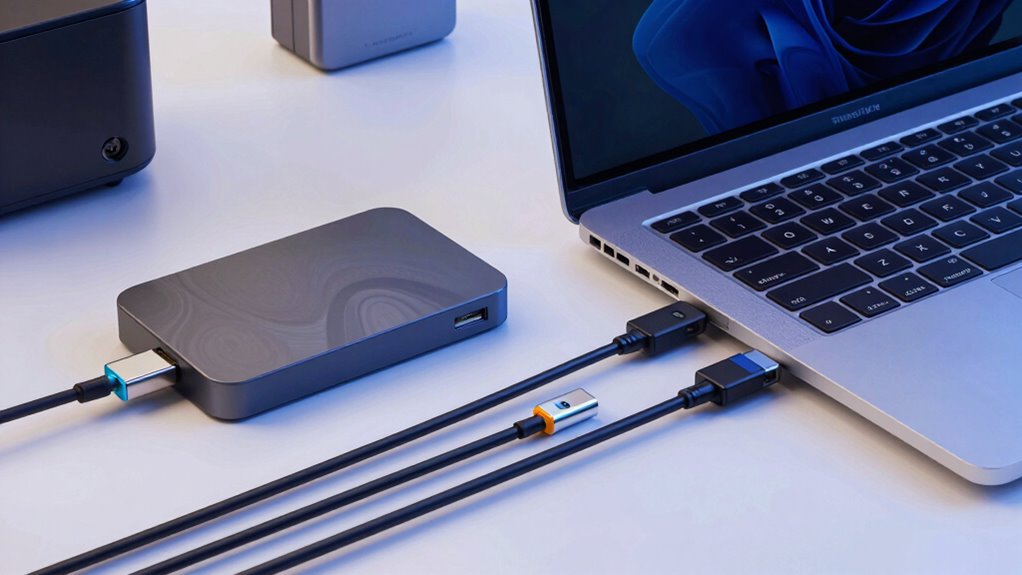
If you need high-speed data transfer without the extra features, USB4 is a great choice. It’s also ideal when connecting external displays and managing power delivery for your devices. Consider USB4 when your priorities are straightforward performance and versatility.
High-Speed Data Transfer
When you need to transfer large files quickly, USB4 can be the better choice due to its higher data transfer speeds. If speed is your priority, consider these scenarios:
- Moving massive multimedia files, like 4K videos or high-resolution photos.
- Backing up extensive data sets to external drives efficiently.
- Transferring large software or game files without delays.
- Ensuring quick data exchange while maintaining device security and minimizing environmental impact by reducing prolonged power use.
USB4’s faster speeds not only save time but also support secure data handling, which is essential for sensitive information. Plus, its efficiency can contribute to environmental sustainability by lowering energy consumption during transfers. Opt for USB4 when rapid, secure, and eco-friendly data transfer matters most.
For External Displays
Opt for USB4 over Thunderbolt when you need to connect to high-resolution external displays that demand maximum bandwidth. USB4 supports up to 40Gbps, making it ideal for 4K or even 8K monitors, ensuring smooth visuals without lag. If you also want flexible storage options, USB4 allows you to connect external drives or hubs with ease, simplifying your setup. Wireless connectivity features are improving, but when it comes to a stable, high-quality display connection, wired USB4 is more reliable than wireless alternatives. Choose USB4 if you’re prioritizing straightforward, high-performance display connections without the complexity or expense of Thunderbolt, especially when combined with the need for versatile storage expansion and dependable connectivity.
Power Delivery Needs
For powering your devices and ensuring smooth data transfer, USB4’s Power Delivery (PD) feature makes it a practical choice in many scenarios. If you need to optimize power efficiency and protect device durability, USB4 is ideal. Consider these situations:
- Charging laptops and tablets quickly without risking overheating.
- Powering external hard drives or peripherals that require stable, reliable energy.
- Using portable devices where battery life and device longevity matter most.
- Ensuring minimal heat generation during data-intensive tasks, which preserves device health.
In these cases, USB4’s efficient power management helps extend device lifespan, reduces energy waste, and maintains durability, making it the better option over Thunderbolt for power delivery needs.
How Can You Check If Your Device Supports Thunderbolt or USB4? Easy Identification Tips
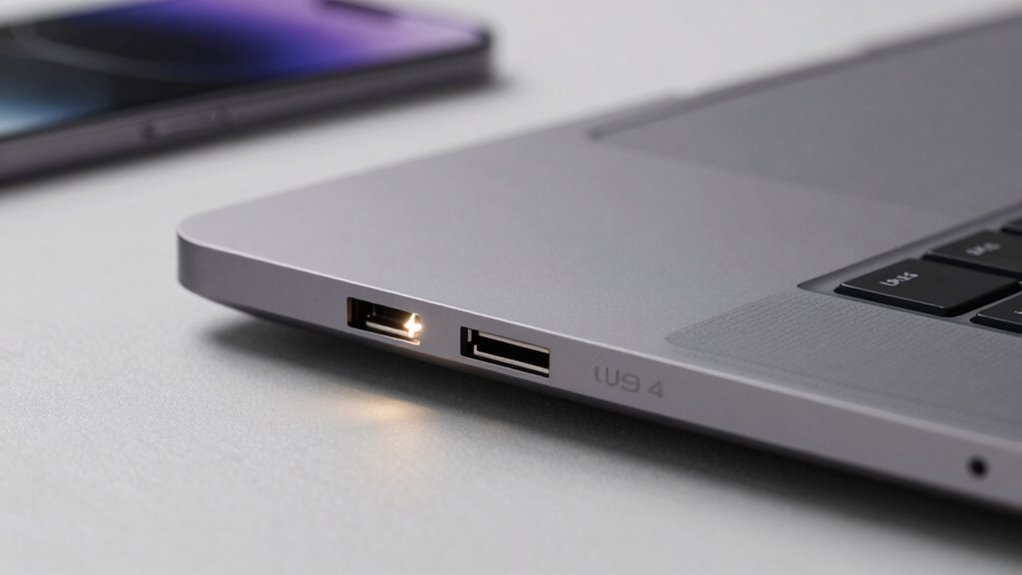
To determine if your device supports Thunderbolt or USB4, start by checking its physical ports. Thunderbolt ports often look like USB-C ports but may feature a lightning bolt icon, indicating device compatibility. USB4 ports also use USB-C connectors but typically lack the Thunderbolt-specific icon. Pay attention to cable identification; Thunderbolt cables are usually thicker and more robust, with a lightning bolt symbol, whereas USB4 cables are thinner and may have markings indicating their compatibility. Checking your device’s specifications or user manual is a dependable way to confirm support, especially if port markings aren’t clear. This simple inspection helps you identify whether your device can handle Thunderbolt or USB4, ensuring you select the right cables and accessories for ideal performance.
What Common Myths About Thunderbolt and USB4 Should You Debunk? Facts vs Fiction
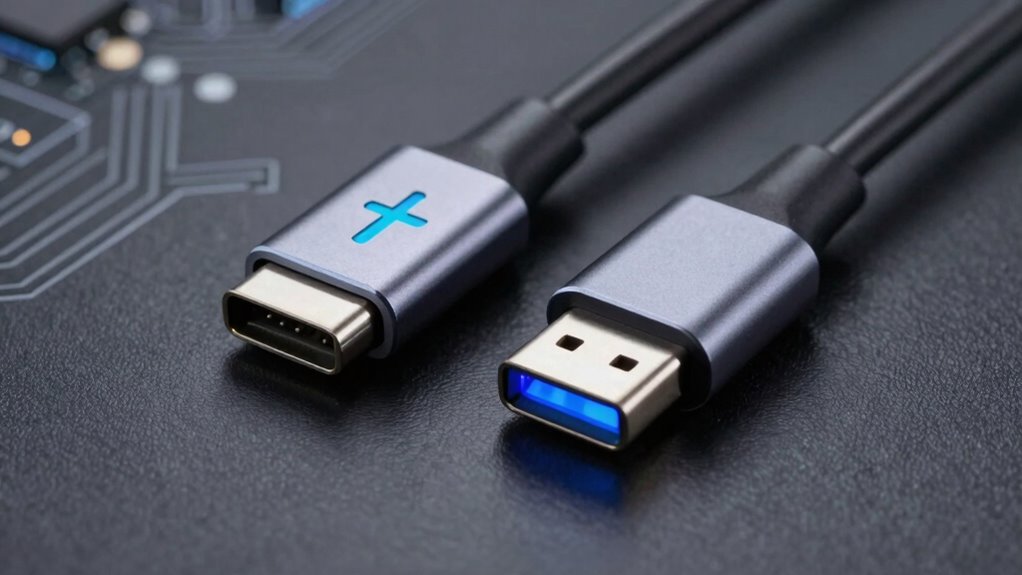
Many people believe that Thunderbolt and USB4 are just different names for the same technology, but this is a common misconception. Here are facts to dispel that myth:
Many believe Thunderbolt and USB4 are identical, but they have key differences.
- Thunderbolt often delivers faster data transfer rates and supports higher device bandwidths compared to USB4.
- USB4 is more widely compatible with existing USB devices, including charging cables, but may not provide the same performance.
- Thunderbolt ports can support device daisy-chaining, which affects your setup flexibility and device longevity.
- While both support fast charging, Thunderbolt’s power delivery is more robust, impacting device longevity over time.
Knowing these differences helps you choose the right connection, avoid false expectations, and ensure your devices stay reliable longer.
Will Future Tech Make the Difference Between Thunderbolt and USB4 Less Important? Outlook

As technology continues to advance rapidly, the gap between Thunderbolt and USB4 may become less significant in future devices. Technological convergence is blurring the lines between standards, meaning manufacturers might increasingly integrate features from both protocols into single ports. This could make distinctions less relevant, shifting focus away from branding complexities that currently confuse consumers. Future tech may prioritize universal compatibility and streamlined performance over strict adherence to specific standards, reducing the importance of the Thunderbolt versus USB4 debate. As a result, you might find that devices support a mix of features, making the naming distinctions less critical. Ultimately, the evolution of interconnected, versatile technologies suggests that future advancements could render the current differences less impactful for everyday users.
How Does the Naming Confusion Affect Consumers? Navigating the Market

The confusing names of Thunderbolt and USB4 can make it hard for you to tell which device is compatible or offers the right performance. This brand overlap increases the risk of purchasing the wrong product or facing compatibility issues. As a result, making confident decisions in the market becomes more challenging for consumers like you.
Brand Confusion Risks
Confusing branding can make it difficult for consumers to distinguish between Thunderbolt and USB4, leading to frustration and potential mispurchases. This muddles brand perception, causing doubt about product quality and compatibility. When labels look alike or overlap, you might:
- Buy a device expecting Thunderbolt’s performance but get USB4’s, or vice versa
- Question the reliability of your purchase due to unclear branding cues
- Lose trust in manufacturers who don’t clearly differentiate their products
- Feel overwhelmed steering through the market, unsure which standard suits your needs
This confusion erodes consumer trust and hampers informed decision-making. As a result, you may hesitate to buy, fearing you won’t get what’s advertised, ultimately impacting the reputation of both brands.
Compatibility Challenges Rise
Because of the similar branding, you often struggle to determine if your devices will connect properly, which can cause compatibility issues. You might buy a Thunderbolt device thinking it’ll work with your USB4 port, only to find it doesn’t, leading to frustration. This confusion can also increase risks like power surges, which may damage your equipment or cause device overheating. When devices aren’t fully compatible, they might draw inconsistent power, raising the chance of overheating or even failure. Additionally, uncertain compatibility may force you to purchase adapters or new cables, adding cost and complexity. The lack of clarity makes it harder to confidently upgrade or expand your setup, leaving you unsure if your gear will function safely and efficiently.
Consumer Decision-Making Difficulties
Steering the market becomes more challenging when product names blur the lines between Thunderbolt and USB4, leaving consumers unsure which devices will work together. This confusion fuels consumer frustration and complicates decision-making. You might find yourself questioning which port to buy or which brand to trust. The ambiguity impacts brand loyalty, as you may hesitate to stick with familiar names or switch to newer options. To clarify, consider these points:
- Differentiating features are hidden behind similar labels.
- Compatibility isn’t guaranteed by brand or name alone.
- Consumers struggle to identify the right device for their needs.
- Misinformation increases, leading to returns or dissatisfaction.
This naming mess makes it harder to confidently choose products, eroding trust and complicating your buying process.
Tips for Choosing the Right Connection Standard for Your Needs

Choosing the right connection standard depends on your specific needs and device compatibility. First, consider cable durability; if you frequently connect and disconnect devices, opt for a standard known for sturdy cables to prevent wear and tear. Also, research branding strategies—reliable brands often ensure higher-quality cables and better support. If you need fast data transfer and high power delivery, Thunderbolt offers superior performance, but verify your devices support it. For general use, USB4 provides a versatile, widely compatible option that covers most needs. Remember, the compatibility with your existing devices matters most, so check device specifications before investing. By focusing on cable durability and trusted brands, you’ll choose a connection standard that balances performance, longevity, and reliability tailored to your usage.
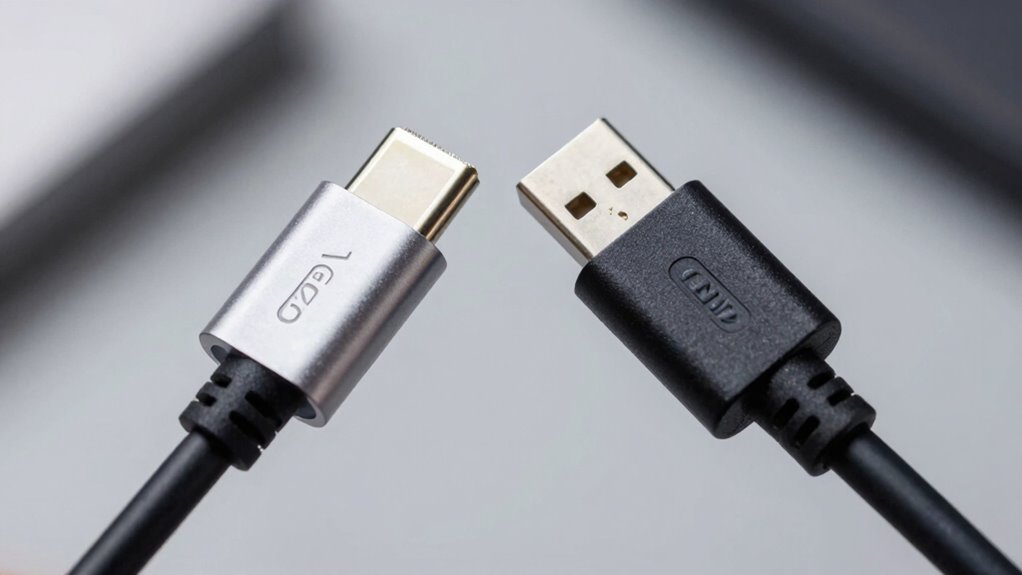
Understanding compatibility is key when choosing between Thunderbolt and USB4, as device support may differ. You should also consider performance differences to guarantee your setup meets your needs. Keep in mind future device compatibility to make a smart investment for long-term use.
Compatibility Considerations
Exploring the compatibility landscape of Thunderbolt and USB4 can be straightforward once you know what to look for. First, confirm your device supports the correct port type to avoid connection issues. Second, check if your cables have the necessary specifications for durability and performance. Third, consider device aesthetics—some cables and ports blend seamlessly, while others stand out. Fourth, verify if your accessories are compatible across standards, as not all Thunderbolt devices work with USB4. Remember, cable durability impacts longevity, and device aesthetics can influence your setup’s look. Staying informed about compatibility helps prevent frustration and ensures you get the most out of your tech, whether you prioritize sleek design or reliable connections.
Performance Differences Explained
When it comes to performance, Thunderbolt and USB4 differ markedly in speed, bandwidth, and overall capabilities. Thunderbolt generally offers higher data transfer rates, reaching up to 40Gbps, while USB4 can attain up to 20Gbps. This means faster file transfers and smoother video streaming with Thunderbolt, especially for demanding tasks. Cable durability matters too; Thunderbolt cables tend to be built for longer-lasting performance, which can influence reliability. Brand reputation plays a role as well, since reputable manufacturers typically ensure better quality and consistency. While USB4 provides broad compatibility and good performance, Thunderbolt’s superior speed and sturdy cables make it the better choice for power users. Understanding these differences helps you choose the right connection based on your needs.
Future Device Compatibility
As technology advances, guaranteeing your devices stay compatible with Thunderbolt and USB4 becomes increasingly important. Future device compatibility depends on understanding how these standards evolve and support device interoperability. Here’s what you should keep in mind:
- New devices are likely to support both standards, making your investments more versatile.
- Manufacturers are adopting the latest standards to ensure compatibility with future peripherals.
- USB4’s backward compatibility with Thunderbolt 3 enhances device interoperability.
- Future standards may introduce even faster speeds and new features, so staying updated ensures long-term usability.
Frequently Asked Questions
Why Do Some Devices Have Conflicting Thunderbolt and USB4 Branding?
You might notice conflicting Thunderbolt and USB4 branding on some devices because of brand confusion and compatibility issues. Manufacturers sometimes label devices with both logos to indicate support for both standards, but compatibility isn’t always seamless. This can lead to confusion about what features are supported, especially if a device claims Thunderbolt support but only offers USB4 capabilities. Always verify the specifications to ensure your device meets your needs.
How Does the Thunderbolt Controller Influence Device Performance?
The thunderbolt controller directly affects your device’s performance by managing chipset compatibility and bandwidth limitations. If the controller is optimized for Thunderbolt, you get faster data transfer and better support for high-speed peripherals. However, outdated or incompatible controllers can limit bandwidth, slowing down your device’s performance. Ensuring your thunderbolt controller is current and compatible with your chipset helps you maximize speed and efficiency for demanding tasks.
Are There Regional Differences in Thunderbolt and USB4 Device Availability?
Like a map with hidden paths, regional markets influence device availability. You’ll find Thunderbolt and USB4 devices more common in North America and parts of Europe, where manufacturers prioritize compatibility. In other regions, availability might be limited due to regional compatibility issues and different certification standards. So, before buying, check your regional market’s offerings to guarantee your device will work seamlessly, avoiding surprises down the road.
What Future Standards Might Simplify Thunderbolt and USB4 Naming?
Future standards aim to simplify Thunderbolt and USB4 naming through standardization efforts and branding simplification. You might see clearer labels and unified branding, making it easier to identify compatible devices. Manufacturers and industry groups are working together to reduce confusion, so you won’t have to navigate multiple confusing names. This effort will likely result in a more straightforward, consistent naming system, helping you make better, faster choices when selecting your tech accessories.
How Do Licensing Fees Affect the Pricing of Thunderbolt Vs USB4 Devices?
Licensing fees considerably impact device pricing for Thunderbolt compared to USB4. Because Thunderbolt requires manufacturers to pay licensing costs, it often results in higher device prices. In contrast, USB4 has lower licensing costs, enabling manufacturers to offer more affordable devices. So, if you’re shopping, you’ll likely find Thunderbolt devices costing more due to these licensing fees, while USB4 options remain more budget-friendly.
Conclusion
Ultimately, understanding the connection between Thunderbolt and USB4 helps you make smarter choices, especially as their paths continue to intertwine unexpectedly. With technology’s rapid evolution, it’s almost poetic how their differences blur, offering convenience and versatility. By staying informed, you’ll navigate this confusing market with confidence, realizing that sometimes, the most unexpected overlaps can lead to the best solutions. After all, in tech, coincidence often sparks the most innovative progress.