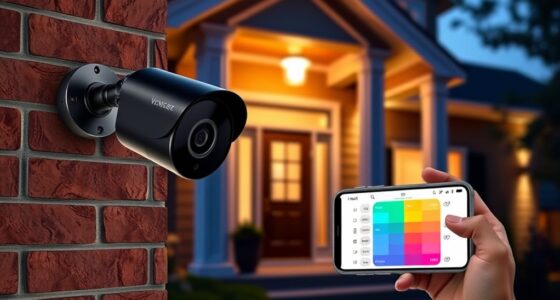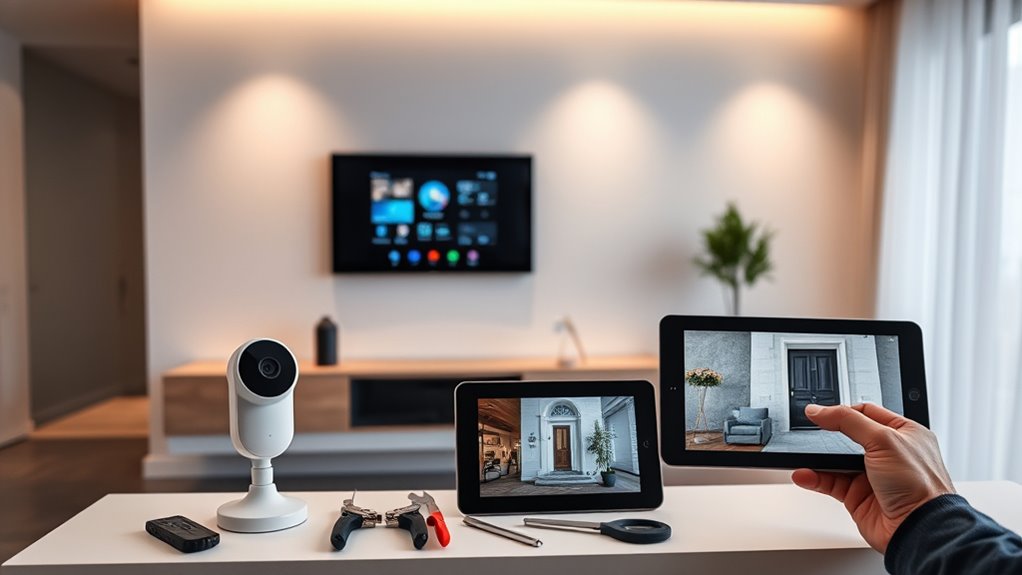
To set up your DIY smart home security system, start by choosing the right components, like door/window sensors, motion detectors, and IP cameras, based on your needs. Install devices easily with wireless options for flexible placement. Use smartphone apps for real-time monitoring and alerts, and consider integrating voice control or smart locks for added convenience. Visual deterrents, like signs, also help. Keep exploring to uncover more tips on customizing and maintaining your security setup effectively.

Get audio and creator gear delivered free with Prime
- Fast, free delivery on millions of items
- Prime Video, Amazon Music and more included
- Member-only deals all year
Key Takeaways
- Plan your security layout by identifying vulnerable entry points and selecting appropriate sensors and cameras for each area.
- Use wireless devices for flexible placement and easy installation without professional help.
- Integrate your system with smart home hubs and voice assistants for seamless control and automation.
- Regularly test sensors and cameras, and configure alerts on your mobile app for real-time monitoring.
- Enhance deterrence with visible yard signs and stickers, and update system settings to adapt to changing security needs.
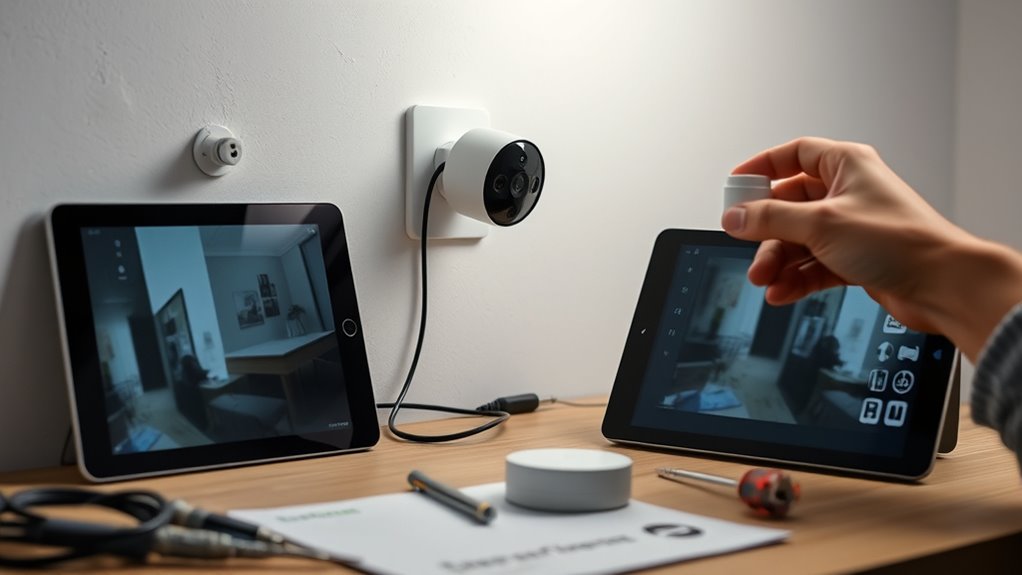
Are you looking for an affordable and customizable way to secure your home? DIY smart home security offers an excellent solution that puts you in control without breaking the bank. These systems typically include essential components like a base station, door and window sensors, and motion detectors. You can pick only the devices you need, tailoring your setup to suit your home’s unique layout and your security concerns. Installing these devices is straightforward, often designed for do-it-yourselfers, so you won’t need professional help. Wireless options further simplify the process, allowing you to position sensors and cameras easily and flexibly.
Cost is a significant advantage of DIY security. Compared to professional installations, these systems are more budget-friendly while still providing reliable protection. Plus, many brands offer starter kits that include the basics, giving you a solid foundation to expand upon later. Once set up, you can enhance your system’s deterrence with yard signs and stickers that signal your home is monitored—these visual cues often discourage intruders before they even attempt to break in.
DIY security saves money and offers reliable protection, with starter kits and visual deterrents that discourage intruders before they strike.
Choosing the right devices depends on your needs. Door and window sensors alert you when an entry point opens unexpectedly, while motion sensors detect movement inside or outside your home. Adjustable motion detectors help minimize false alarms caused by pets or passing cars. IP cameras enable remote monitoring, letting you check in on your home from anywhere via a smartphone app. Many systems also support smart devices like smart bulbs and plugs, which can be programmed to turn on lights or activate alarms remotely, creating an additional layer of security. Vibration sensors are another option, capable of detecting tampering or forced entry by sensing surface vibrations. Understanding the importance of color accuracy can help you select compatible devices with high-quality visual performance.
Smart home integration makes managing your security easier. Voice assistants like Google Nest Hub let you control devices with simple commands, while smart home hubs unify control over multiple devices. Mobile apps give you real-time access, allowing you to monitor your home, receive alerts, and even customize notifications for specific events. Integrating smart locks allows remote locking and unlocking, adding convenience and security, while smart thermostats and lighting help automate your home’s safety features, making it less inviting to intruders.
DIY smart home security starter kit
As an affiliate, we earn on qualifying purchases.
As an affiliate, we earn on qualifying purchases.
Frequently Asked Questions
How Do I Choose the Best Security System for My Home?
To select the best security system for your home, first consider your installation preference—DIY or professional. Think about your budget, whether you want to pay upfront or monthly fees, and if you prefer self-monitoring or professional response. Assess features like smart home integration, cameras, and sensors. Finally, check contract requirements and support options to guarantee the system fits your needs and lifestyle perfectly.
Can DIY Security Systems Be Integrated With Existing Home Automation?
You might think your home automation is a fortress, but without proper integration, it’s more like a castle with paper walls. Fortunately, DIY security systems can blend seamlessly with existing smart devices through protocols like Zigbee, Z-Wave, or voice assistants. Just be prepared for some technical hurdles, ensuring compatibility and security. With careful setup, you’ll enjoy a truly connected home that’s as smart as you imagine.
What Should I Do if My Security Camera Loses Connection?
If your security camera loses connection, start by rebooting your router, switch, and NVR to refresh the network. Check the camera’s power supply and cables for damage or loose connections. Confirm the camera has a stable Wi-Fi signal, and consider repositioning your router if needed. Verify network settings like IP addresses. If problems persist, update the camera’s firmware or contact professional support for assistance.
How Often Should I Update My DIY Security System’s Firmware?
You should update your security system’s firmware regularly to keep it safe and functioning well. Check for updates according to the manufacturer’s recommendations, ideally enabling automatic updates if available. Before installing, back up your system and guarantee a stable internet connection. After updating, test all components and keep a record of the changes. Regular updates fix vulnerabilities, improve features, and guarantee compatibility with new devices for peak performance.
Are DIY Security Systems as Reliable as Professional Installations?
You might wonder if DIY security systems are as reliable as professional ones. While DIY setups offer flexibility and customization, they depend on your attention for proper monitoring and maintenance. Professional installations often provide more consistent service, regular updates, and expert setup that reduces user error. However, with modern technology and smart features, a well-chosen DIY system can be quite dependable, especially if you stay on top of updates and monitoring options.
Conclusion
Now that you’ve set up your DIY smart home security, the real test begins. Will your system catch every unwelcome visitor? Can you stay one step ahead of potential threats? Remember, security isn’t a one-and-done deal—it’s an ongoing process. Stay vigilant, keep monitoring, and be ready to adapt. The peace of mind you seek depends on your dedication. Are you prepared to protect what matters most, or will you leave the door open to surprises?
Fall Picks
fall essentials
As an affiliate, we earn on qualifying purchases.