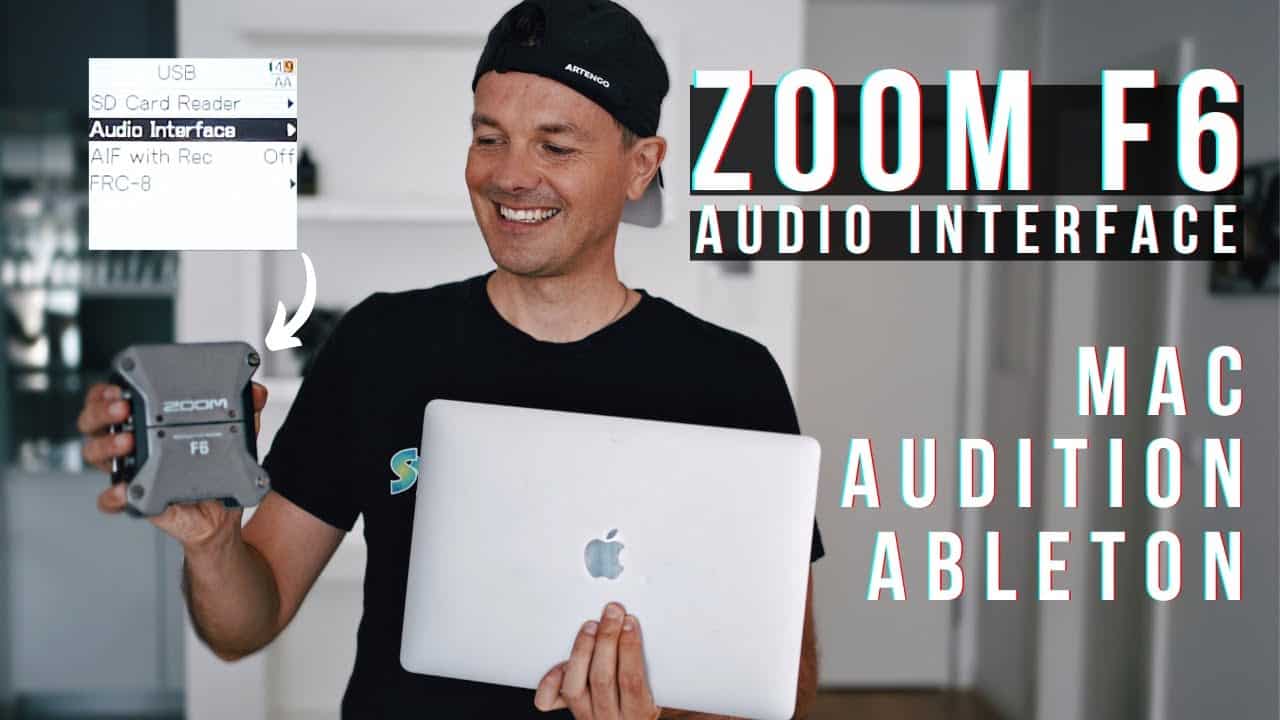

Zoom F6 Audio Interface How to and Settings
In this video, we show you how to use the Zoom F6 as an Audio Interface for Mac. You’ll see how I set up everything from the recorder, computer, and important settings within Adobe Audition and Ableton Live! We hope you enjoy this tutorial and please let us know if you’d like to see more videos like this!

Zoom F6 Professional Field Recorder/Mixer for Filmmakers & Musicians with 6 XLR Inputs, Pro Quality Preamps, 32-Bit Float, Timecode, Battery Power, with Wireless Control
FROM WHISPER-QUIET TO EXPLOSIVE — NO CLIPPING – 32-bit float recording with dual AD converters captures massive dynamic…
As an affiliate, we earn on qualifying purchases.
As an affiliate, we earn on qualifying purchases.

Focusrite Scarlett Solo 3rd Gen USB Audio Interface for Guitarists, Vocalists, Podcasters or Producers to record and playback studio quality sound
Pro performance with great pre-amps – Achieve a brighter recording thanks to the high performing mic pre-amps of…
As an affiliate, we earn on qualifying purchases.
As an affiliate, we earn on qualifying purchases.
Focusrite Scarlett Solo 3rd Gen USB Audio Interface for Guitarists, Vocalists, Podcasters or Producers to record and playback studio quality sound
Pro performance with great pre-amps – Achieve a brighter recording thanks to the high performing mic pre-amps of…
As an affiliate, we earn on qualifying purchases.
As an affiliate, we earn on qualifying purchases.
Focusrite Scarlett Solo 3rd Gen USB Audio Interface for Guitarists, Vocalists, Podcasters or Producers to record and playback studio quality sound
Pro performance with great pre-amps – Achieve a brighter recording thanks to the high performing mic pre-amps of…
As an affiliate, we earn on qualifying purchases.
As an affiliate, we earn on qualifying purchases.