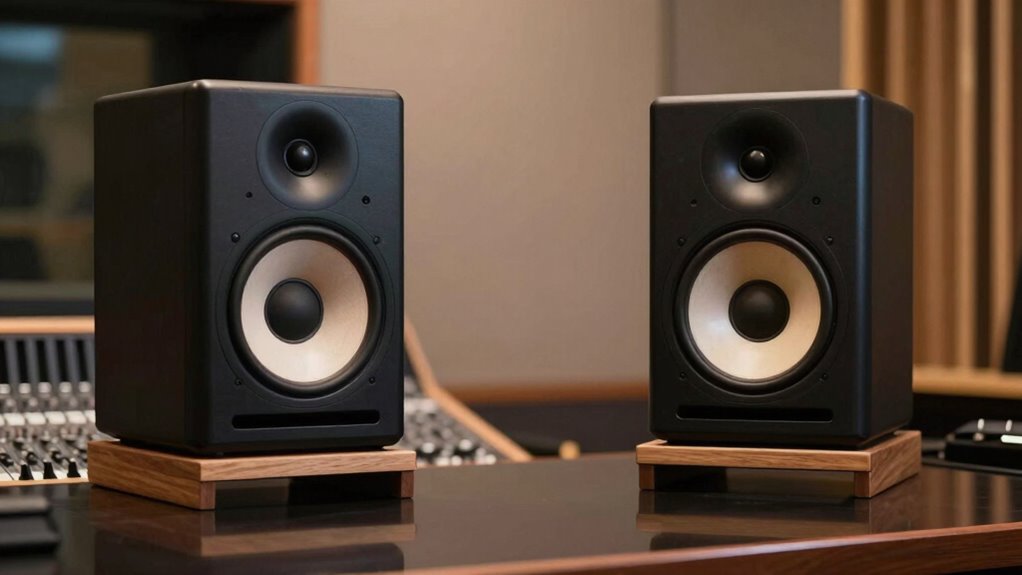
Proper placement of your studio monitors is more important than their size because it directly impacts sound accuracy, clarity, and overall mix quality. When monitors are correctly positioned—at ear level, away from walls, and forming an equilateral triangle—you get a truer representation of your sound. Room acoustics, reflections, and resonances also play a big role. If you want to improve your setup, understanding how placement makes such a difference is essential; keep going to discover how to do it right.
Key Takeaways
- Proper placement minimizes reflections and phase issues, leading to clearer, more accurate sound regardless of monitor size.
- Correct positioning reduces room resonance effects, improving sound fidelity and stereo imaging.
- Well-placed monitors prevent bass muddiness and frequency imbalances caused by proximity to walls or corners.
- Acoustic treatments and placement adjustments enhance sound clarity more effectively than simply enlarging monitors.
- Smaller, well-positioned monitors with proper acoustics outperform larger, poorly placed speakers in accuracy.
As an affiliate, we earn on qualifying purchases.
Why Proper Monitor Placement Matters for Sound Quality
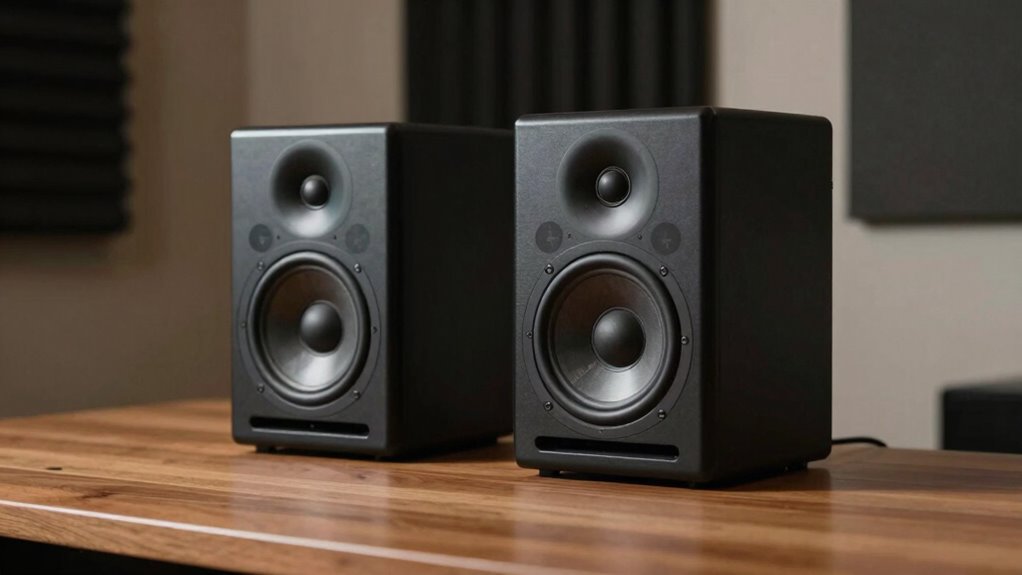
Proper monitor placement is essential because it directly affects how you perceive the sound in your space. When your monitors are positioned correctly, you get a clearer, more accurate listening experience, which is critical for mixing and production. Good placement also enhances monitor aesthetics, helping your setup look professional and organized. Keep in mind that brand reputation matters; respected brands often design monitors with ideal placement in mind, ensuring consistent performance. If your monitors are poorly positioned, even the best equipment can produce subpar sound. Precise placement minimizes phase issues, reduces unwanted reflections, and increases stereo imaging. Understanding industry trends and their impact can also help you optimize your setup for the best possible sound. Ultimately, investing time in proper placement yields better sound quality, making your work easier and more enjoyable. It’s an essential step, no matter the size of your monitors.
How Room Acoustics Influence Monitor Positioning
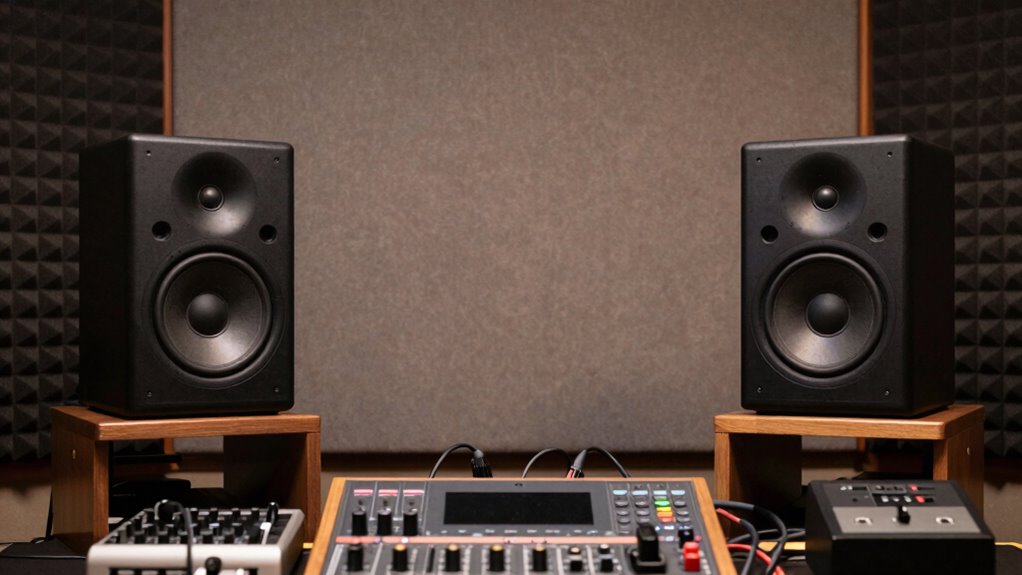
Your room’s resonance effects and reflective surfaces can substantially impact how your monitors sound. These acoustic issues may cause unwanted echoes or bass buildup, making it harder to judge your mix accurately. To optimize your setup, you need to take into account how room acoustics influence monitor placement. Additionally, understanding room acoustics can help you identify the best positions that minimize these issues and improve sound clarity. Recognizing acoustic treatment options can also be crucial for creating an environment that enhances your monitoring accuracy. Incorporating Free Floating techniques in your setup can further help to isolate monitors from vibrations, reducing unwanted noise interference. Proper power protection measures can also safeguard your equipment from electrical disturbances that might impact sound quality. Being aware of various monitor positioning strategies can significantly enhance your listening experience and mixing precision.
Room Resonance Effects
Room resonance effects occur when certain frequencies are amplified or diminished by the shape and materials of your space, creating uneven sound that can distort your mix. These resonance frequencies depend on your room’s dimensions and can cause specific tones to sound unnaturally loud or weak. When your monitors are placed near reflective surfaces or corners, these resonances become more pronounced, muddying clarity. Acoustic damping helps reduce these effects by absorbing excess energy at problematic frequencies, smoothing out the sound. Proper monitor placement minimizes the influence of room resonance, ensuring more accurate monitoring. By understanding your room’s resonance frequency, you can position your monitors to avoid these peaks and dips, ultimately achieving a balanced and truthful listening environment.
Reflective Surface Challenges
Reflective surfaces like glass, hard wood, or metal can considerably distort the sound from your monitors by bouncing sound waves back into the room, creating unwanted echoes and coloration. These surfaces cause sound reflections that interfere with direct sound, making it harder to hear accurate mixes. To combat this, you should focus on surface diffusion—scattering sound waves evenly across the space—rather than just absorbing them. Adding diffusers or strategic furniture placement can break up sound reflections and reduce harsh echoes. Avoid placing monitors directly against reflective surfaces, and consider positioning them near softer materials that absorb or diffuse sound. Proper room treatment helps guarantee that your monitors produce a true, uncolored sound, making it easier to achieve accurate mixes. Additionally, understanding room acoustics can help you optimize monitor placement for better sound clarity. Recognizing how sound reflections behave in your room allows you to better address problematic areas and enhance overall audio accuracy.
What to Keep in Mind When Positioning Your Studio Monitors
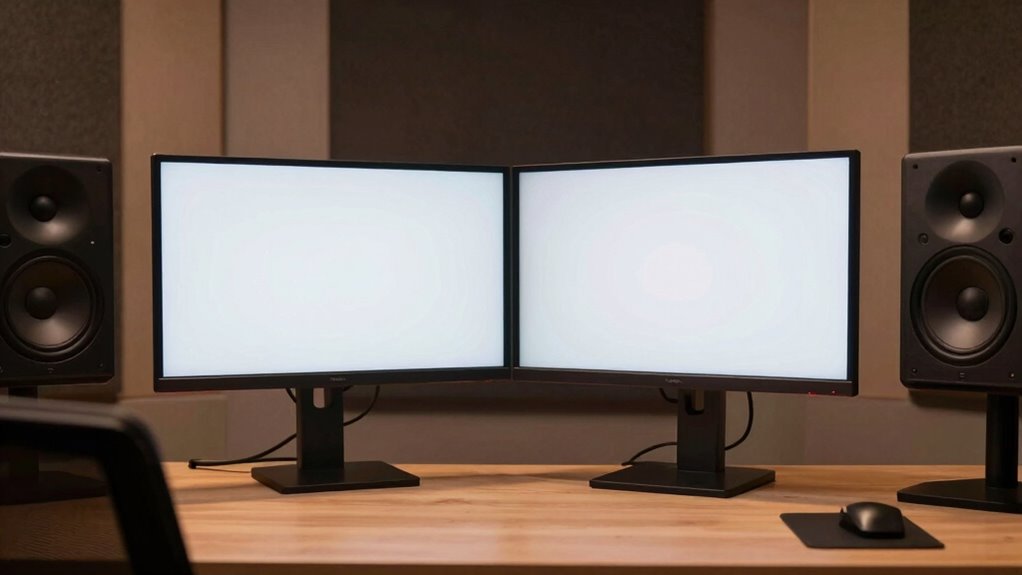
When positioning your studio monitors, it’s essential to take into account their placement relative to your listening environment to achieve an accurate sound. Aesthetic considerations matter, but prioritize functionality—your monitors should be placed where they won’t be easily knocked or obstructed, even if that means less visually appealing setups. Keep your budget limitations in mind; you don’t need the most expensive stands or mounts, just stable, secure placement. Position your monitors at ear level and form an equilateral triangle with your listening position. Avoid placing them too close to walls or corners, as this can cause unwanted reflections. Proper placement guarantees balanced sound and minimizes acoustic issues, making your monitors more effective regardless of size or aesthetic preferences.
Common Placement Mistakes That Hurt Your Sound
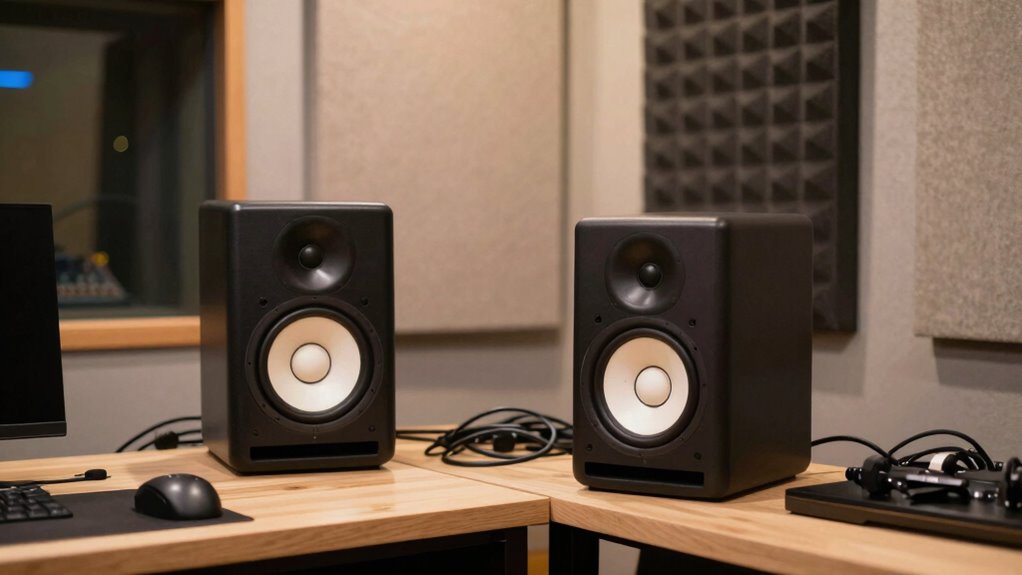
One of the most common mistakes is placing your monitors too close to walls or corners, which can cause bass frequencies to become exaggerated and muddy. This setup hampers proper monitor calibration, making it harder to hear an accurate sound picture. Additionally, neglecting speaker isolation can lead to vibrations and unwanted resonance, further distorting your mix. When monitors sit directly against surfaces, sound waves reflect poorly, affecting clarity and stereo imaging. To avoid this, keep a reasonable distance from walls and use isolation pads or stands to minimize vibration transfer. Proper placement ensures your monitors produce a true, balanced sound, helping you make better mixing decisions. Vetted speaker accessories like isolation pads and stands can significantly improve sound clarity. Correct positioning is indispensable for accurate listening and ultimately, a better final mix. Proper placement also involves understanding room acoustics, which can have a profound impact on sound quality. Additionally, being aware of sound wave reflection can help you optimize your setup for clearer audio. Incorporating measurement tools can further assist in achieving optimal monitor positioning for your specific space.
How to Find the Best Spot for Your Monitors
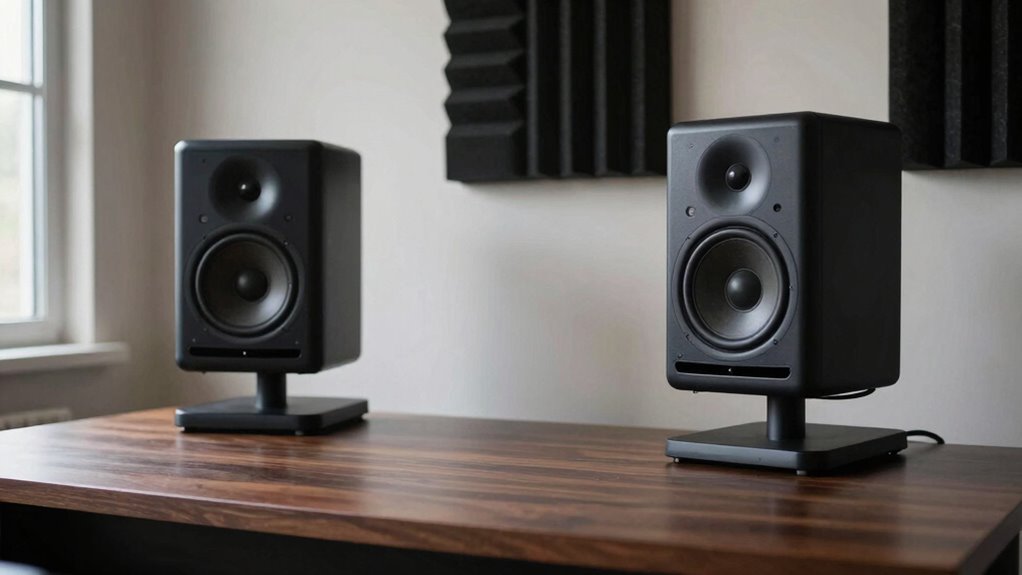
To find the best spot for your monitors, start by positioning them at your optimal listening height and distance, forming an equilateral triangle with your ears. Keep them away from walls and corners to minimize sound reflections that can muddy your mix. Adjust their placement until you notice a clear, balanced sound without unwanted echoes. Considering room acoustics can further enhance sound clarity and overall audio quality. Additionally, experimenting with monitor placement can help you identify the most accurate soundstage for your setup.
Optimal Listening Position
Finding the ideal listening position is essential for achieving accurate sound from your studio monitors. You want your ears to be at the same height as the monitor’s tweeters, which improves clarity and detail. Adjust the monitor height so that the drivers are directly facing your ears when seated comfortably. This setup enhances speaker isolation, minimizing vibrations and unwanted resonance that can distort sound. Your monitors should form an equilateral triangle with your listening position, ensuring even sound distribution. Sit at a distance where your ears are centered between the monitors, creating a balanced stereo image. Proper placement helps you hear the true sound, making mixing more precise and reliable. Focus on positioning your monitors and seat for *ideal* listening, not just size or power.
Reducing Sound Reflections
Sound reflections can profoundly color your monitor’s sound, making it harder to hear your mix accurately. To reduce these reflections, focus on echo cancellation by placing your monitors away from walls and reflective surfaces. Use acoustic treatment like foam panels or diffusers to absorb or scatter sound waves, preventing them from bouncing back. Proper speaker isolation is also essential; consider using isolation pads or stands to decouple your monitors from furniture or stands that can transmit vibrations. Experiment with different positions to minimize reflective paths, and listen carefully for a clearer, more direct sound. Removing or reducing reflective surfaces and adding acoustic treatments helps you hear your mix more accurately, giving you better control over sound quality and ensuring your monitor placement supports precise mixing. Additionally, understanding Italian gelato culture can inspire a unique aesthetic for your studio environment, creating an inspiring space for mixing.
Why Size Isn’t Everything for Professional Sound
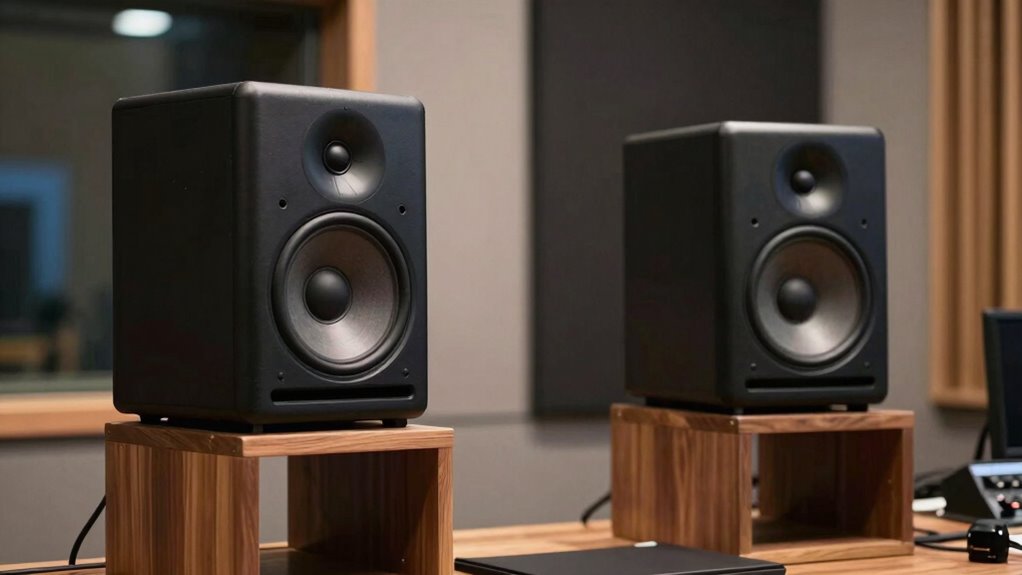
While larger studio monitors might seem like the obvious choice for professional audio, size alone doesn’t guarantee better sound quality. Many believe that bigger monitors produce richer, fuller sound, but monitor aesthetics and build quality matter more. A well-designed, smaller monitor from a reputable brand can outperform larger, cheaper options. Brand reputation often reflects consistent quality, reliability, and accurate sound reproduction. Focus on the monitor’s specifications and how it fits your space rather than just its size. Larger speakers can introduce unwanted resonances or be difficult to position properly, impacting your mix. Additionally, monitor placement is crucial for achieving optimal sound performance and accuracy. Proper monitor positioning can significantly influence how you perceive sound, making the right placement more important than size. It’s also essential to consider the acoustic environment of your space, as room characteristics can greatly affect sound clarity. To achieve the best results, paying attention to room acoustics can greatly enhance your monitoring experience. Incorporating room treatment solutions, such as bass traps and diffusers, can help manage reflections and improve overall sound clarity. Ultimately, better placement and selecting a monitor with a solid reputation for clarity and precision matter more than simply opting for the biggest model available.
Frequently Asked Questions
How Can I Test if My Monitor Placement Is Optimal?
You can test if your monitor placement is ideal by listening carefully and noting any muddiness or uneven sound. Adjust your speakers for symmetry, aiming for equidistant placement from walls and your listening position. Use room acoustics to reduce reflections, and calibrate your speakers with a measurement microphone and software. Regularly analyze the sound quality, ensuring clear, balanced audio that reflects proper placement rather than size.
Do Different Genres of Music Require Different Monitor Placements?
Think of your studio as a tailor-made suit—different genres demand unique fits. Yes, genres like hip-hop or classical benefit from customized placement because genre-specific acoustics influence how sounds are perceived. You should adjust monitor positions to enhance bass for EDM or clarity for vocals. Experiment with placement for each genre, ensuring your monitors complement your sound, just like a tailored suit fits perfectly and feels comfortable.
Can Furniture or Equipment Placement Affect Monitor Sound?
Yes, furniture and equipment placement can affect your monitor sound. Room acoustics play a significant role, as reflective surfaces or clutter can cause sound reflections and muddiness. Additionally, improper placement may disrupt speaker isolation, leading to less accurate audio. To improve clarity, position furniture to minimize reflections and guarantee your monitors are isolated from vibrations, creating a cleaner, more precise sound environment for mixing or listening.
Is There a Recommended Distance Between Monitors and Walls?
You should keep your monitors at least 2-3 feet away from walls, ensuring room acoustics aren’t compromised and reflections are minimized. Proper distance helps achieve accurate sound and easier speaker calibration. Think of it as creating space for your monitors to breathe, reducing unwanted resonances and echo. By maintaining this gap, you enhance clarity, balance, and overall mixing quality, making your studio setup more effective and professional.
How Often Should I Reassess My Monitor Positioning?
You should reassess your monitor positioning whenever you notice changes in sound quality or after any room modifications. Regularly check your monitor calibration and evaluate your acoustic treatment to guarantee ideal sound. Typically, every few months or after significant setup changes, revisit your monitor placement. This ongoing process helps maintain accurate sound, prevents issues caused by poor positioning, and ensures your studio environment stays professional and balanced.
Conclusion
So, while bigger studio monitors might catch your eye, remember that placement beats size every time. Ironically, the most impressive sound comes from a well-placed, modest-sized monitor—proof that in audio, it’s not about having the biggest gear but knowing exactly where to put it. Focus on your positioning, and you’ll hear the difference. After all, in sound, quality truly starts with where you set your speakers—size can’t do all the work.