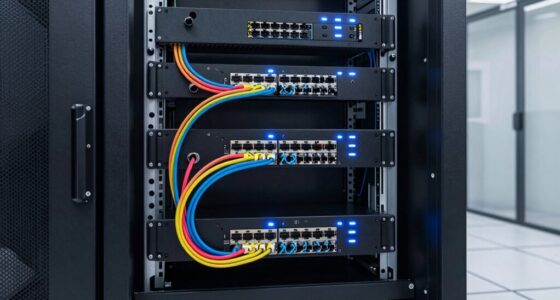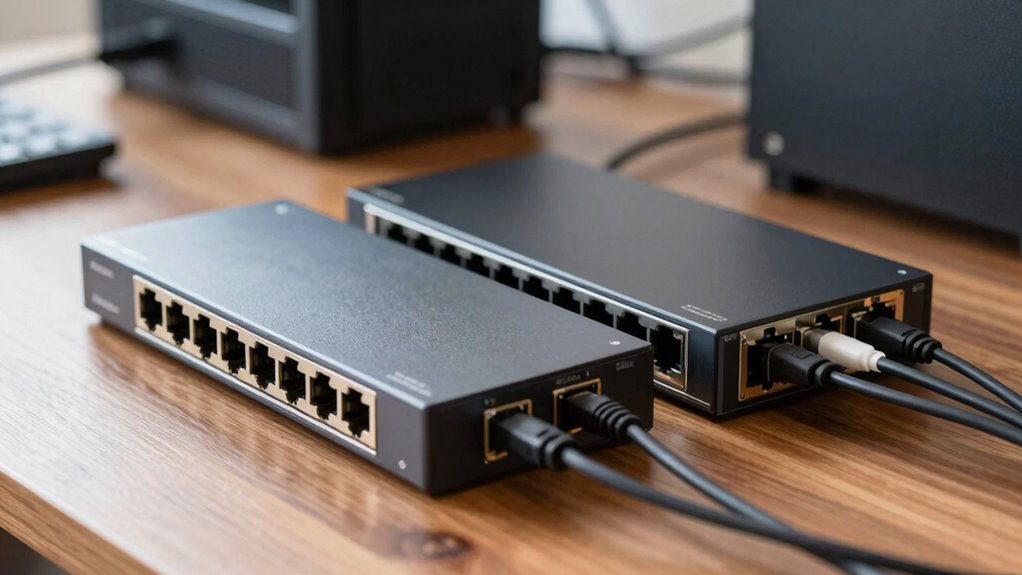

The main difference between 2.5GbE and 10GbE is speed; 2.5GbE offers up to 2.5 Gbps, which is enough for most home labs and is easier and cheaper to set up. 10GbE provides faster transfers, ideal for demanding tasks like large file transfers or virtualization, but requires more advanced hardware and a bigger investment. If you’re curious about whether your setup can support these speeds and which is best for you, there’s more to explore.
Key Takeaways
- 2.5GbE is suitable for home labs with moderate data transfer needs, while 10GbE supports demanding tasks like large backups and virtualization.
- 2.5GbE hardware is more affordable and easier to set up; 10GbE requires specialized ports, higher-cost switches, and advanced cabling.
- 10GbE offers significantly faster speeds, making it ideal for high-performance applications but may be overkill for basic home use.
- Compatibility varies: modern devices often support 2.5GbE, but 10GbE may require new network cards and infrastructure upgrades.
- Consider future scalability; 10GbE provides more headroom for expanding and increasing network demands over time.

TP-Link 2.5GB PCIe Network Card (TX201) – PCIe to 2.5 Gigabit Ethernet Network Adapter, Supports Windows 11/10/8.1/8/7, Win Server 2022/2019/2016, Linux
2.5 Gbps PCIe Network Card: With the 2.5G Base-T Technology, TX201 delivers high-speeds of up to 2.5 Gbps,…
As an affiliate, we earn on qualifying purchases.
As an affiliate, we earn on qualifying purchases.
Understanding the Difference: 2.5GbE vs. 10GbE
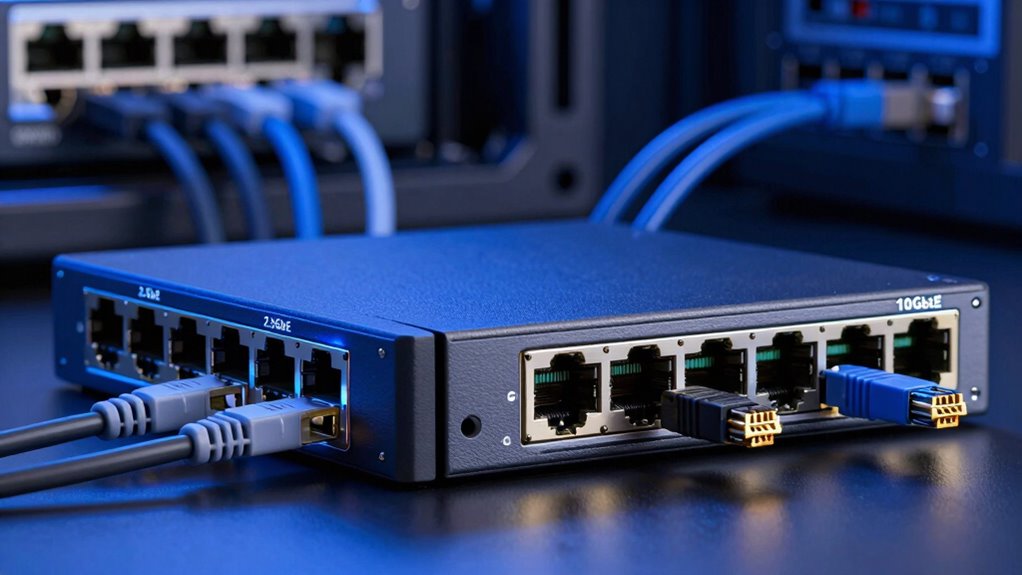
While both 2.5GbE and 10GbE are Ethernet standards designed to improve network speeds, they serve different needs and capabilities. 2.5GbE offers a significant boost over traditional Gigabit Ethernet, providing speeds of up to 2.5 gigabits per second, which is ideal for most home lab setups. It’s a practical step toward better network scalability without requiring major hardware upgrades. In contrast, 10GbE delivers much higher speeds, supporting more demanding data transfers and larger file handling. Understanding these Ethernet standards helps you choose the right solution for your home lab’s performance goals. While 2.5GbE fits well for moderate upgrades, 10GbE caters to advanced setups demanding maximum network capacity. Both standards improve network efficiency but serve different levels of data needs. Exploring content formats and research topics in digital concepts can further enhance your understanding of network capabilities, including home lab networking. Additionally, considering compatibility requirements ensures seamless integration with existing hardware.

SODOLA 8 Port 10G L3 Managed Switch, 8X10G SFP+ Interface, Link Aggregation/QoS/VLAN/IGMP, Wall Mounted Fanless 10Gb SFP Network Switch(SFPPorts Only,Transceiver is NOT Included
【Ultra-Fast 10GbE SFP+ Switch】Transceiver is NOT Included in the package! This 10gb switch features 8X10Gb SFP+ ports for…
As an affiliate, we earn on qualifying purchases.
As an affiliate, we earn on qualifying purchases.
Are 2.5GbE and 10GbE Compatible With Your Hardware?
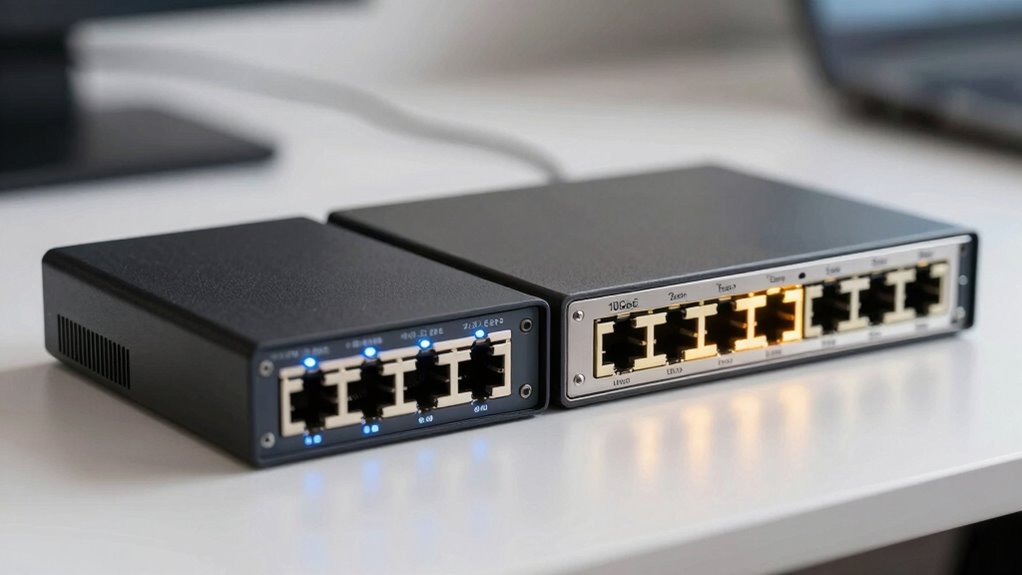
Ensuring your hardware supports 2.5GbE or 10GbE is vital before upgrading your home lab network. Check if your network interface cards (NICs) and switches are compatible with these speeds. Many modern devices support 2.5GbE, but 10GbE often requires specific hardware, like SFP+ ports or 10GbE Ethernet cards. Compatibility also depends on your cable types; for example, Cat5e may work for 2.5GbE, but Cat6 or higher is recommended for 10GbE. Network security is vital, so verify that your hardware can handle security features like VLANs and encryption at these higher speeds. Confirming hardware compatibility beforehand avoids bottlenecks and guarantees seamless integration of faster Ethernet standards into your home lab. Additionally, understanding the application differences between these standards helps in optimizing your network setup for both speed and stability. Being aware of network infrastructure requirements ensures that your entire setup can support these higher data transfer rates effectively. Properly assessing hardware capabilities can also prevent potential issues when upgrading to higher speeds.

AFIL Upgraded 750+ Foods, Drinks, Vitamins, at-Home Wellness Test Kit, Trusted Hair Analysis for Adults & Kids, at-Home Health Non-Invasive, Gluten Wellness Insights
AT-HOME FOOD KIT: 750+ foods, drinks, nutrients, household and environment items reviewed from one small hair sample. A…
As an affiliate, we earn on qualifying purchases.
As an affiliate, we earn on qualifying purchases.
Which Home Lab Applications Benefit Most From Faster Ethernet?
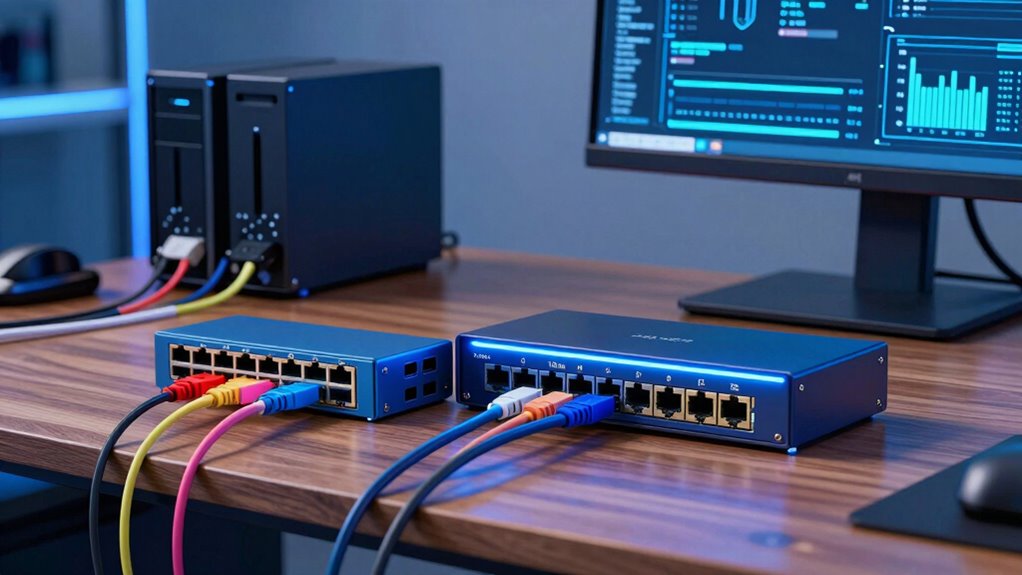
If you’re wondering which home lab applications truly benefit from faster Ethernet, the answer lies in tasks that demand high data throughput and low latency. Faster networks excel in scenarios like:
- Virtualization and VM Hosting – Moving large virtual machine images quickly minimizes delays and improves performance.
- Media Streaming and Cloud Storage – Transferring high-resolution videos or backups reduces wireless interference issues and speeds up access.
- Data Backup and Synchronization – Rapid, reliable transfers cut down power consumption related to repeated transfers over slower networks.
- Network Testing and Development – Low latency environments help you troubleshoot and optimize wireless interference problems more effectively.
Faster Ethernet provides a clear advantage for these applications, especially when data demands are high and stability matters. Additionally, Ethernet speeds can significantly impact overall network efficiency and reliability.

StarTech 10ft CAT6a Ethernet Cable – 10 Gigabit Shielded Snagless RJ45 100W PoE Patch Cord – 10GbE STP Network Cable with Strain Relief – Black – UL, TIA (C6ASPAT10BK)
HIGH PERFORMANCE CAT6A ETHERNET CABLE: 100% copper for consistent & error-free 10 gigabit connection. Individually Tested complies with…
As an affiliate, we earn on qualifying purchases.
As an affiliate, we earn on qualifying purchases.
How Much Do 2.5GbE and 10GbE Cost?
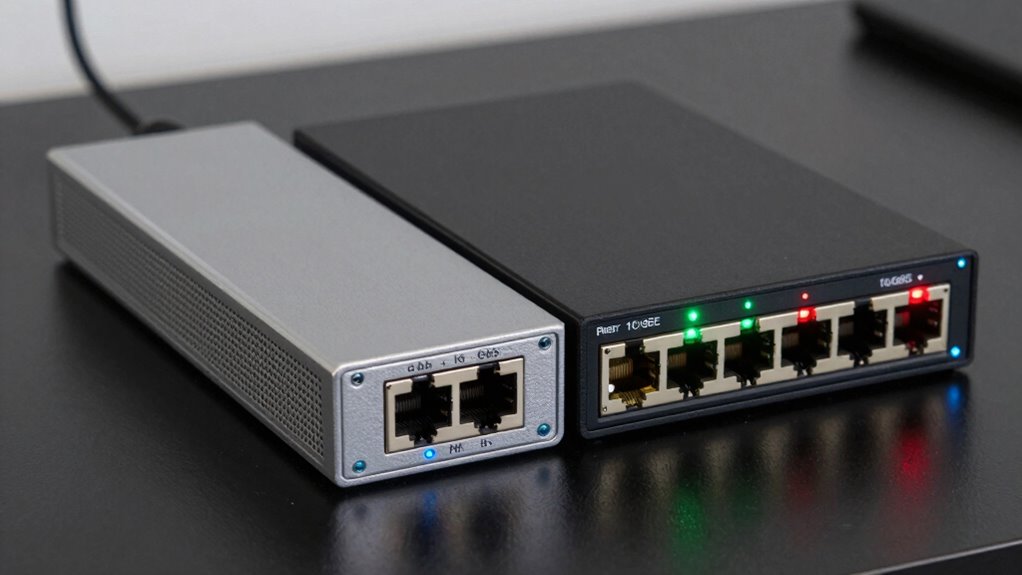
The cost difference between 2.5GbE and 10GbE equipment can be quite significant, impacting your home lab budget. Ethernet standards influence the prices of network hardware, with 2.5GbE components generally being more affordable because they’re newer and less complex. 10GbE network hardware, including switches and NICs, tends to cost more due to higher performance and more advanced technology. For example, a basic 2.5GbE switch might be available for under $100, while a comparable 10GbE switch can cost several hundred dollars. NICs follow a similar trend, with 2.5GbE adapters often priced below $50, whereas 10GbE cards can easily exceed $200. Additionally, the testing accuracy of these devices can influence their pricing and reliability. Your choice depends on your budget and performance needs, but expect a noticeable price gap between the two Ethernet standards.
Is Upgrading to 10GbE Worth It for Your Home Lab?
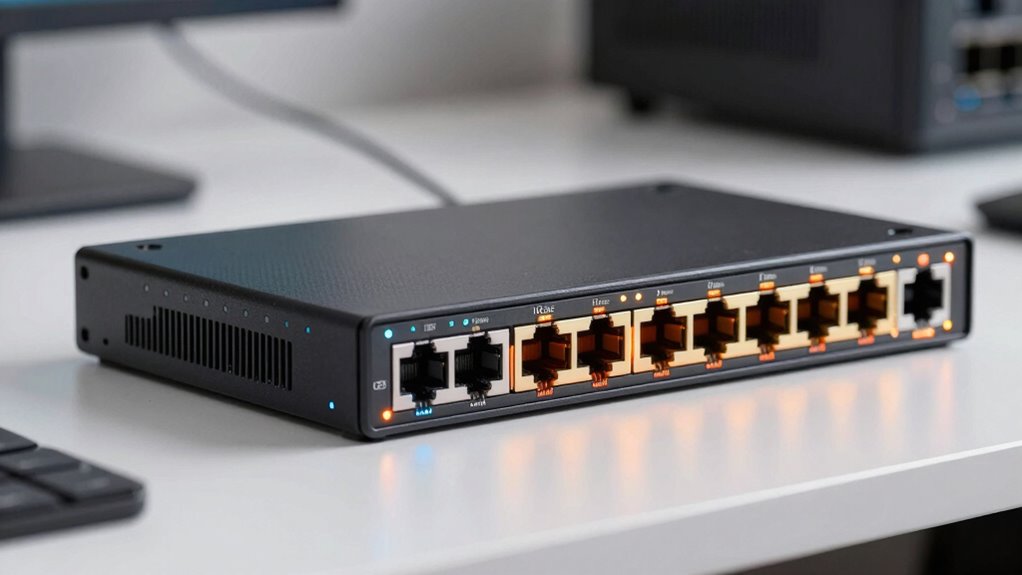
Upgrading to 10GbE can considerably boost your home lab’s performance, but whether it’s worth the investment depends on your specific needs. Consider these factors:
- Network security: Faster speeds can improve data transfer but may require enhanced security measures to prevent vulnerabilities.
- Power consumption: 10GbE hardware typically uses more power, adding to your energy costs.
- Use case: If you run large file transfers, virtual machines, or intensive data tasks, the upgrade is beneficial.
- Cost-benefit analysis: Evaluate whether the improved speed justifies the expense and added energy use for your setup.
If your workload demands high throughput and you’re comfortable managing increased power use, 10GbE is worth it. Otherwise, 2.5GbE might suffice.
How Easy Is It to Set Up and Maintain 2.5GbE and 10GbE Networks?
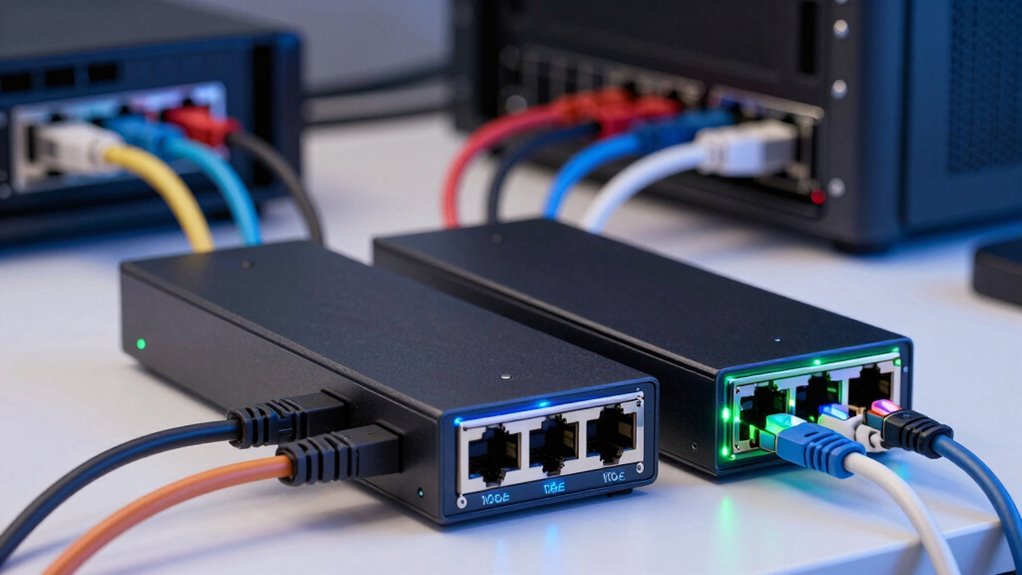
Setting up and maintaining 2.5GbE and 10GbE networks can vary in complexity, but generally, 2.5GbE is straightforward for most home lab enthusiasts. With 2.5GbE, cable installation is simple—many existing Ethernet cables work without upgrades. In contrast, 10GbE may require newer, high-quality cables and switches, making setup slightly more involved. Once installed, network troubleshooting tends to be less difficult with 2.5GbE due to its stability and broader compatibility. For 10GbE, troubleshooting can be more complex, especially if you encounter issues with cable quality or switch configurations. Overall, 2.5GbE offers an easier, more user-friendly setup and maintenance process, while 10GbE demands a higher level of technical understanding for ongoing support.
Will 2.5GbE or 10GbE Future-Proof Your Home Lab?
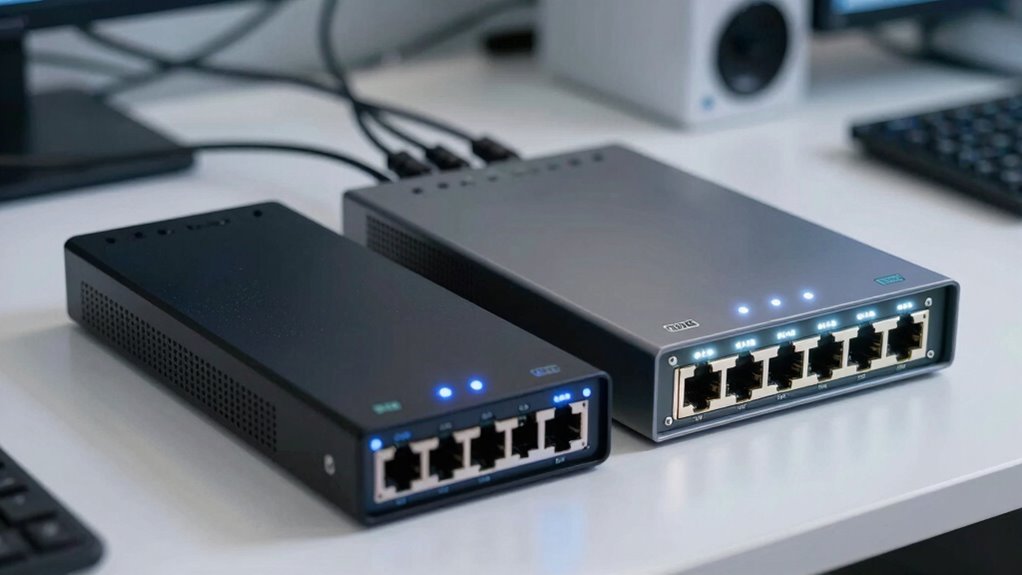
Choosing between 2.5GbE and 10GbE isn’t just about current needs; it’s about how well your home lab can adapt to future demands. To future-proof effectively, consider these factors:
Future-proof your home lab by choosing between 2.5GbE and 10GbE, considering scalability, hardware compatibility, and cost.
- Network topology: Will your setup evolve from simple switches to more complex configurations? 10GbE supports larger, scalable topologies.
- Hardware compatibility: Confirm your current devices can handle the upgrade. 10GbE may require new switches and NICs.
- Bandwidth growth: Anticipate future data transfer needs—10GbE offers higher capacity for expanding storage or virtual workloads.
- Cost versus benefit: While 10GbE provides longevity, it also demands more investment upfront. Balance future needs with your budget.
How to Decide Between 2.5GbE and 10GbE on Your Budget
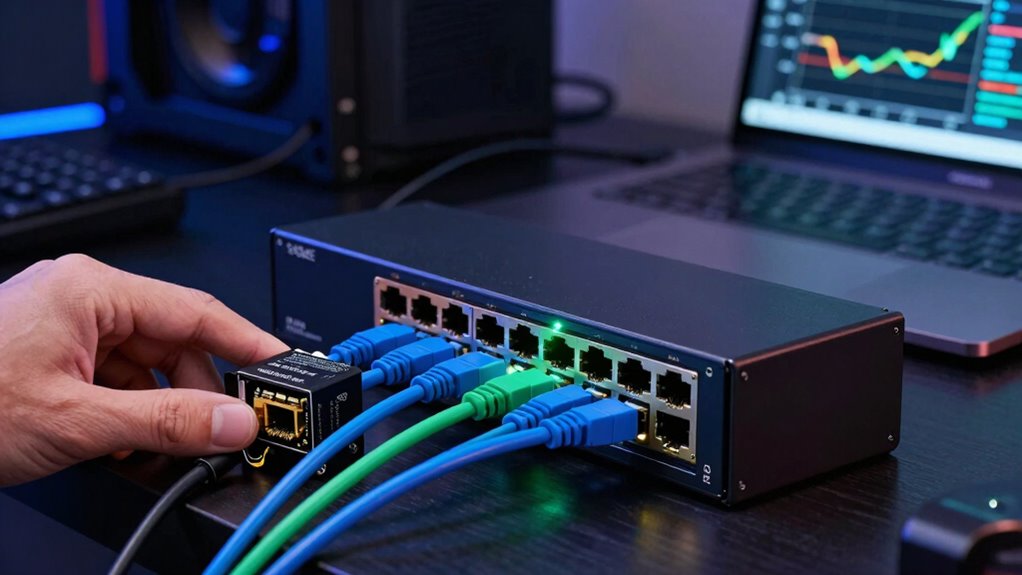
When choosing between 2.5GbE and 10GbE, you need to think about your budget and what performance level you actually need. If cost is a major factor, 2.5GbE offers solid speeds without breaking the bank, but if your workloads demand faster transfer rates, investing in 10GbE might be worth it. Ultimately, balance your performance needs against your budget to make the best choice.
Cost Considerations
Deciding between 2.5GbE and 10GbE often comes down to your budget, as the initial costs can vary considerably. Budget constraints influence your choices, especially when weighing bandwidth limitations and hardware compatibility.
Here’s what to evaluate:
- Network hardware costs – 10GbE equipment is generally more expensive than 2.5GbE, impacting your overall budget.
- Switch affordability – Switches supporting 10GbE are pricier, which can limit your options.
- Network interface cards (NICs) – Upgrading to 10GbE NICs may require more investment compared to 2.5GbE counterparts.
- Future-proofing – While 10GbE may seem costly now, it might save money long-term if you need higher bandwidth and avoid frequent upgrades. Considering upgradability options can help assess long-term value. Additionally, evaluating hardware scalability can provide insights into how well your network can grow without major overhauls.
- Hardware compatibility – Ensuring your current setup supports water-cooled mattress pads or other advanced hardware can also influence your overall costs and planning.
Performance Needs
Understanding your performance needs is crucial in determining whether 2.5GbE or 10GbE makes the most sense for your home lab. If you experience frequent network congestion or need to optimize bandwidth allocation, 10GbE offers a significant boost in speed, reducing bottlenecks. For tasks like large file transfers, virtualization, or running multiple high-demand services simultaneously, higher throughput ensures smooth operation. However, if your workload is lighter or your devices don’t support 10GbE, investing in 2.5GbE might be sufficient and more cost-effective. Assess your current and future data transfer demands carefully, considering how often and how much bandwidth you need. This will help you choose the right Ethernet speed that balances performance with your budget.
Common Mistakes to Avoid When Choosing Ethernet Speeds
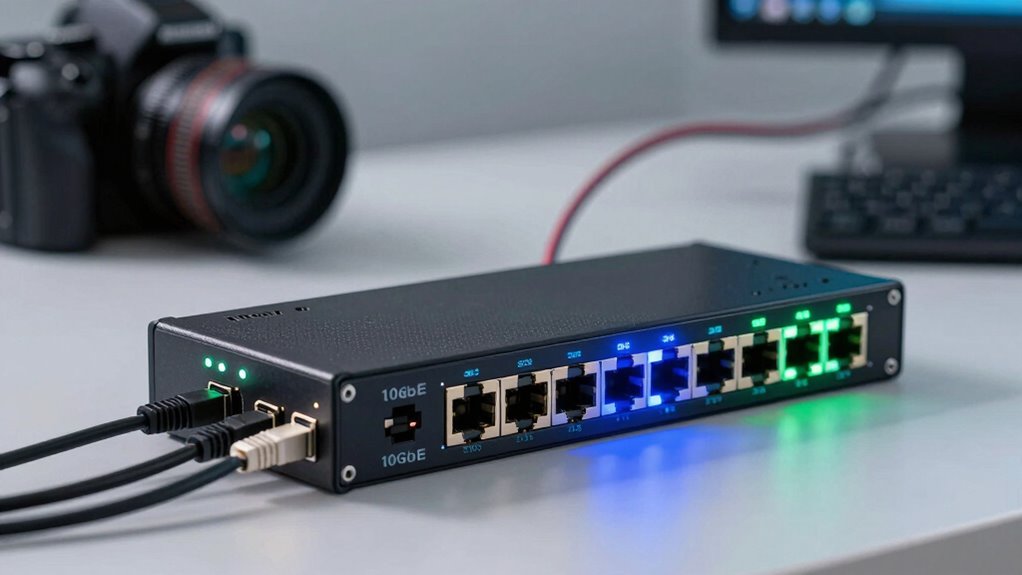
Choosing the right Ethernet speed isn’t just about picking the fastest option available; it’s about matching your network needs with the right technology. Avoid these common mistakes:
- Ignoring network security risks when upgrading to higher speeds, which can expose vulnerabilities.
- Overlooking proper cable installation, leading to degraded performance or connection issues.
- Assuming faster speeds automatically mean better security—slower networks can sometimes be safer if not configured properly.
- Not evaluating your actual bandwidth needs, resulting in overspending on unnecessary speed tiers or bottlenecks with insufficient ones.
- Failing to consider network standards and compatibility, which can hinder your setup’s performance and future scalability. For example, choosing a KTM electric dirt bike with the right power output can be essential for your off-road adventures and avoid unnecessary upgrades later. Additionally, understanding holistic SEO strategies can help ensure your network infrastructure supports optimal data flow and security.
Frequently Asked Questions
Can Existing Switches Support Both 2.5gbe and 10GBE Simultaneously?
Many existing switches can support both 2.5GbE and 10GbE, but it depends on their hardware compatibility. You should check if your switch has multi-gig ports or support for firmware upgrades to enable these speeds. If not, upgrading may require adding compatible modules or replacing the switch entirely. This approach provides flexible upgrade pathways, allowing you to gradually enhance your home lab’s network performance without a full overhaul.
What Are the Power Consumption Differences Between 2.5gbe and 10GBE Devices?
You’ll find that 2.5GbE devices generally consume less power than 10GbE devices, making them more energy-efficient for home labs. With better power management, 2.5GbE switches and network cards draw less energy, reducing your electricity costs and heat output. While 10GbE offers faster speeds, it often requires more robust power supplies and cooling, impacting overall energy efficiency. Choosing 2.5GbE helps balance performance and power consumption effectively.
Are There Specific Cabling Requirements for 10GBE Compared to 2.5gbe?
10GbE often requires higher-quality cabling than 2.5GbE, making cabling compatibility and installation complexity more demanding. You’ll need fiber optic cables or Cat6a cables for 10GbE, while 2.5GbE can work with standard Cat5e or Cat6 cables. This means 10GbE setups might involve more planning, precise installation, and potentially higher costs, whereas 2.5GbE offers easier, more flexible cabling options for your home lab.
How Does Network Latency Compare Between 2.5gbe and 10GBE?
You’ll notice that 10GbE generally offers lower network latency compared to 2.5GbE, especially during network congestion. This is because 10GbE handles higher data transfer speeds more efficiently, reducing delays caused by traffic. As a result, your home lab experiences smoother, faster responses and less lag during intensive data transfers, making 10GbE the better choice for demanding applications and ensuring quicker access to your network resources.
What Are the Best Brands for Reliable 2.5gbe and 10GBE Hardware?
For reliable 2.5GbE and 10GbE hardware, consider brands like Intel, Synology, and QNAP, known for their strong brand reliability and hardware compatibility. Intel offers robust network adapters suitable for various setups, while Synology and QNAP provide reliable NAS solutions with integrated 2.5GbE and 10GbE ports. These brands guarantee compatibility with your existing hardware, reducing issues and enhancing network stability.
Conclusion
So, whether you choose 2.5GbE or 10GbE, remember that speed isn’t everything—your patience and budget might be the real bottlenecks. It’s amusing how we chase faster networks while often ignoring the simple joys of stable, reliable connections. In the end, upgrading might seem like the obvious choice, but don’t forget: sometimes, slower is just fine—unless you’re secretly craving the thrill of constant upgrades and endless tech hype. Happy networking!