
To build a more stable streaming and recording workflow, you should prioritize hardware and software optimization, like using low-latency audio interfaces and consistent buffer settings. Connect your devices directly via Ethernet or minimize Wi-Fi interference for network stability. Regularly test your setup with short recordings, update your equipment, and employ real-time monitoring tools to catch issues early. Preparing backup plans and troubleshooting strategies can also keep your stream smooth—stay tuned for more expert tips to enhance your setup.

Get audio and creator gear delivered free with Prime
- Fast, free delivery on millions of items
- Prime Video, Amazon Music and more included
- Member-only deals all year
Key Takeaways
- Use dedicated low-latency audio interfaces and consistent buffer settings for synchronized audio and video.
- Connect devices via Ethernet and prioritize streaming traffic with QoS for network stability.
- Regularly update hardware/software and conduct pre-stream tests to identify and fix issues proactively.
- Monitor system performance in real-time with feedback tools, addressing problems immediately during streams.
- Implement backup internet connections and prepare contingency plans for seamless recovery from disruptions.
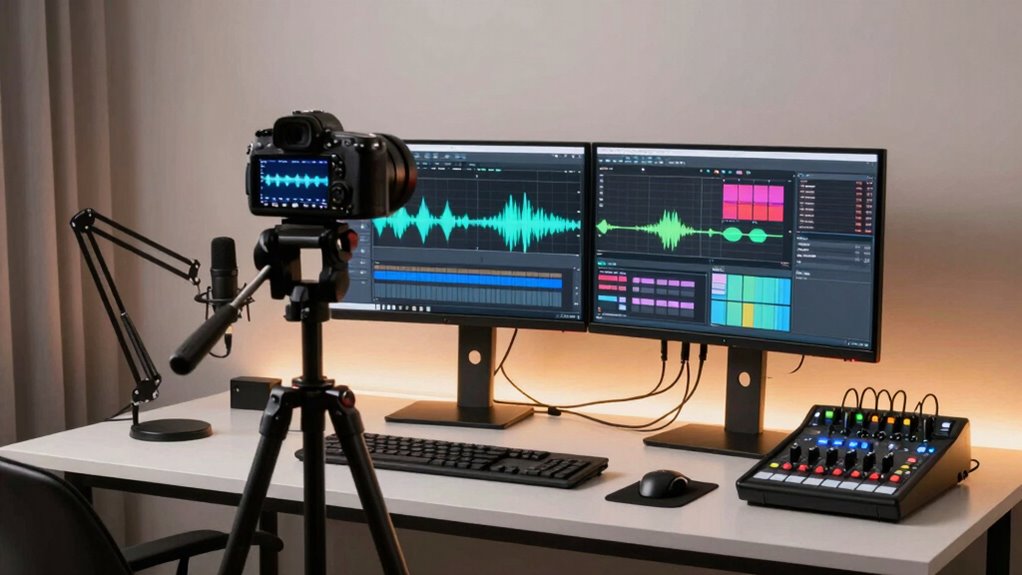
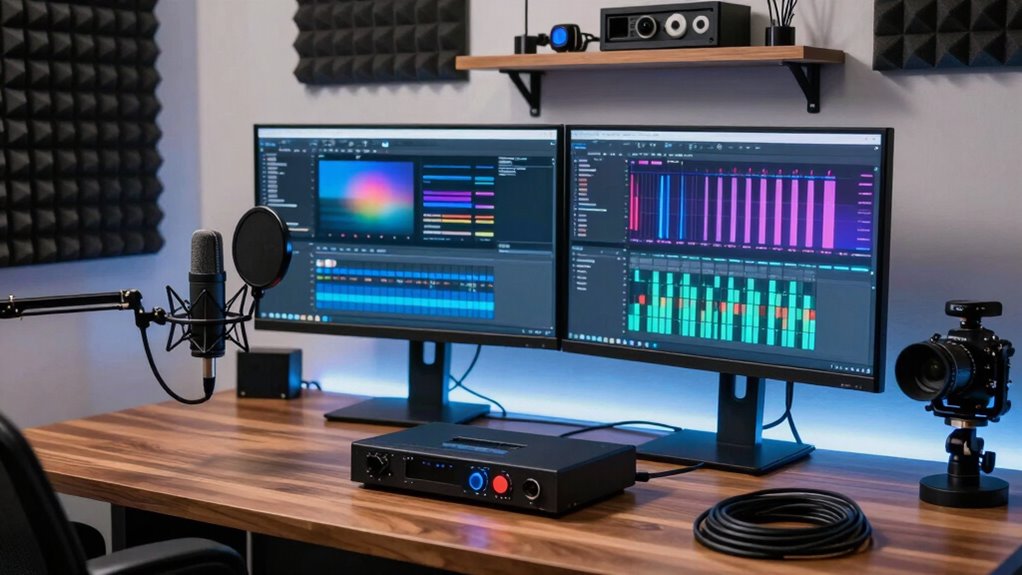
Setting up a reliable streaming and recording workflow is essential for delivering high-quality content consistently. When your goal is to produce smooth, professional videos or live streams, every detail matters—especially audio synchronization and network stability. If your audio isn’t perfectly aligned with your video, viewers will notice, and it can distract from your message or entertainment. Achieving tight audio synchronization involves using proper hardware and software settings, ensuring your audio and video sources are captured with minimal latency. Many streaming setups benefit from using a dedicated audio interface that offers low-latency output, so your microphone and other audio sources remain in sync with your visuals. Additionally, configuring your software to process audio and video streams with consistent buffer sizes helps prevent lag or desynchronization during your broadcast.
Ensuring minimal latency and proper hardware setup keeps your audio perfectly synchronized with your video.
Network stability is another critical factor. A stable internet connection prevents interruptions, buffering, or drops in quality that frustrate viewers and undermine your professionalism. To improve network stability, connect your streaming device directly to your router with an Ethernet cable instead of relying on Wi-Fi, which can be unpredictable. If Wi-Fi is your only option, ensure your connection is strong and minimizes interference by placing your device close to your router. Additionally, prioritize your streaming traffic through Quality of Service (QoS) settings on your network, which allocates bandwidth specifically for your stream, reducing the risk of interruptions from other devices. Incorporating network optimization techniques can further enhance your overall stability and reduce potential issues caused by fluctuating bandwidth.
In your setup, use a reliable streaming platform that offers automatic recovery options in case of disconnections. Keep your hardware and software updated to avoid bugs that could cause instability. Regularly test your setup before going live by recording short sessions or doing private streams; this allows you to troubleshoot issues related to audio synchronization and network performance beforehand. Employing dual internet connections or backup networks can save you from unexpected outages—if one fails, your stream can automatically switch to the backup, keeping your content flowing seamlessly. Furthermore, understanding the importance of content quality and how it impacts viewer engagement helps you prioritize these technical aspects effectively. Being aware of hardware reliability ensures you use dependable equipment that minimizes technical failures during broadcasts. Moreover, investing in monitoring tools that provide real-time feedback on system performance can help you address issues promptly during your stream.
Finally, monitor your system during the stream. Use tools that provide real-time feedback on network performance and audio/video sync status, so you can make quick adjustments if needed. Paying attention to system stability allows you to respond swiftly to any emerging issues, helping maintain a smooth broadcast. By focusing on these core aspects—tight audio synchronization and network stability—you build a more reliable workflow that consistently delivers polished, engaging content. This not only improves viewer experience but also boosts your confidence as a content creator, knowing your stream remains stable and professional from start to finish.
Products Worth Considering

Bose SoundLink Flex Bluetooth Speaker (2nd Gen) – Portable Outdoor Speaker with Hi‑Fi Audio, Waterproof and Dustproof, USB‑C, Up to 12 Hours

Bose TV Speaker Compact Soundbar with Bluetooth and HDMI-ARC, Black

Samsung Galaxy Tab A11+ 11-Inch Tablet, 6GB RAM, 128GB Storage, Expandable, Gray
As an affiliate, we earn on qualifying purchases.
Frequently Asked Questions
What Equipment Is Essential for a Professional Streaming Setup?
For a professional streaming setup, you need essential equipment like a high-quality camera with proper camera positioning to guarantee clear visuals. A good lighting setup is vital to enhance your appearance and reduce shadows. Invest in a reliable microphone, a sturdy tripod, and a powerful computer or streaming device. Don’t forget a stable internet connection. These elements work together to create a polished, professional broadcast that engages your audience effectively.
How Can I Reduce Latency During Live Streams?
Sure, you can reduce latency during live streams by optimizing your network—because who doesn’t love waiting for their stream to catch up? Prioritize bandwidth, use wired connections, and enable Quality of Service (QoS) settings. Focus on latency reduction by closing unnecessary apps, updating your router firmware, and choosing a server closer to your audience. With these tweaks, your stream will be faster than a caffeinated squirrel on a sugar rush.
What Are Common Causes of Stream Crashes?
Stream crashes often happen due to network instability, which causes interruptions or disconnects. Hardware issues, like outdated or insufficient components, can also lead to crashes during streaming. To prevent this, you should make sure your network is stable and consider hardware upgrades if your current setup struggles to handle high-quality streams. Regularly update your software and drivers too, as outdated tech can contribute to crashes.
How Do I Troubleshoot Audio Sync Issues?
To troubleshoot audio sync issues, first identify if the delay is consistent or varies. Use your streaming software’s sync correction feature to adjust audio delay, aligning it with your video. If the delay fluctuates, check your audio interface or microphone settings. Make sure your hardware and drivers are up to date. Testing with different devices or cables can also help pinpoint whether hardware causes the audio delay, improving overall sync.
What Backup Solutions Protect My Recordings?
To safeguard your recordings, you should use cloud storage for automatic backups and redundancy backup strategies. Cloud storage keeps your files safe off-site, reducing the risk of data loss from hardware failure or accidents. Redundancy backups, like local copies on external drives, guarantee multiple layers of protection. Regularly updating these backups ensures your recordings stay secure and accessible, even if one backup method encounters issues.
Conclusion
By mastering these steps, you’ll transform your streaming and recording setup into an unstoppable powerhouse—so reliable, even a tornado couldn’t shake it! Your streams will run smoother than a silk rollercoaster, and your recordings will be crystal clear enough to make viewers think you’ve hired a Hollywood production crew. Say goodbye to crashes, lag, and chaos—your workflow will be so stable, it’ll make the internet itself jealous. Get ready to conquer the digital world like a true streaming legend!