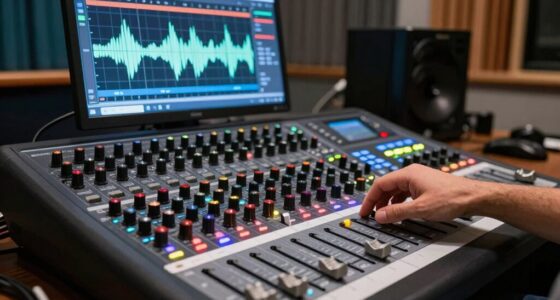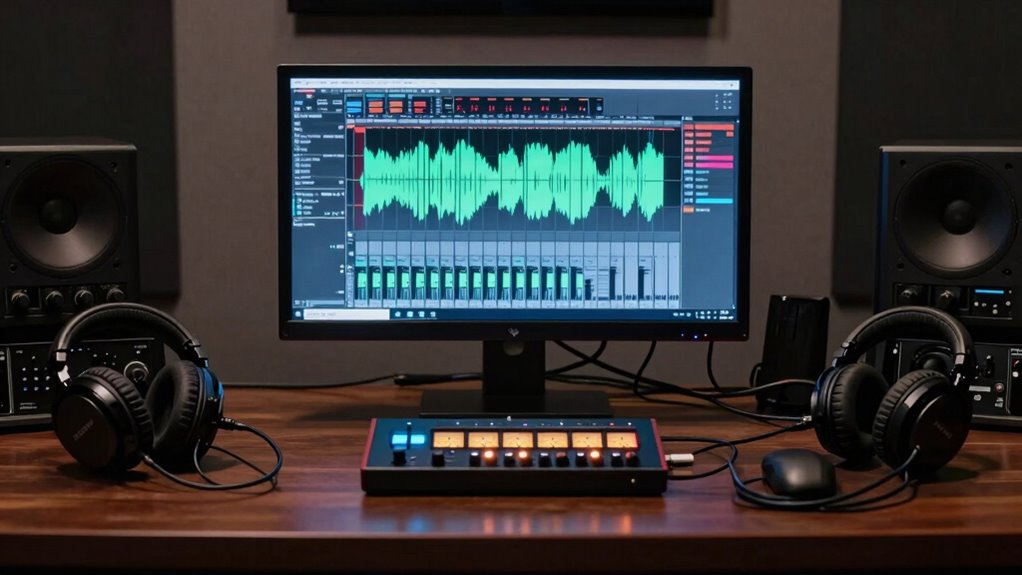

Gain staging in your DAW keeps your mix clear and professional by preventing distortion, noise, and unwanted artifacts. It helps you manage levels early, ensuring every plugin, virtual instrument, and effect works within its ideal range. This process preserves warmth, tone, and character—especially with analog emulation. When you stay attentive to levels throughout your project, your workflow becomes more efficient, and your final sound more polished. Keep exploring to reveal even more of its powerful benefits.

Get audio and creator gear delivered free with Prime
- Fast, free delivery on millions of items
- Prime Video, Amazon Music and more included
- Member-only deals all year
Key Takeaways
- Gain staging ensures clean, distortion-free recordings by maintaining proper input levels throughout the DAW signal chain.
- It preserves the tonal qualities and warmth of vintage-style plugins and analog emulations.
- Proper gain management helps identify and prevent clipping and noise issues early in the mixing process.
- Continuous level optimization allows for more accurate, efficient mixing and better decision-making during production.
- Maintaining optimal levels enhances overall mix clarity, balance, and professionalism in modern DAW workflows.
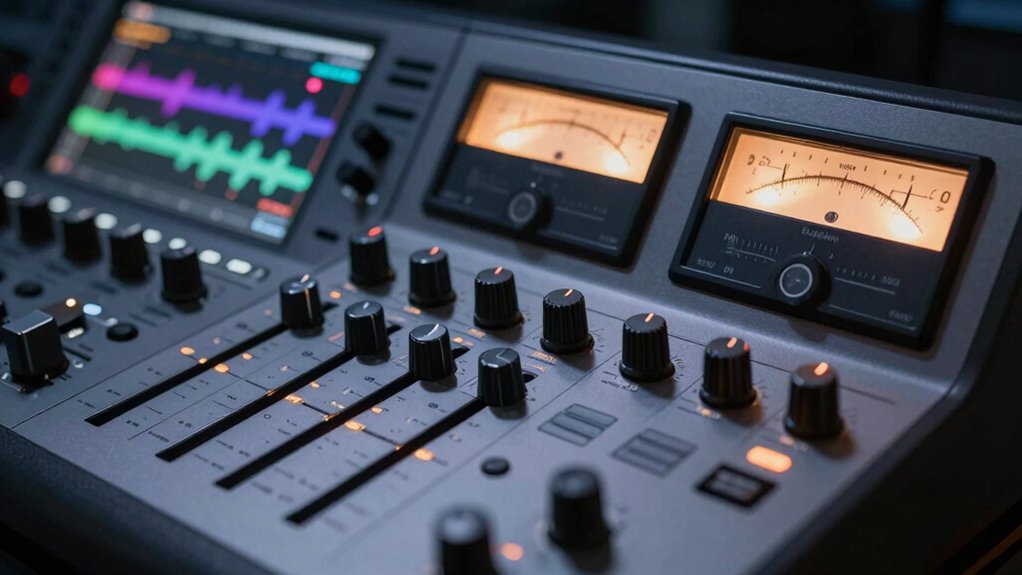
Understanding gain staging is essential for achieving a clean, professional mix in your digital audio workstation (DAW). It’s the foundational step that guarantees your signal flow remains clear and controlled throughout your entire project. When you manage your gain properly, you prevent unwanted noise, distortion, and clipping, making sure each element sits perfectly within the mix. In modern DAWs, gain staging isn’t just about adjusting levels; it’s about shaping how your audio signals interact and ensuring that every plugin, virtual instrument, or effect receives the best input level. This is especially true when you’re working with analog emulation plugins, which aim to recreate the warmth and character of analog gear. These plugins often react differently depending on the input level, so proper gain staging becomes even more critical to preserve their authentic sound. You want your signal to flow smoothly through each plugin and hardware emulation, mimicking the natural signal flow of analog setups, where gain structure was crucial for achieving high-quality results.
As you work with your DAW, you’ll find that understanding the signal flow helps you identify potential issues before they escalate. If your levels are too high early on, you risk distorting your entire chain, making every subsequent plugin or effect work harder to compensate. Conversely, if levels are too low, you might introduce noise or lose the dynamic range that makes your mix lively. Proper gain staging ensures that each stage in your signal flow operates within its ideal range, giving you cleaner, more transparent results. When you pay attention to your levels at every step, from your input sources to your mixing bus, you maintain a balanced and cohesive sound. This becomes especially important when applying analog emulation, where the subtle nuances of saturation and warmth depend heavily on maintaining the right level of signal. Additionally, understanding the importance of contrast ratio can help you better grasp how different levels affect your overall mix quality.
Maintaining proper gain staging also involves recognizing how gain structure impacts the overall tonal quality, especially when working with vintage-style plugins. In modern DAWs, you’re encouraged to view gain staging as an active process, not a one-time setup. Regularly checking and adjusting levels as you add plugins or make edits helps maintain clarity. It also helps you develop a more intuitive sense of signal flow, which can lead to faster and more precise mixing decisions. Preserving this understanding ensures each component of your chain contributes positively to the final sound. By consciously managing your signal flow and keeping your levels in check, you preserve the integrity of your mix, making it sound polished and professional. Developing an intuitive sense of signal flow can significantly improve your mixing efficiency and results. Remember that proper gain staging is an ongoing process that can dramatically elevate the quality of your final product. Ultimately, mastering gain staging in your DAW ensures that every component of your project works harmoniously, delivering a result that’s not only loud enough but also clear, dynamic, and true to your artistic intent.
Products Worth Considering

LG UltraGear 27-Inch QHD OLED Gaming Monitor, 240Hz, 0.03ms, G-SYNC Compatible, FreeSync Premium Pro, HDMI 2.1

Samsung 27-Inch Odyssey QD-OLED G8 4K 240Hz Gaming Monitor

Samsung 27-inch Odyssey OLED G6 QD-OLED QHD Gaming Monitor
As an affiliate, we earn on qualifying purchases.
Frequently Asked Questions
How Does Gain Staging Affect Plugin Headroom?
Gain staging directly impacts plugin headroom by guaranteeing your signals stay within ideal levels. Proper preamplifier calibration helps you avoid clipping and noise, maintaining meter accuracy across your tracks. When you set levels correctly from the start, you give your plugins enough headroom to operate cleanly, preventing distortion. This careful approach ensures your mix remains clear and balanced, making your processing more effective and your overall sound more professional.
Can Improper Gain Staging Cause Digital Clipping?
Yes, improper gain staging can cause digital clipping, especially if your signal peaks too high. In digital audio, unlike analog, there’s no headroom to absorb sudden spikes, leading to harsh distortion. When you neglect proper gain staging, your signal can get compressed or clipped prematurely. This disrupts the balance between dynamic range and clarity, making it essential to manage levels carefully to prevent digital clipping and maintain ideal sound quality.
What Are Common Gain Staging Mistakes in DAWS?
You often make gain staging mistakes by neglecting meter calibration, which causes you to misjudge signal levels. You might also overlook maintaining signal consistency across tracks, leading to uneven volumes or distortion. To avoid this, regularly calibrate your meters and monitor your levels closely. Proper gain staging guarantees clean, balanced recordings, preventing clipping or noise, and keeps your mix clear and professional throughout the production process.
How Does Gain Staging Influence Mix Clarity?
Gain staging directly impacts your mix clarity by managing dynamic range and maintaining proper frequency balance. When you set levels correctly, it prevents distortion and muddiness, allowing each element to breathe. This clarity helps listeners distinguish individual instruments and vocals, making your mix sound polished and professional. Proper gain staging guarantees your mix is clean, balanced, and preserves the nuances, so your final output feels cohesive and engaging.
Is Gain Staging Necessary for All Genres?
You might think gain staging is unnecessary for all genres, but it’s like ignoring a secret weapon in your production arsenal. Different genres demand unique techniques—rock might need bold, aggressive gain adjustments, while ambient music thrives on subtlety. Creative gain adjustments help shape your sound, ensuring clarity and punch. So, whether you’re producing pop, jazz, or electronic, mastering gain staging enhances your control and elevates your final mix.
Conclusion
Mastering gain staging in your DAW isn’t just about avoiding clipping; it’s about unlocking your mix’s full potential. Did you know that improper gain staging can reduce audio quality by up to 20%? By paying attention to levels from the start, you guarantee clarity, punch, and warmth in your tracks. Embrace gain staging as a fundamental step, and watch your mixes become more professional and balanced. Your sound will thank you for it.