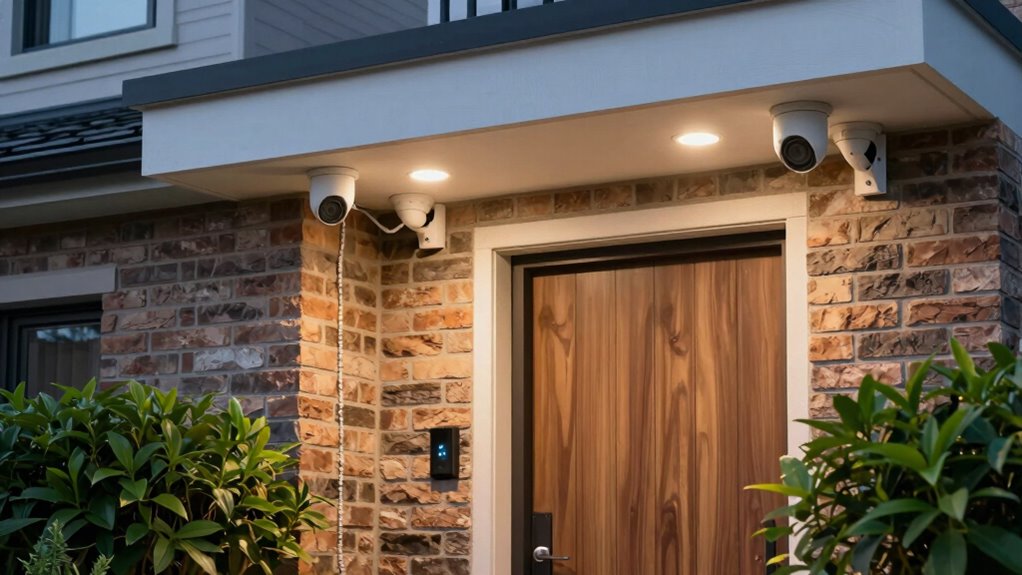

To plan a more reliable camera and doorbell layout, focus on selecting the best locations with even lighting and avoiding glare or shadows. Position devices near weatherproof outlets or plan for proper wiring, considering power needs. Use lighting strategically to deter intruders and improve footage quality both day and night. Regular maintenance and backup power sources enhance long-term reliability. Continue exploring these strategies to create a security setup that’s both effective and dependable.

Get audio and creator gear delivered free with Prime
- Fast, free delivery on millions of items
- Prime Video, Amazon Music and more included
- Member-only deals all year
Key Takeaways
- Select locations with even lighting, avoiding direct glare or shadows, for clear day and night footage.
- Position devices near weatherproof outlets or plan wiring to ensure reliable power sources.
- Use high-capacity batteries or wired connections to maintain continuous operation and reduce downtime.
- Incorporate lighting that enhances visibility without causing glare or shadows that obscure footage.
- Schedule regular maintenance and system backups to ensure consistent performance and security coverage.
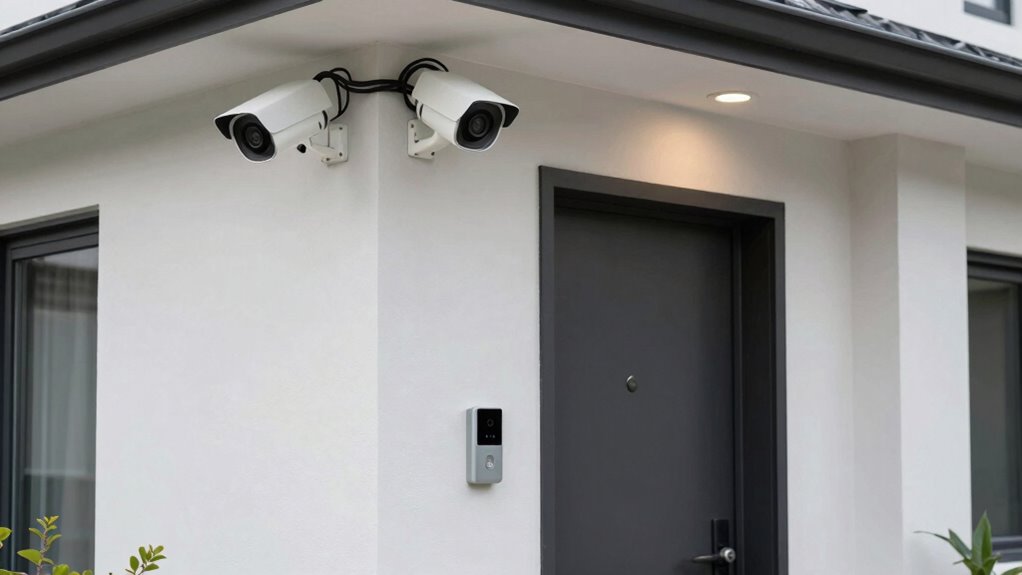
Creating a dependable camera and doorbell setup requires careful planning from the start. The first step is to assess your property and identify the best locations for both devices. When considering lighting placement, think about how natural and artificial light will affect camera visibility. Position your cameras where they can capture clear footage without glare or shadows that could obscure details. Avoid placing cameras directly facing bright lights or windows, as this can cause overexposure. Instead, aim for areas with even lighting, which helps the camera record sharper images day and night. Adequate lighting not only improves footage quality but also deters potential intruders, as well-lit areas tend to be less appealing for unwanted visitors.
Assess property to find optimal camera and doorbell locations, focusing on even lighting for clear, reliable footage day and night.
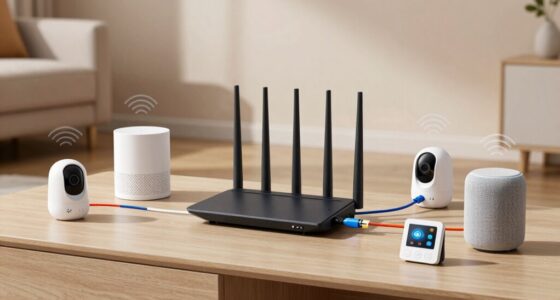
Next, you should evaluate the power source for your cameras and doorbell. Wireless options often rely on Wi-Fi, but they still need a stable power supply, whether through batteries or a direct connection. If you opt for battery-powered devices, choose high-capacity batteries and plan for regular replacements or recharging. For wired cameras or doorbells, ensure you have access to a reliable power outlet nearby or consider hardwiring into your home’s electrical system. Proper power sourcing is vital; a camera that loses power isn’t just inconvenient—it’s a security risk. When planning your layout, also think about the placement of power outlets and whether you need extension cords or conduit to run wiring safely and neatly. Additionally, ensuring your electrical system can support your security devices enhances overall system reliability.
Additionally, consider how your lighting and power sources interact. For example, placement near outdoor outlets can simplify wiring, but you’ll want to ensure outlets are weatherproof and protected from the elements. If the camera or doorbell requires additional lighting, plan for those fixtures and their power needs as well. Integrating lighting design into your security device locations can help you avoid dead spots and ensure comprehensive coverage. Keep in mind that the placement of lights can influence camera angles, so position both thoughtfully to avoid lighting glare or shadows that could compromise footage. Moreover, understanding the security device placement can help you avoid dead spots and ensure comprehensive coverage. Ensuring that all components are correctly installed and maintained is also crucial for long-term reliability. Regular checks and maintenance can help prevent issues before they compromise your security. To further improve system dependability, consider incorporating backup power solutions like generators or uninterruptible power supplies (UPS) to maintain operation during outages.
weatherproof outdoor security camera
As an affiliate, we earn on qualifying purchases.
As an affiliate, we earn on qualifying purchases.
Frequently Asked Questions
What Is the Average Lifespan of Security Cameras and Doorbells?
Security cameras typically last about 3 to 5 years, while doorbells can last around 5 to 10 years, depending on usage and weather. When planning your layout, consider proper camera placement and doorbell positioning to reduce wear and tear. Regular maintenance and updates extend their lifespan. Ensuring they’re protected from harsh elements and positioned correctly helps maximize their durability and performance over time.
How Do Weather Conditions Affect Camera and Doorbell Performance?
Weather conditions profoundly impact your camera and doorbell performance. Extreme cold can cause freezing, affecting movement and clarity, while heat can lead to overheating and malfunctions. Rain and snow may cause water damage or fogging, reducing visibility. To improve climate resilience, choose weatherproof devices with proper sealing and UV protection. Regular maintenance helps prevent weather impact, ensuring your security system remains reliable regardless of the climate.
Can Existing Wiring Support New Security Devices?
You need to check if your existing wiring can support your new security devices by examining the wire gauge and power requirements. Thicker wires (lower gauge numbers) generally handle more power, guaranteeing reliable operation. If your current wiring doesn’t meet these requirements, consider upgrading it to prevent issues like weak signals or device failures. Proper wiring ensures your cameras and doorbells work consistently, especially in adverse weather conditions.
What Are the Best Practices for Hiding Camera Wires?
Imagine a world where your security setup feels as sleek as a vintage spy movie. To hide camera wires, focus on discreet wire concealment and strategic cable routing. Use conduit or raceways to blend wires into existing structures. Run cables along door frames, baseboards, or behind walls, ensuring they’re out of sight. Proper cable management not only enhances aesthetics but also protects your system from damage and tampering.
How Often Should Security System Firmware Be Updated?
You should update your security system firmware regularly, ideally every 1 to 3 months. Firmware updates are essential because they improve security protocols, patch vulnerabilities, and enhance device performance. Skipping updates can leave your system exposed to cyber threats. Stay proactive by enabling automatic updates if available, and periodically check for new firmware releases to guarantee your camera and doorbell remain secure and reliable.
Conclusion
By carefully planning your camera and doorbell layout, you create a sense of security and peace of mind. It’s like having a vigilant eye watching over your home, ready to alert you at a moment’s notice. While technology can sometimes falter, a well-thought-out setup guarantees reliability and coverage. In the end, a smart layout isn’t just about devices—it’s about peace of mind, standing resilient against the unpredictable, and keeping your home safe no matter what.
Halloween Picks
halloween
As an affiliate, we earn on qualifying purchases.